Reverse Image: This function is disabled by default. When
your rear camera is installed upside down, the picture will
be inverted by 1800 and the picture will be in mirror mode.
After this mode is enabled, the picture will be in original
image mode.
Reverse Assist Lines: It is on by default. When the rear light is
connected to the rear camera, the reverse guide line will
be displayed automatically when reversing.
Reverse Preview Settings: According to your car model,
adjust up and down the reverse assist line display, click
"back" to confirm and save the settings.
The default setting of reverse image is on, and the
reversing aid line is turned on by default (the front and rear
direction is to adjust the extension or shortening of the
reversing aid line, the size direction is to adjust its width, left
and right and up and down are to adjust the direction of
the reversing aid line.
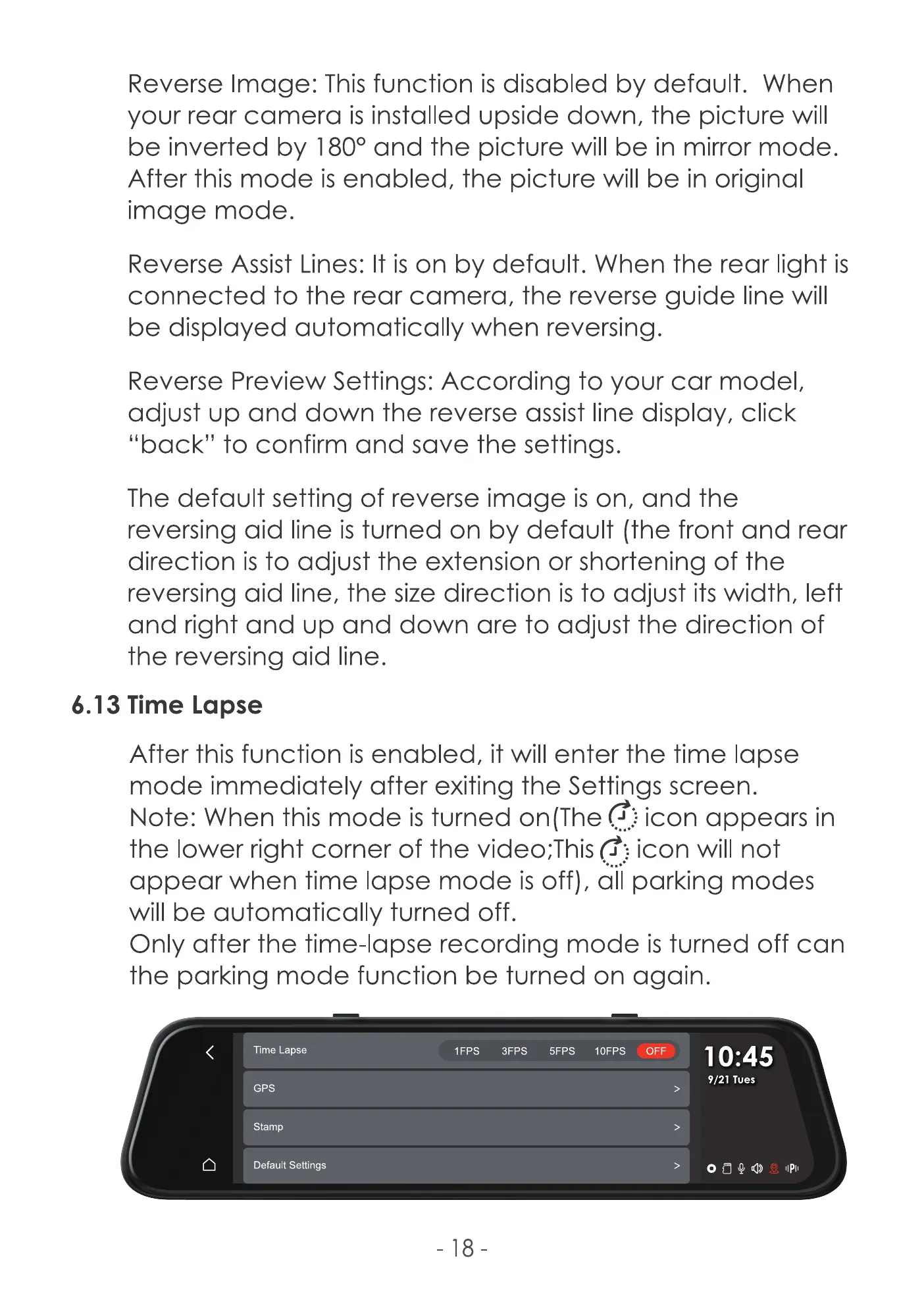
6.13 Time Lapse
After this function is enabled, it will enter the time lapse
mode immediately after exiting the Settings screen.
Note: When this mode is turned on (The icon appears in
the lower right corner of the video;This(f} icon will not
appear when time lapse mode isoff), dii parking modes
will be automatically turned off.
Only after the time-lapse recording mode is turned off can
the parking mode function be turned on again.
Time Lapse
GPS
Stamp
Default Settings
3Fps 5Fps I OFF
-18
10:45
9/21 Tues
IIPII



 To Next Page