3. To track the Speed, Status, Direction, GPS Signal Strength,
please go to GPS info on the Menu Setting.
4. You can review recorded video with GPS info on your PC
using the VANTRUEOGPS Viewer (available for download
on www.vantrue.net).
6.15 Stamp
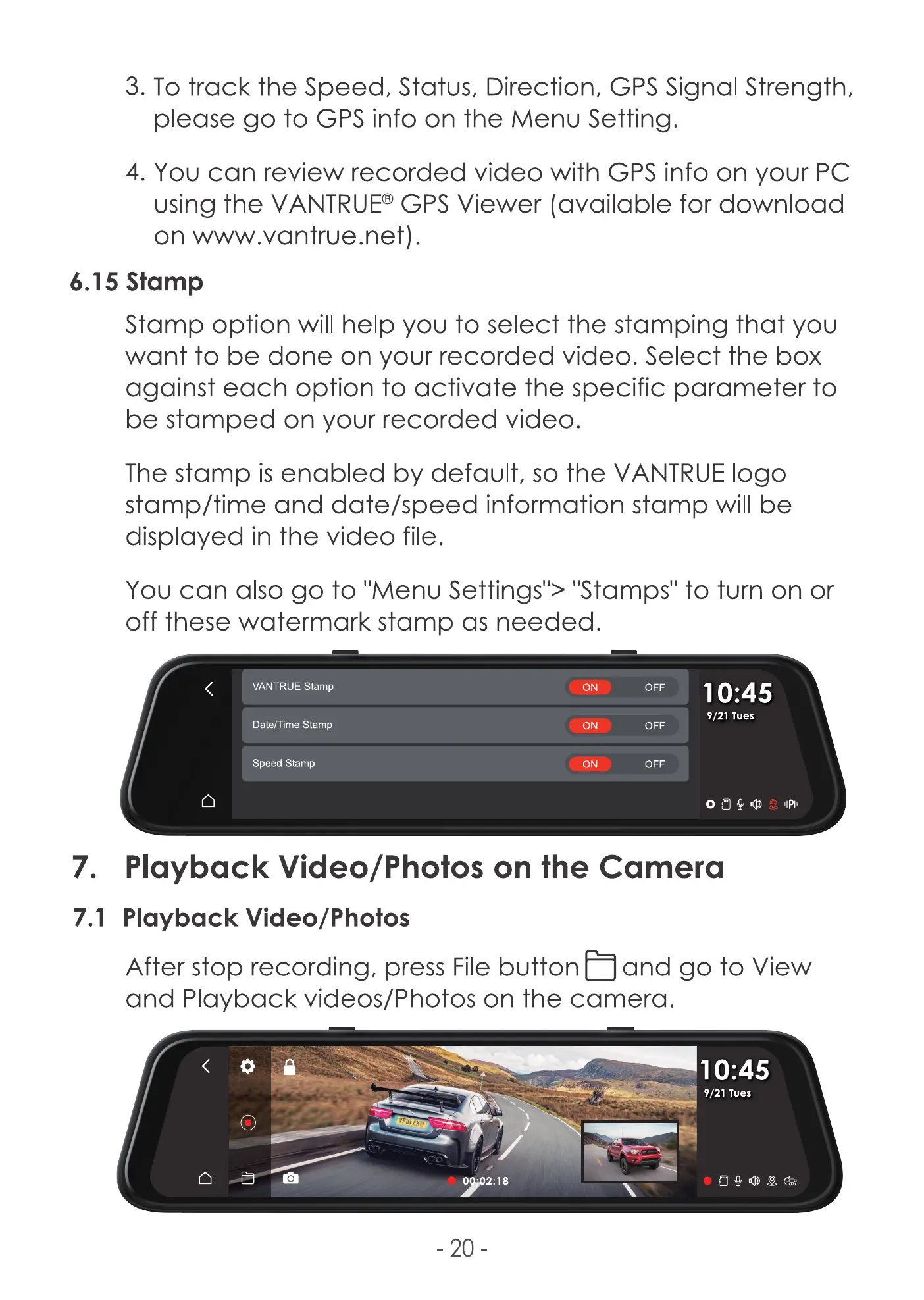
Stamp option will help you to select the stamping that you
want to be done on your recorded video. Select the box
against each option to activate the specific parameter to
be stamped on your recorded video.
The stamp is enabled by default, so the VANTRUE logo
stamp/time and date/speed information stamp will be
displayed in the video file.
You can also go to 'Menu Settings"> "Stamps" to turn on or
off these watermark stamp as needed.
VANTRUE stamp
Date/Time Stamp
Speed Stamp
ON
ON
ON
OFF
OFF
OFF
10:45
9/21 Tues
7. Playback Video/Photos on the Camera
7.1 Playback Video/Photos
After stop recording, press File button and go to View
and Playback videos/Photos on the camera.
10:45
9/21 Tues
o
- 20
2:18



 To Next Page