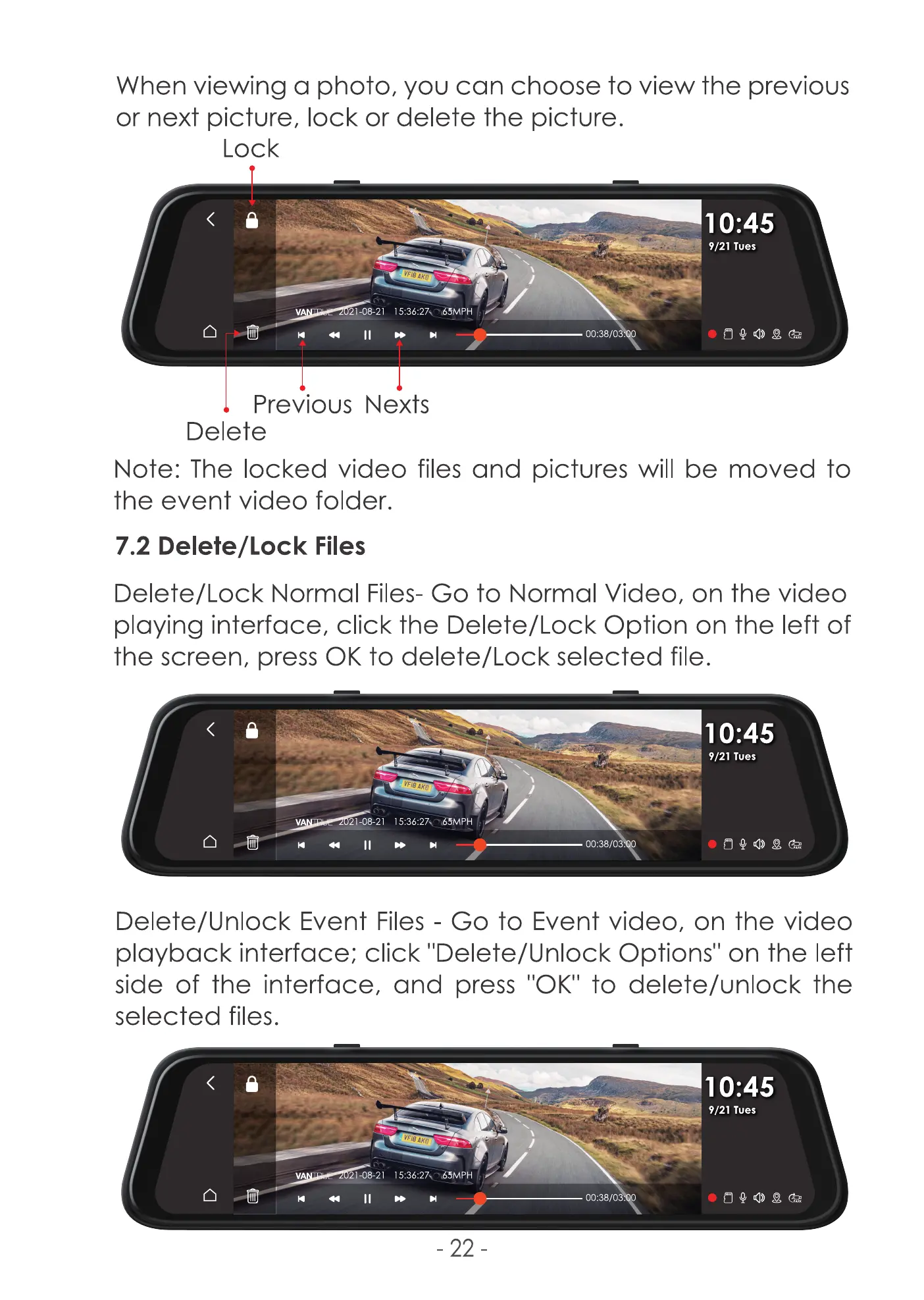
When viewing a photo, you can choose to view the previous
or next lock or delete the
Lock
10:45
9/21 Tues
21-08-21
00:38/03.
Previous Nexts
Delete
Note: The locked video files and pictures will be moved to
the event video folder.
7.2 Delete/Lock Files
Delete/Lock Normal Files- Go to Normal Video, on the video
playing interface, click the Delete/Lock Option on the left of
the screen, press 0K to delete/Lock selected file.
10:45
9/21 Tues
21-08-21
II
00:38/0
Delete/Unlock Event Files - Go to Event video, on the video
playback interface; click "Delete/Unlock Options" on the left
side of the interface, and press "0K" to delete/unlock the
selected files.
1 :45
9/21 Tues
21-08-21
II »
- 22
00:38/03.



 To Next Page