24
K. Frequency Settings: To cater to different regional standards and prevent video
flicker, the frequency setting can be adjusted between 50Hz and 60Hz depending on
your geographical location.
L. System Information: Access details about the camera including the current model
number, the installed firmware version, and find a link to the Vantrue official website for
more information.
M. Certifications: Here, you can review the official certification credentials that the N5
camera model has received.
N. Revert to Default Settings: This option allows you to reset the camera to its original
factory settings.
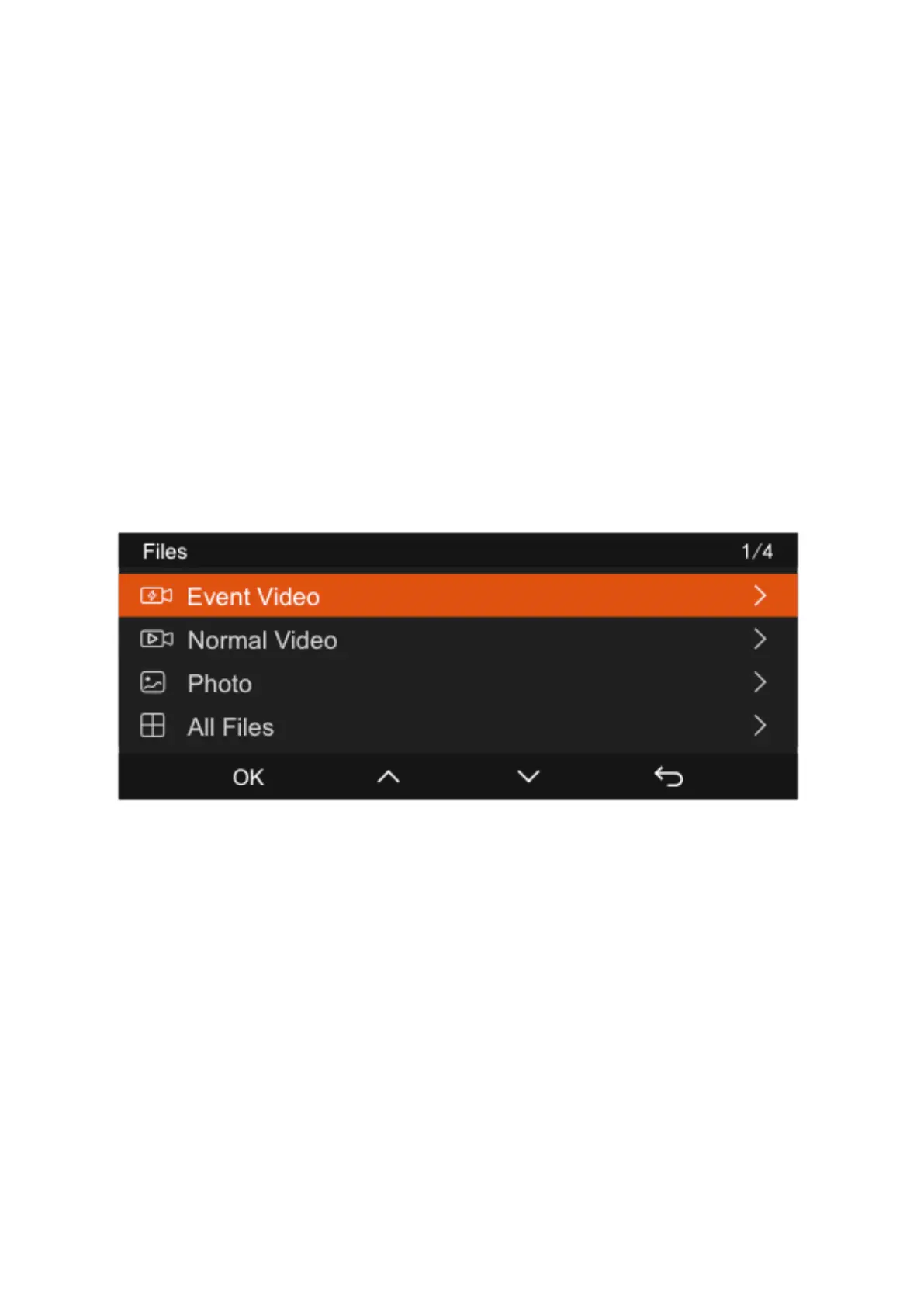
Files Review and manage recorded video and photo files.
Browse and manage video and photo files recorded by the camera:
A. Event Files: These files are designated for critical events identified by the G-Sensor or
saved manually by the user. The naming structure for these files includes the date and
time followed by an underscore, the letter 'E' for event, and a suffix indicating the
camera source (A, B, C, or D), ending with the file extension '.MP4'. For example,
"20300128_140633_0008_E_A.MP4" is an event video from the front camera.
B. Standard Recording Files: This category includes loop recordings, parking mode
captures, time-lapse videos, and privacy mode files. The file names begin with the date
and time, followed by an underscore, a letter indicating the type of recording (N for
standard loop recording, P for parking mode, T for time-lapse, S for privacy mode), and a
suffix denoting the camera source, concluding with '.MP4'.
C. Photo Files: Photos are saved with the naming format starting with the date and
time, followed by a sequential number and the file extension '.JPG'.



 To Next Page