31
Collision Detection
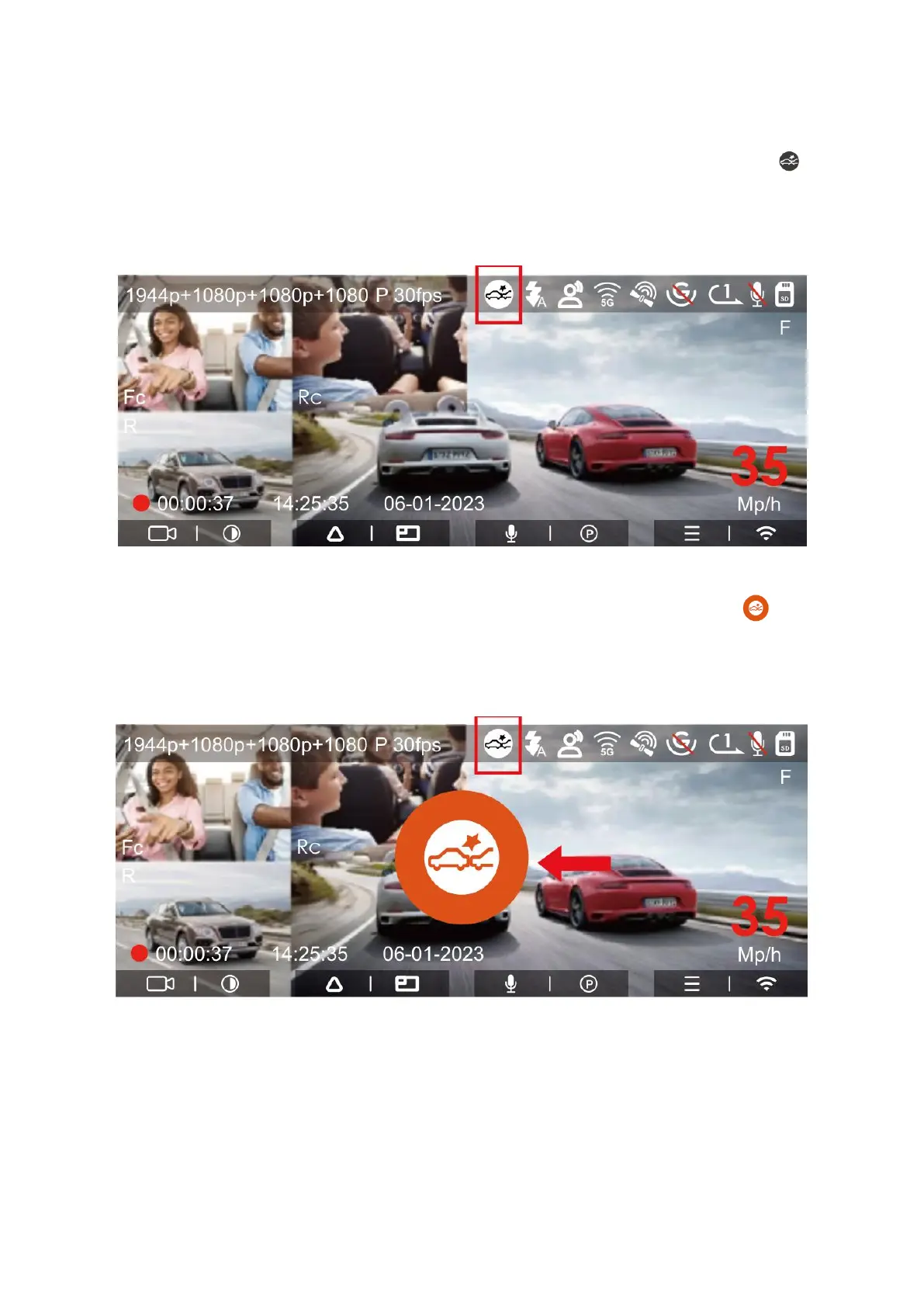
Collision Detection Mode becomes active when enabled, signified by a collision icon
on the recording interface. This mode signifies the dash cam is in collision detection
standby. You can adjust the sensitivity of this feature from levels 1 to 5 to suit your
driving habits and the vehicle's environment.
When Collision Detection Mode is on and the camera detects no movement for 5
minutes—part of the 5-minute entry mechanism—it arms itself. A collision icon will
appear in the center of the screen, and if a collision is detected, the camera will record
for 1 minute and then shut off. If the camera is turned off and a collision is detected, it
will record for 1 minute following the vibration before turning off again.
Note: If the dash cam experiences continuous impacts during Collision Detection Mode,
it will revert to normal recording mode and reinitialize the 5-minute entry mechanism.



 To Next Page