32
Motion Detection
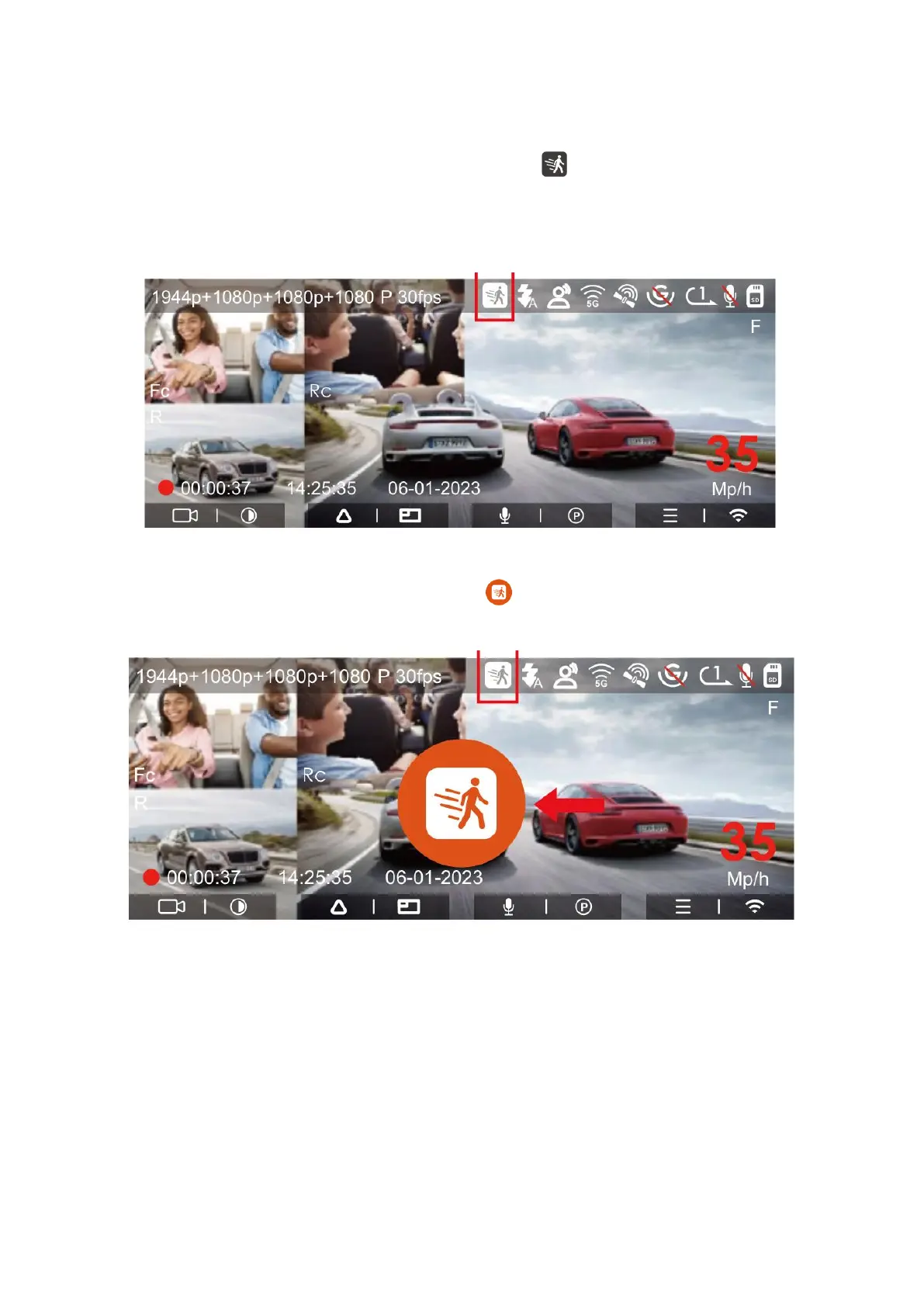
When motion detection is activated, you'll see an icon displayed on the recording
interface, signifying that the dash cam is currently operating in motion detection mode.
You can access the "Motion Detection Area" within the menu settings to configure the
detection area.
In the event that motion detection is enabled, and no movement is detected for a
continuous 5-minute recording period, an icon will appear in the center of the
screen, followed by the screen automatically turning off after an additional 3 minutes.
The process for video recording is as follows: The camera will start recording
automatically for 30 seconds if it detects movement. Once the motion-triggered
recording concludes, the camera incorporates 10 seconds of footage recorded prior to
the triggered event into the 30-second clip, resulting in a total of 40 seconds of video.
This combined video is then saved in the normal video folder.
Please note that the motion detection mode is operational only when the camera is
powered on. If the camera is switched off, motion detection will not be activated and
recording will not occur.



 To Next Page