39
9. GPS Function
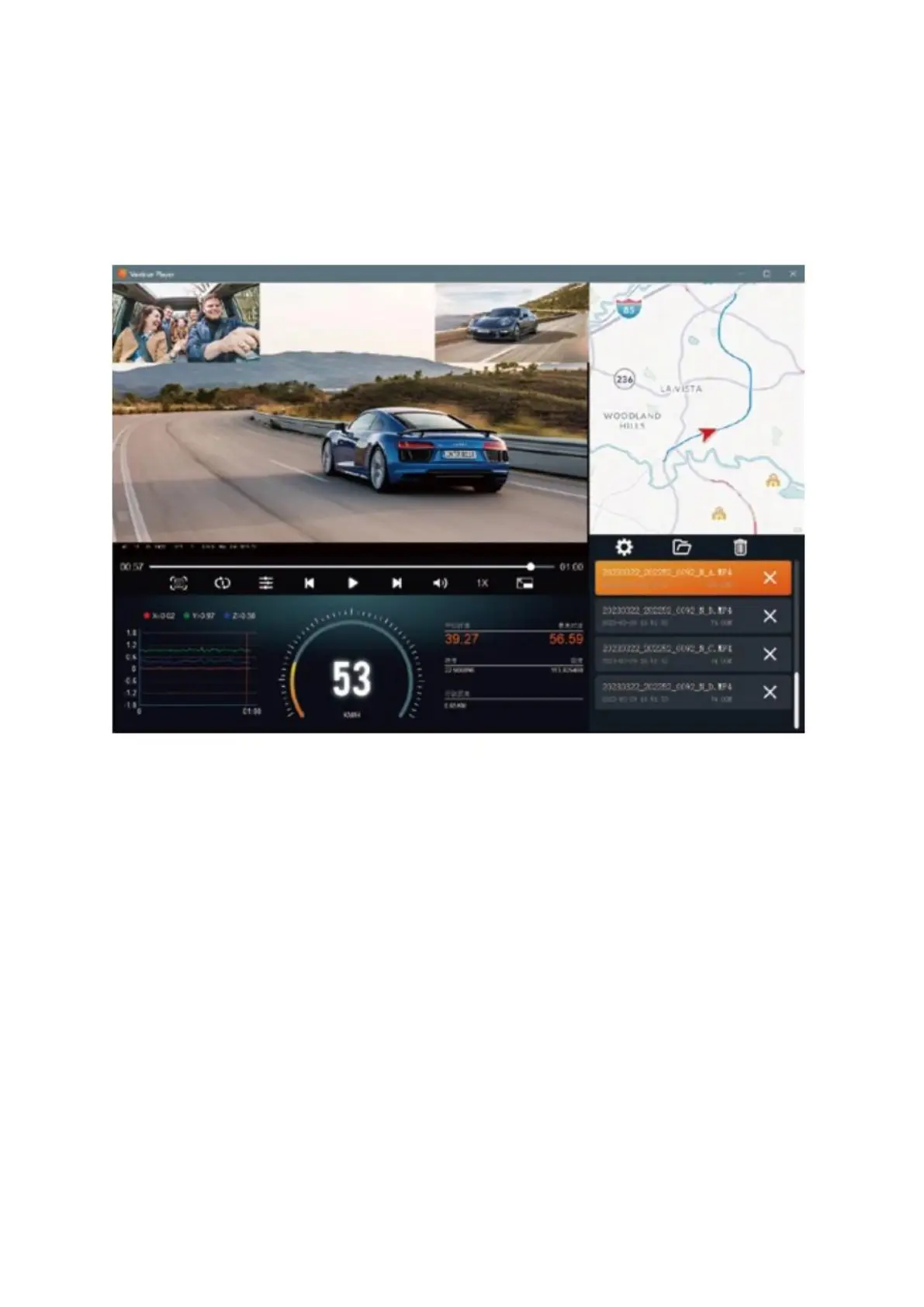
The GPS function is a crucial feature of the dash cam. By default, GPS is activated, and
the camera receives GPS signals via the GPS mount. This allows it to automatically adjust
the time and date according to your location, as well as record the geographic
coordinates of where the video was captured and the vehicle's speed at that moment.
Please keep in mind:
The GPS should establish a connection within one minute of powering on the device. If it
doesn’t connect, verify that the GPS function is active, the GPS mount is correctly
connected, and that the local environment isn’t interfering with the signal—this can
happen in places like underground parking lots, areas with high building density, or
tunnels. The GPS data is recorded alongside your videos. To access this information,
download and install both the Vantrue APP and the Vantrue GPS Player, which is
available at the Vantrue website.



 To Next Page