40
10. Automatic Time via GPS
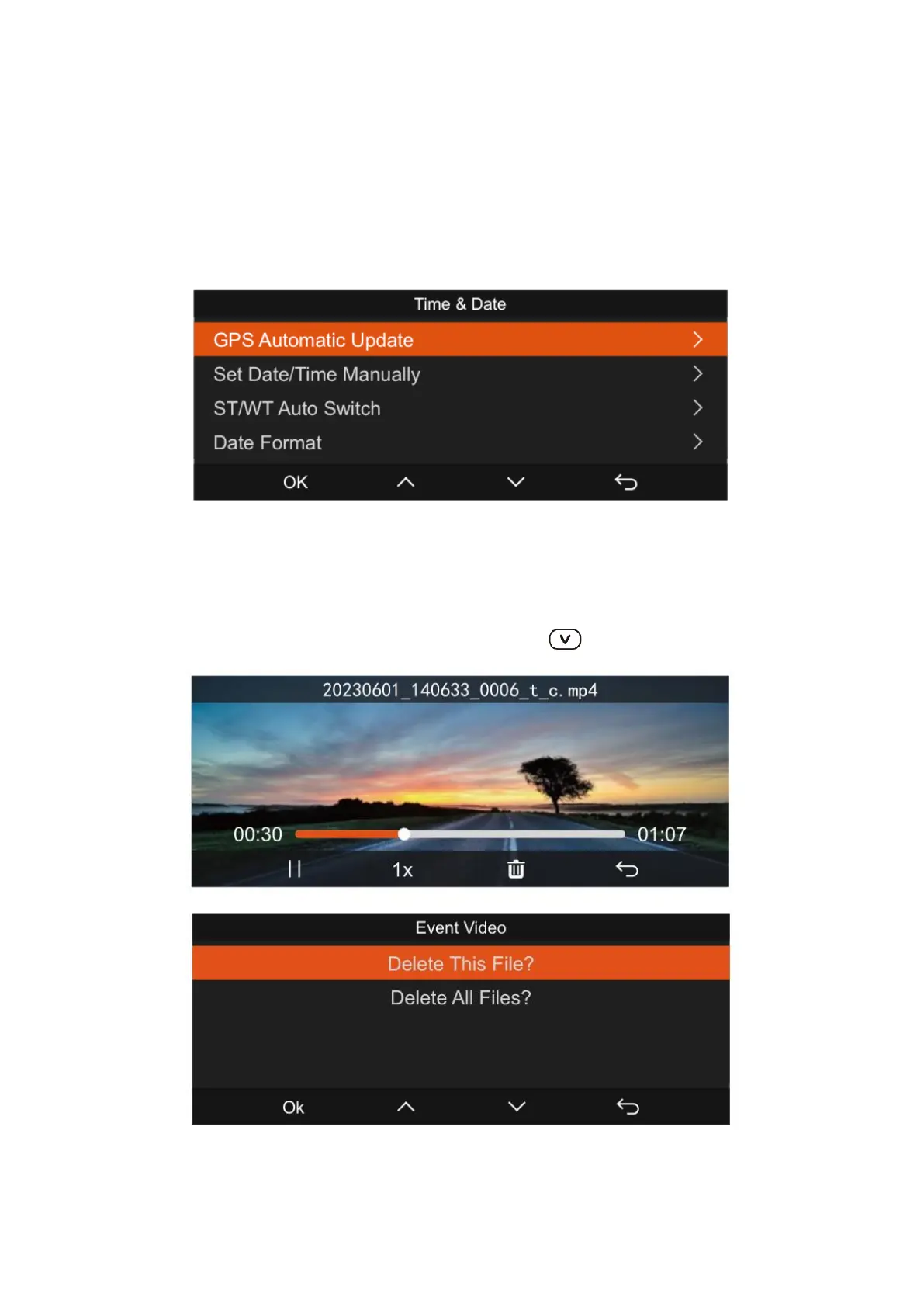
The N5 dash cam features a GPS automatic time setting that is enabled by default. To
adjust to your local time, you can select the corresponding time zone, such as GMT-
08:00 for Los Angeles. If you're unsure of the time zone for your location, you can
connect to the Vantrue App via Wi-Fi to set up the correct time zone and ensure the
automatic time adjustment function is active within the app.
11. Viewing Video/Photos
Viewing Playback Files: Navigate to 'Files' and open any folder to review its contents.
During video playback, you can press the down button to proceed to the next file.



 To Next Page