42
Viewing and Deleting Files on a Computer:
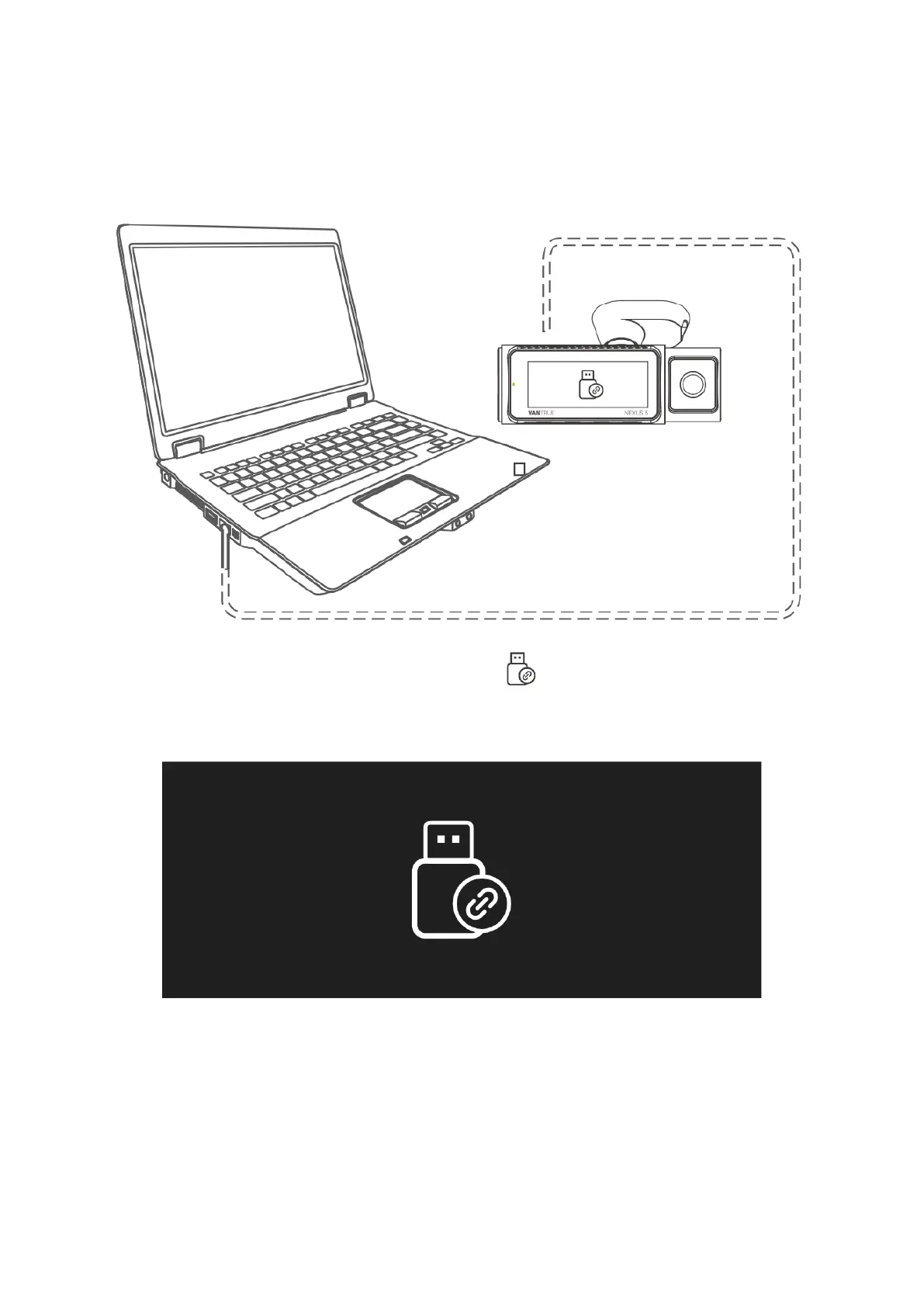
1. To access files on a computer, start by connecting the camera using the provided
TYPE-C USB data cable.
2. Once the camera is connected, a USB icon will be displayed on the camera's
screen, indicating that it's in data transfer mode. You can now access and view
the video files from the camera on your computer's folder.
3. The camera will be recognized differently based on the computer system it is
connected to, appearing either as a removable drive or a folder.



 To Next Page