43
4. To manage files on the computer, navigate to the appropriate folder, where you
can directly open or right-click to access the menu and delete files as needed.
5. An alternative method to access your files is by using a USB card reader to read
the memory card information.
6. For a consistent power supply, especially for USB 3.0 connections, it's
recommended to use the USB port located at the back of a desktop computer.
Viewing and Deleting Files in „Vantrue“ App:
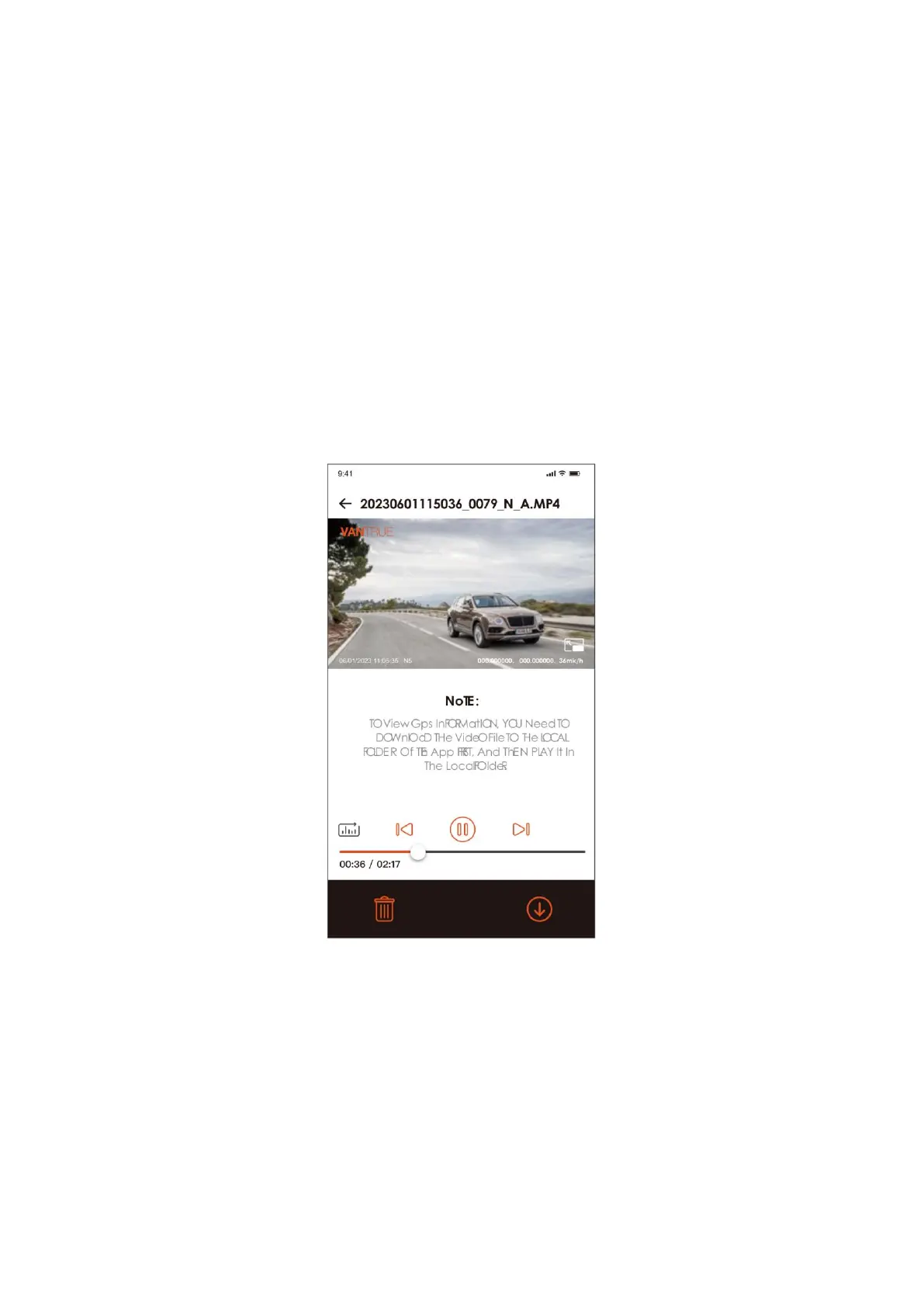
Using the Vantrue App, you can manage your recordings directly from your mobile
device. Once the dash cam is connected to your phone through WiFi, the app allows you
to play back videos, download them, and delete files.
Please note:
• When streaming video playback in the app or downloading files to the SD card,
your mobile data is not used.
• GPS tracking data can be viewed within the app only after the video has been
downloaded and is played back from the local storage of your device. To ensure
the GPS map displays correctly, you should disconnect the dash cam's Wi-Fi
connection; failing to do so will result in no map data being shown.



 To Next Page