44
12. Firmware Updates
There are two methods to upgrade the firmware of your N5 dash cam:
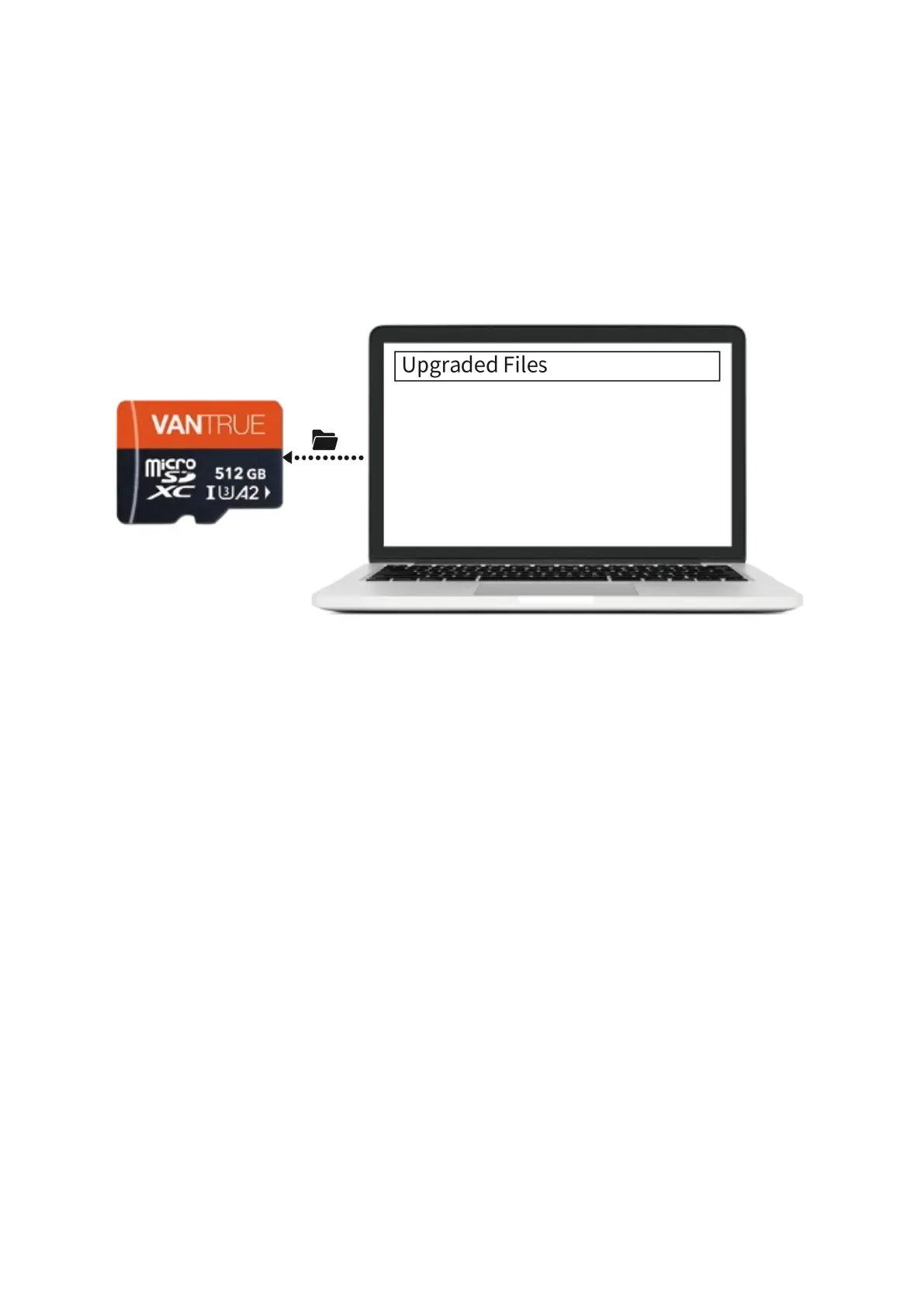
Option 1: Manual Firmware Upgrade Firstly, download the latest N5 firmware from
the Vantrue Official Website. Then, copy the downloaded file to the root directory of
your dash cam's memory card. Once the file is in place, reinsert the memory card into
the dash cam and power it on to begin the firmware upgrade process.
Option 2: OTA (Over-the-Air) Firmware Update Open the Vantrue App on your mobile
device to receive the firmware update notification. Confirm the update, and the app will
guide you through the OTA upgrade process.
Important Note:
• Ensure that the dash cam remains plugged into a power source throughout the
upgrade process.
• The OTA update will use your network data to download the necessary firmware
files.



 To Next Page