- 32 -
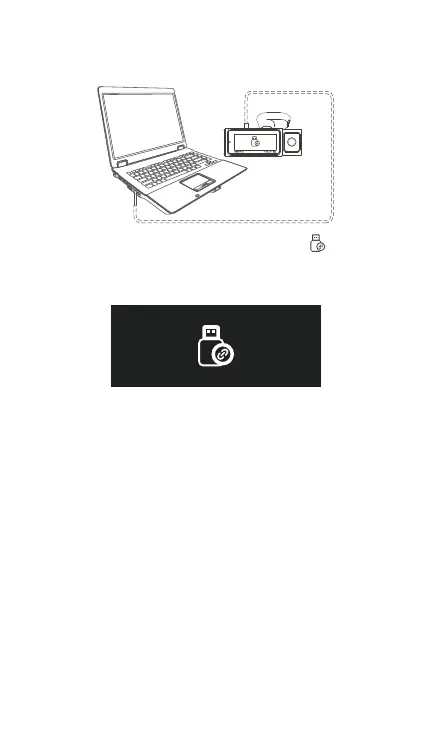
Connect the included TYPE-C USB data cable to the
camera and the computer.
After the connection is successful, the icon will
appear on the display of the camera to transfer data,
and then you can view the video les in the computer
folder.
b. Viewing les on a Computer
1.
2.
Depending on the computer systems of dierent
users, after the camera is connected to the computer,
it will be displayed as a removable drive or a
removable folder.
To view the les on the computer, you can directly
access, right-click to open the menu and delete them.
You can also use a USB card reader to read the
memo card information.
When connecting the dashboard to a desktop
computer, we recommend connecting the USB po
on the back of the desktop computer (make sure it is
a USB 3.0 po) in order to ensure a stable power
supply when connecting to the computer.
3.
4.
5.
6.



 To Next Page