- 33 -
•
•
20230601115036_0079_N_A.MP4
06/01/2023 11:05:35 N4 Pro 000.000000. 000.000000. 36MK/H
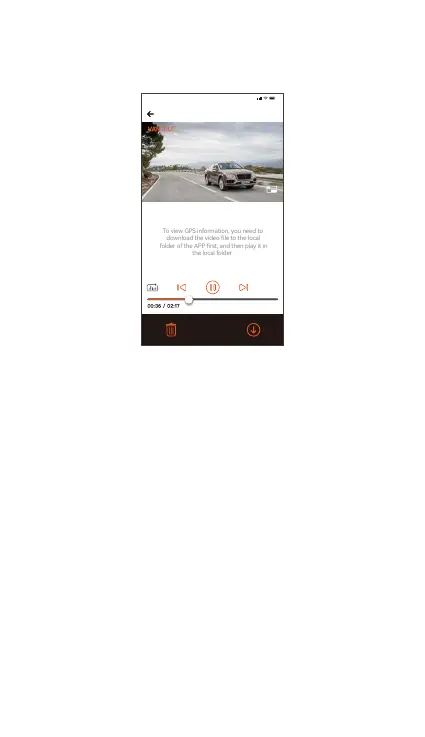
To view GPS information, you need to
download the video le to the local
folder of the APP rst, and then play it in
Note:
9:41
For video playback in the app, or downloads to SD
card, there will be no network trac consumption.
You can view GPS track information only after the
video le is downloaded and played back locally. At
the same time, you need to disconnect the Wi-Fi of
the dash cam, otherwise the map information will be
blank.
Note:
c.View on the ”Vantrue” App
After the phone successfully connects to the camera's
Wi-Fi, you can play, download and delete les in the
Vantrue app.
4.2.12 N4 Pro Dash Cam Firmware Upgrade
Upgrade method 1: Upgrade via le
Go to VANTRUE website to download the latest N4 Pro
dashcam rmware, copy the rmware le to the root
directo of the memo card, then inse the memo
card back into the N4 Pro main unit, the system will
automatically upgrade with the updated rmware of
the Micro SD card after the dash cam is turned on.



 To Next Page