- 35 -
For video playback in the app, or downloads to SD card, there will be no
network trac consumption.
2.
4.2.12 Upgrading Firmware
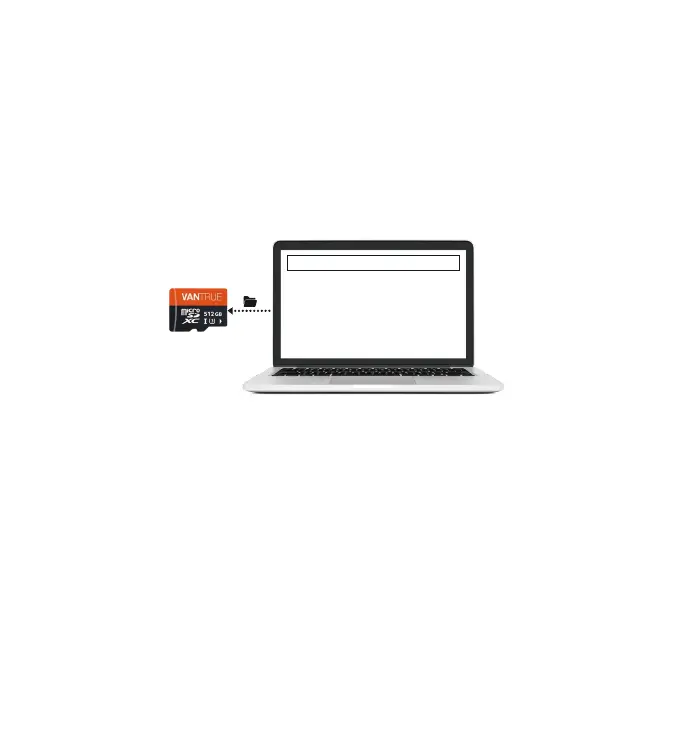
Option 1: File Upgrade
After downloading the latest N5 rmware via Vantrue Ocial Website, place
the le into the root directo of the memo card, inse it back into the dash
cam, power on to upgrade.
Option 2: OTA(OveheAir) Firmware Update
After opening the APP, you will receive the rmware update push. Once
conrming the upgrade, it will jump to the OTA upgrade inteace, which can
be upgraded according to the APP guidance.
Upgraded Files
You can view GPS track information only after the video le is downloaded
and played back locally. At the same time, you need to disconnect the WIFI
of the dash cam, otherwise the map information will be blank.
Please keep it plug in when upgrading.
OTA requires network trac to download upgrade les.
Note:
•
•



 To Next Page