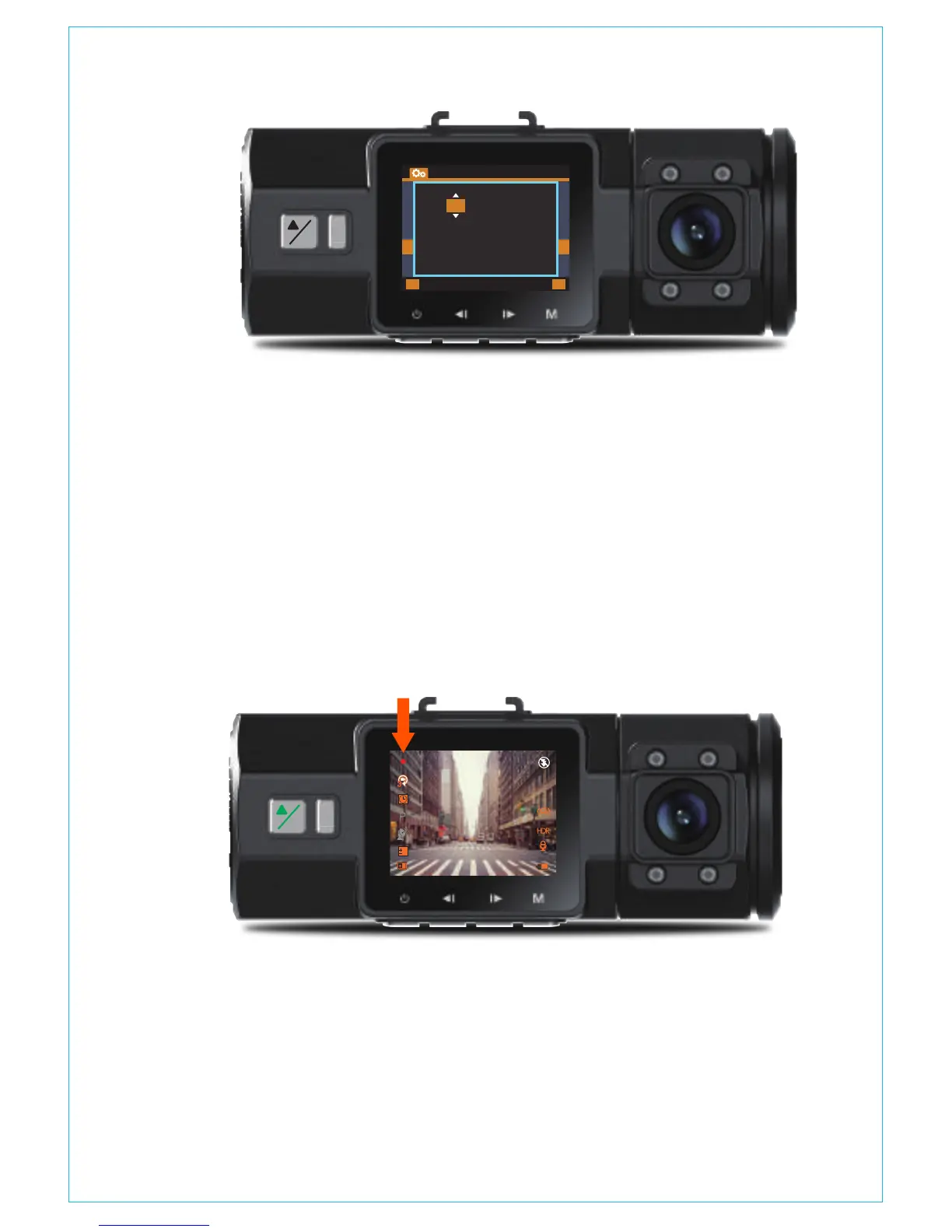
After inserting a memory card, the camera will (by default) immediately
start loop recording video when connected to a power source and
powered ON. If the device is not connected to a power source, it
will not immediately start recording after you press the Power ON
button – press the OK button to start recording.
While recording, the LED indicator will blink and a red dot will flash
on the top left of the screen. You can stop/start the recording at
any time by pressing the OK button.
4.4 Loop Recording
By default, the Loop Recording Time is 3 minutes. Please go to
“Record Setup”>“Loop Recording” to change it to 1 minute or
5 minutes. When Loop Recording is turned off, the camera will record
video in 20 minute clips, but will not overwrite old videos when
the storage card is full.
The loop recording video file name formatis “Year_Date_Time_
!
P
OK
0
01/01/2017
03:07:29
0:231080P+1080P
3
- 11 -
!
P
OK
M
BACK ENTER
Time&Date
OK
10 / 48 / 08
DD/MM/YY
03 / 05 / 2017



 To Next Page