
 To Next Page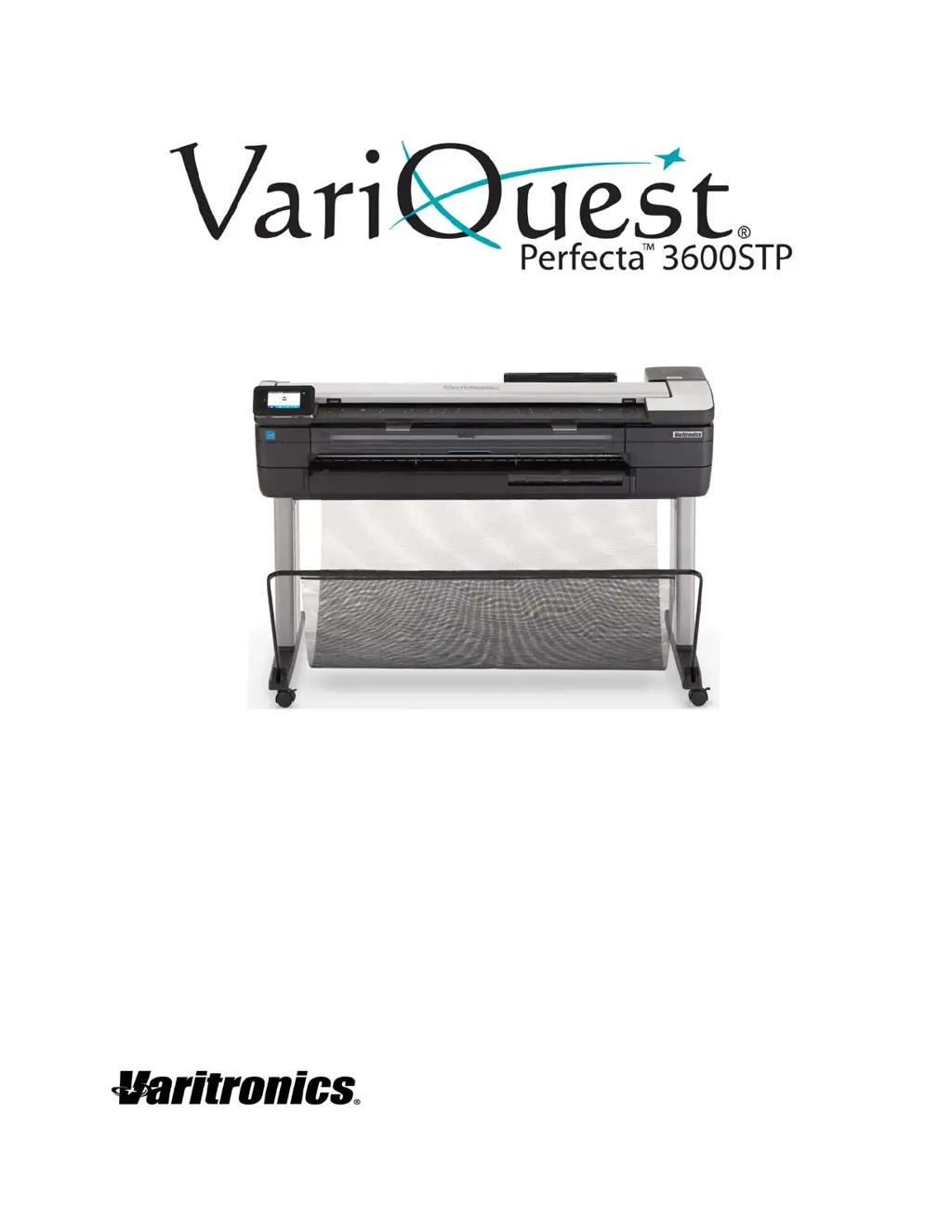


D
Dustin GomezAug 3, 2025
What to do if the Variquest Perfecta 3600STP has an unsuccessful roll load?
- BBrian JonesAug 3, 2025
If the Variquest Printer roll won't load, first ensure the roll is at least 11 inches wide. Check that the leading edge of the paper is straight and clean; trim if necessary. Make sure the roll ends are tight against the spindle ends and the spindle is correctly inserted. Ensure the output tray is closed, the paper is correctly loaded on the spindle, and all roll end plugs have been removed. Verify the paper is wound tightly. Do not touch the roll during alignment. If misaligned, follow the front panel instructions. To restart, cancel on the front panel and rewind the roll until the edge is removed from the printer.
 General