EasyManua.ls Logo

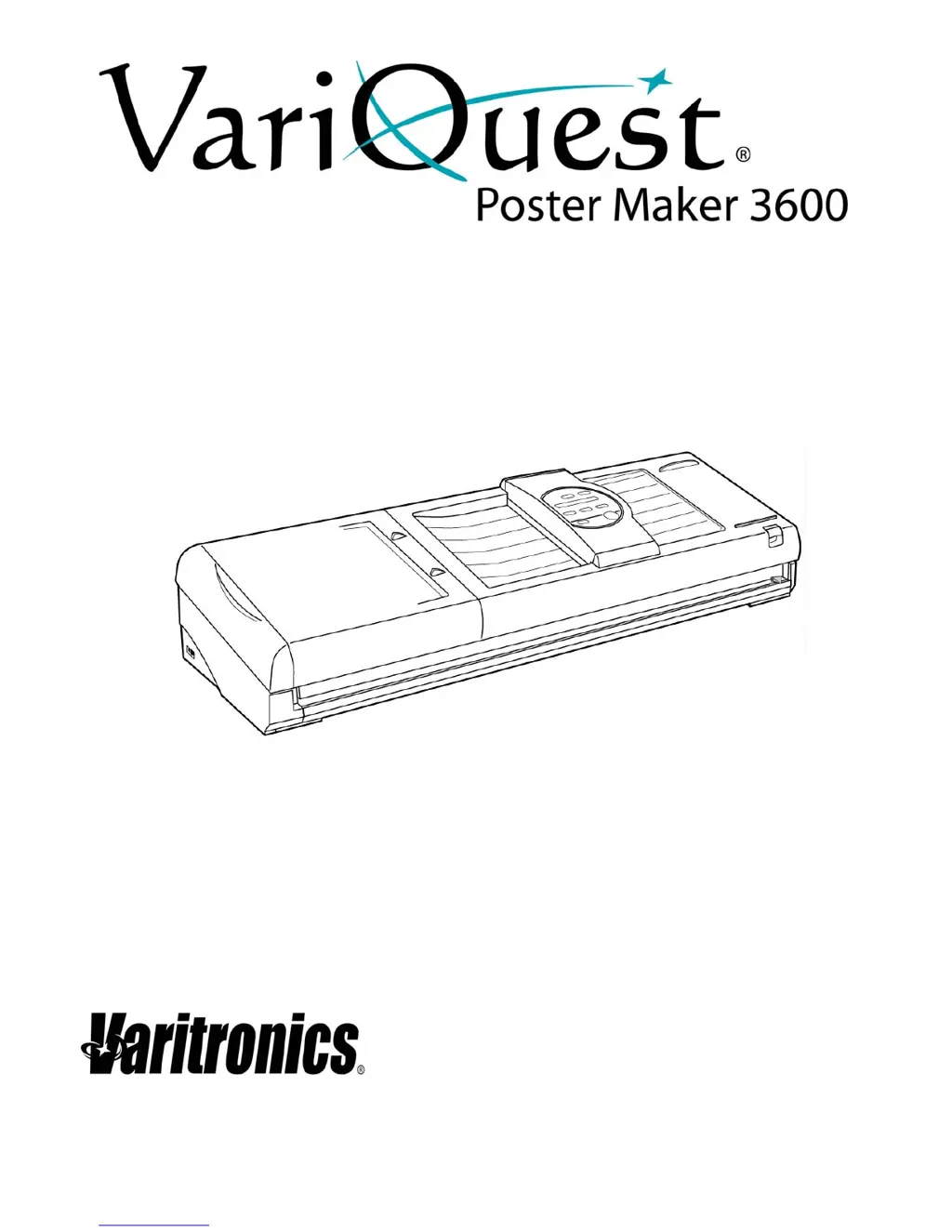
Variquest Poster Maker 3600 - User Manual

Variquest Poster Maker 3600
69 pages
Print Icon
To Next Page IconTo Next Page
Loading...
Users Guide
visit www.variquest.com

Table of Contents

Questions and Answers

Summary

Document Information

Copyright

Manual copyright notice and reproduction restrictions.

Trademarks

Trademarks associated with the VariQuest Poster Maker and other brands.

Standard Warranty

Details of the manufacturer's warranty for the Poster Maker 3600.

Regulatory Compliance

FCC Notice

Information regarding the equipment's compliance with FCC rules for digital devices.

EMC Notice

Electromagnetic Compatibility notice for Canadian interference regulations.

The Basics

Installing Poster Maker Paper

Step-by-step guide for loading paper rolls into the poster maker.

Installing the Left Paper Bracket

Instructions for setting and adjusting the left paper bracket for different paper widths.

About Scanning and Printing Areas

Illustrations and details about the areas scanned and printed on the poster.

Printing a Basic Document

Procedure for scanning an original and printing a standard poster.

Printing Multiple Copies

How to print up to ten copies of an original document.

Changing the Paper Cutting Option

Configuring automatic or manual paper cutting after printing.

Changing the Print Mode

Selecting between normal, photo, or reverse print modes for posters.

Changing the Contrast

Adjusting the contrast level for light or dark original documents.

Changing the Output Size

Selecting different output sizes for posters based on paper width.

When Output Size is Smaller than the Paper

Using cut marks for manually trimming excess paper when output size is reduced.

Printing Banners

Creating horizontal and vertical signs and banners from long input documents.

Enlarging Part of a Document

Using the partial enlargement feature to zoom in on specific document areas.

Creating a Command Sheet

Instructions for creating a command sheet to define enlargement areas.

Printing the Enlargement

Steps to print a poster from a specified enlarged area using a command sheet.

Split Printing

Creating large posters by splitting an original into two printable halves.

Selecting the Display Units

Choosing between feet or meters for displaying paper remaining on the roll.

Getting Started

Unpacking and Setting Up the Printer

Instructions for unpacking the printer, connecting components, and initial setup.

Safety Precautions

Important safety warnings and guidelines for using the poster maker.

Proper Use of the Printer

Guidelines and best practices for operating the poster maker correctly.

Printer Features, Parts and Paper

Poster Maker Features

Overview of the poster maker's capabilities, including print modes and poster creation.

System Parts

Identification of the main components of the poster maker system.

Front View

Diagram and labels for the front view of the poster maker.

Rear View

Diagram and labels for the rear view of the poster maker.

Scanner

Details and diagram of the poster maker's scanner unit.

Printer

Details and diagram of the poster maker's printing mechanism.

Control Panel

Explanation of the buttons and indicators on the poster maker's control panel.

Message Display;Standby Screen

Description of information displayed on the poster maker's screen.

Poster Maker Paper

Information about the specialized paper used with the poster maker.

Paper Types

Details on the different types of paper compatible with the poster maker.

Tips for using Poster Maker Paper

Recommendations and tips for optimal use of poster maker paper rolls.

Paper Storage and Handling

Guidelines for storing and handling poster maker paper rolls to maintain quality.

Removing Ink Film from TTP and HDP Paper

Procedure for removing the ink film from specific paper types.

Advanced Features

Advanced Setup Mode

Accessing and adjusting advanced settings for mirror print, page gap, and line adjustments.

Function Descriptions

Detailed descriptions of the advanced setup functions and their options.

Troubleshooting and Maintenance

Troubleshooting

General guidance for identifying and resolving issues with the poster maker.

Error Messages and Responses

List of common error messages and the recommended solutions.

Problems and Solutions

Table of common printing problems and their corresponding solutions.

Cleaning the System

Instructions for cleaning various parts of the poster maker to ensure proper function.

Specifications

Variquest Poster Maker 3600 Specifications

General IconGeneral
Maximum Print Width36 inches
ConnectivityUSB, Ethernet
Media HandlingRoll-fed
Media ThicknessUp to 10 mil
Software CompatibilityWindows, Mac
Media Typesvinyl, banner

Related product manuals