Use the ‘DMX Channel’ menu to set the DMX mode.
Press [Enter] to activate the main menu and use [Up] or [Down] until the display shows ‘DMX
Channel’ . Conrm the selection with [Enter] and use [Up] or [Down] to select one of two DMX
modes (8-channel mode or 14-channel mode, display shows ‘DMX 08 Ch’ or ‘DMX 14 Ch’ ).
When the display shows the desired DMX mode conrm the selection with [Enter]. To exit the
menu item without making changes, press [Menu].
DMX mode
Operating
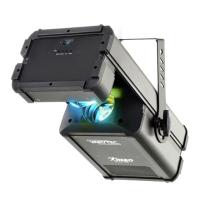
Hero Scan 150
31
LED scanner


 To Next Page