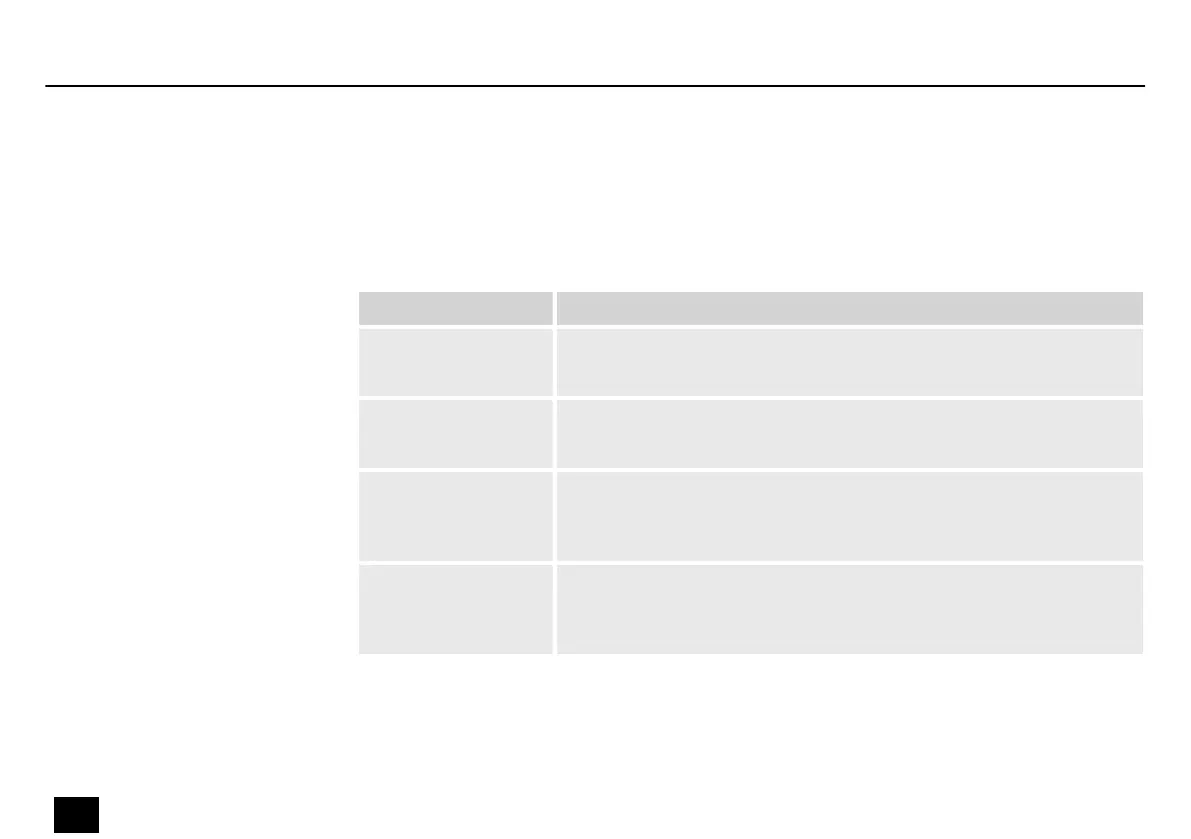
Use the ‘Running Mode’ menu to set the operating mode.
Press [Enter] to activate the main menu and use [Up] or [Down] until the display shows
‘Running Mode’ . Conrm the selection with [Enter] and use [Up] or [Down] to select one of the
four operating modes ( ‘DMX’ , ‘Auto’ , ‘Sound’ , ‘Slave’ ).
Operating mode Function
‘DMX’ DMX control
In this mode the device is controlled via a DMX controller.
‘Auto’ Auto programmes
In this mode, the unit plays the preprogrammed shows.
‘Sound’ Sound control
In this mode, the unit follows the rhythm of the background music or
sounds detected by the built-in microphone.
‘Slave’ Slave function
In this mode, the device follows exactly the operation of the master
that it is connected to.
Operating mode
Operating
32
Hero Scan 150
LED scanner


 To Next Page