8
2.2 Voice recognition
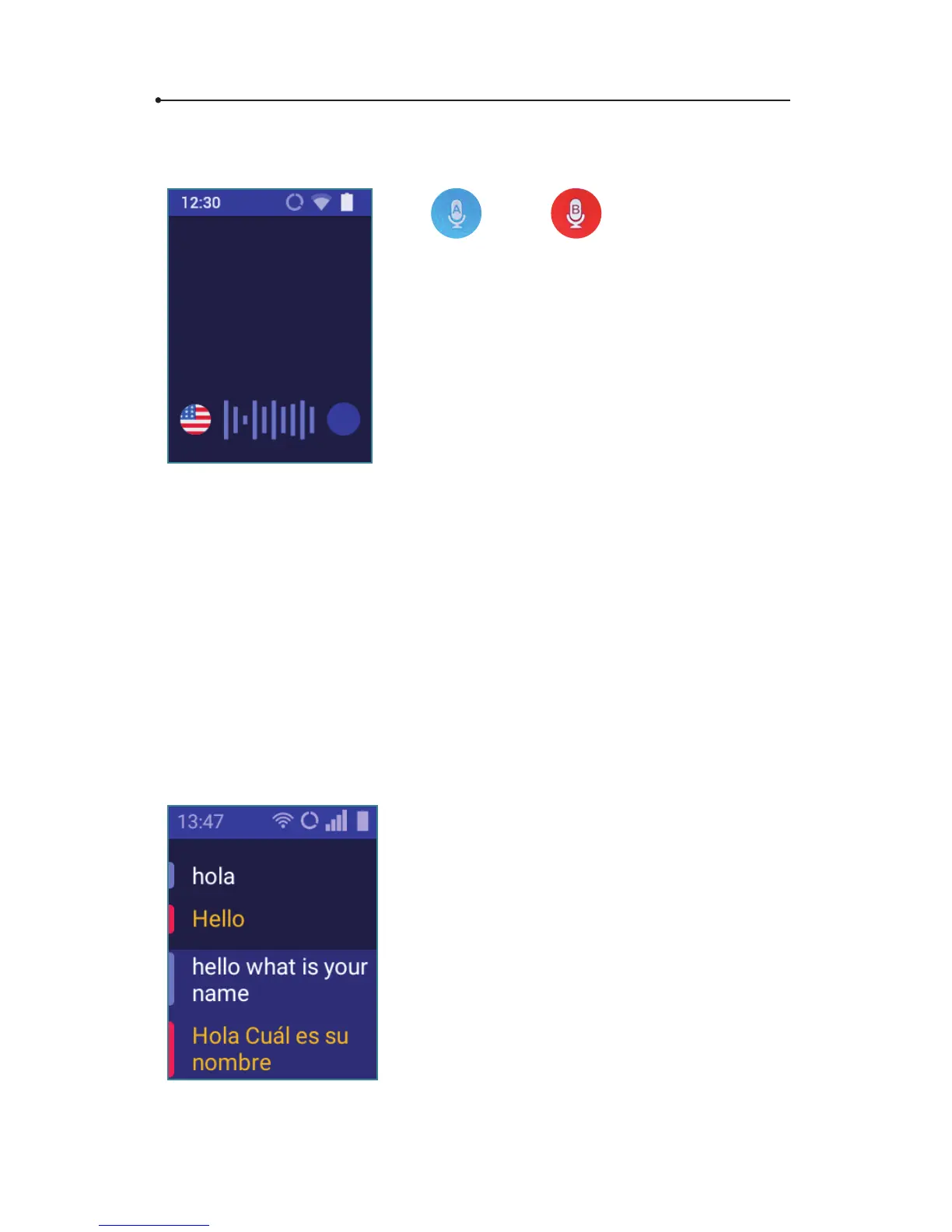
The and hardware buttons
serves to enter text using the voice recognition
function. In order to enter text for transla-
tion, tap and hold the key and, after hearing
a beep, say what you want to translate in a clear,
monotonous voice, from a distance of
a foot (30 cm).
When you nish, the translation is done auto-
matically and lasts about 2 seconds.
WARNING! The quality of voice recognition may worsen in a loud
environment.
2.3 Pronunciation
The pronunciation starts automatically . Press Enter to listen to it again.
2.4 History
To see or clear translation history, open the application menu and tap
« History ».
The translations appear in the main screen
in chronological order. Use Up and Down
arrow keys to navigate between the translated
sentences.
Press Enter to playback


 To Next Page