9
3 Menu
Swipe right to enter the menu of the device.
Swipe left to get back to the “select language” screen.
3.1 Clean history
Tap and hold the line for about 1 second to delete it.
To delete all the translations, go to the menu of the device by pressing right
arrow, select “Clean history”, press Enter and conrm by pressing “Yes”.
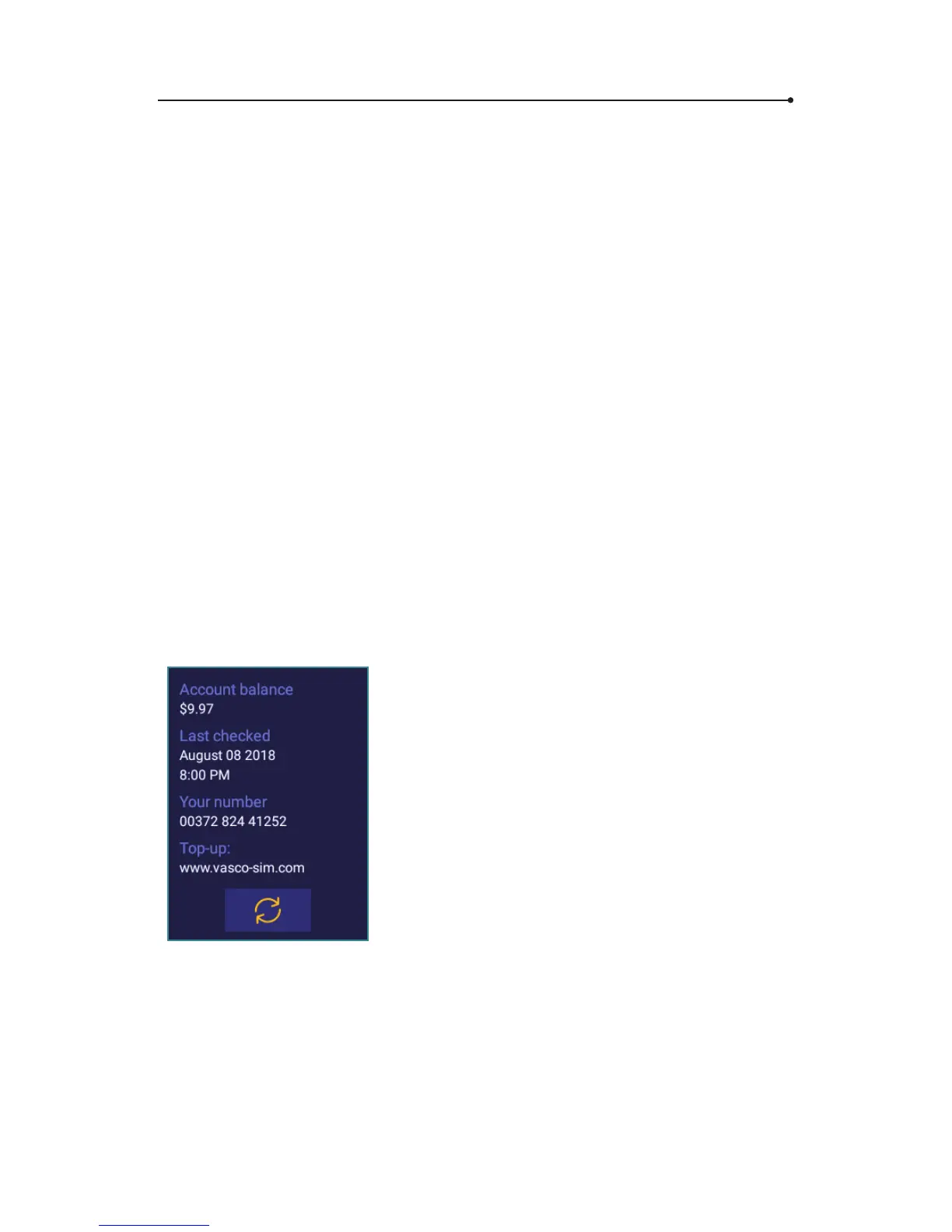
3.2 Account Balance
To check your account balance:
• swipe right to enter the menu of the device.
• select “Account balance” using Up and Down arrow keys and press
Enter.
Tap “Refresh” to update account balance
information.


 To Next Page