Additional voices
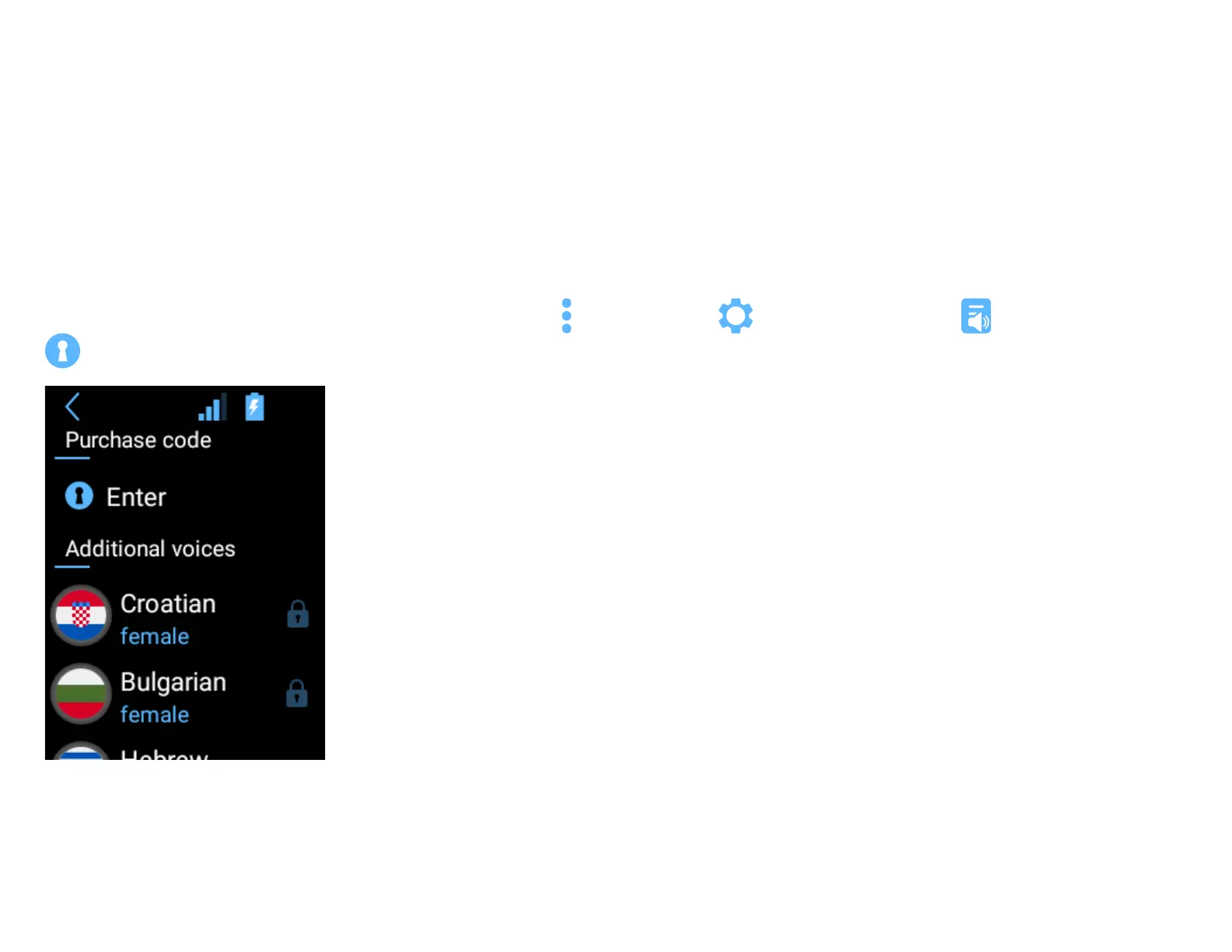
This option lets you download and install extra voices for chosen languages (Bulgarian, Croatian and Hebrew).
Not all languages supported by your Vasco device come with pre-installed voices. If you bought an extra voice at the time of purchase of your Vasco
Translator, you do not need to take any additional action. The voice will be pre-installed on your device before we ship it, and your translations will be read
out loud automatically.
If you already have a Vasco Translator and wish to purchase an additional voice, visit the Vasco Electronics web store and add a chosen voice to the cart. Aer
your payment has been processed, you will receive an email with an activation code and installation instructions.
To download and install the additional voice, go from the main menu to device settings , choose “Additional voices” , and then press ”Enter”
.
To enter the code using the camera, press “Scan code”.
To enter the code manually using the keyboard, press “Enter code”.



 To Next Page