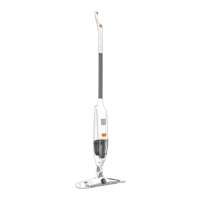
Assembling your hard oor cleaner
Depress the power
button to turn machine
on and o
Use the microbre pad to pick up ne
debris like dirt, dust and pet hair. Use
vacuum to suck up any left over debris
Getting started Using your machine
PLEASE READ ‘LET’S TALK SAFETY’ AT THE BEGINNING BEFORE USE
IMPORTANT: Always support Dust & Vac during use
NOTE: This machine is not free standing
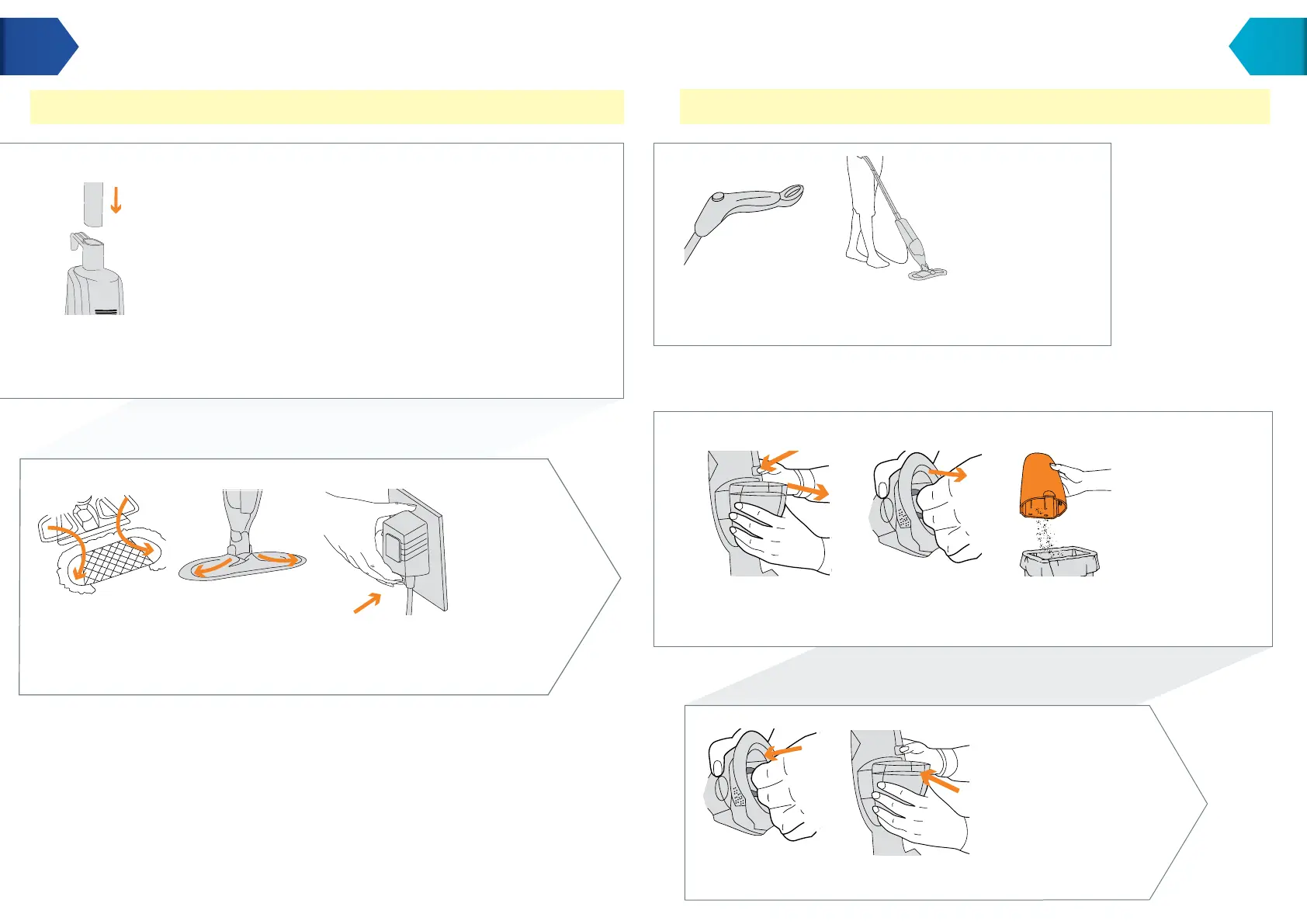
Push the handle into the
main body until it locks
into place
Plug into mains socket
Slide the frame of your machine into the cleaning pad
pocket one side at a time
Emptying the Dirt Container
Xxxxxxxxxxxxx
Xxxxxxxxxxxxx Xxxxxxxxxxxxx Xxxxxxxxxxxxx
Xxxxxxxxxxxxx
Gently push the lter into
the dirt container
To ret the dirt container tilt so that the bottom aligns
rst, then gently push until it locks into place
Grasp the center tab on
the lter and pull out of
the dirt container
To empty the Dust & Vac
depress the release button to
remove the dirt container
Empty contents from the
container, shake and lightly
tap lter against bin to
remove remaining dirt
05 06




 To Next Page