Using your machine
Taking care of your machine
Carrying your handheld vacuum cleaner
Use handle to
carry handheld
vacuum cleaner.
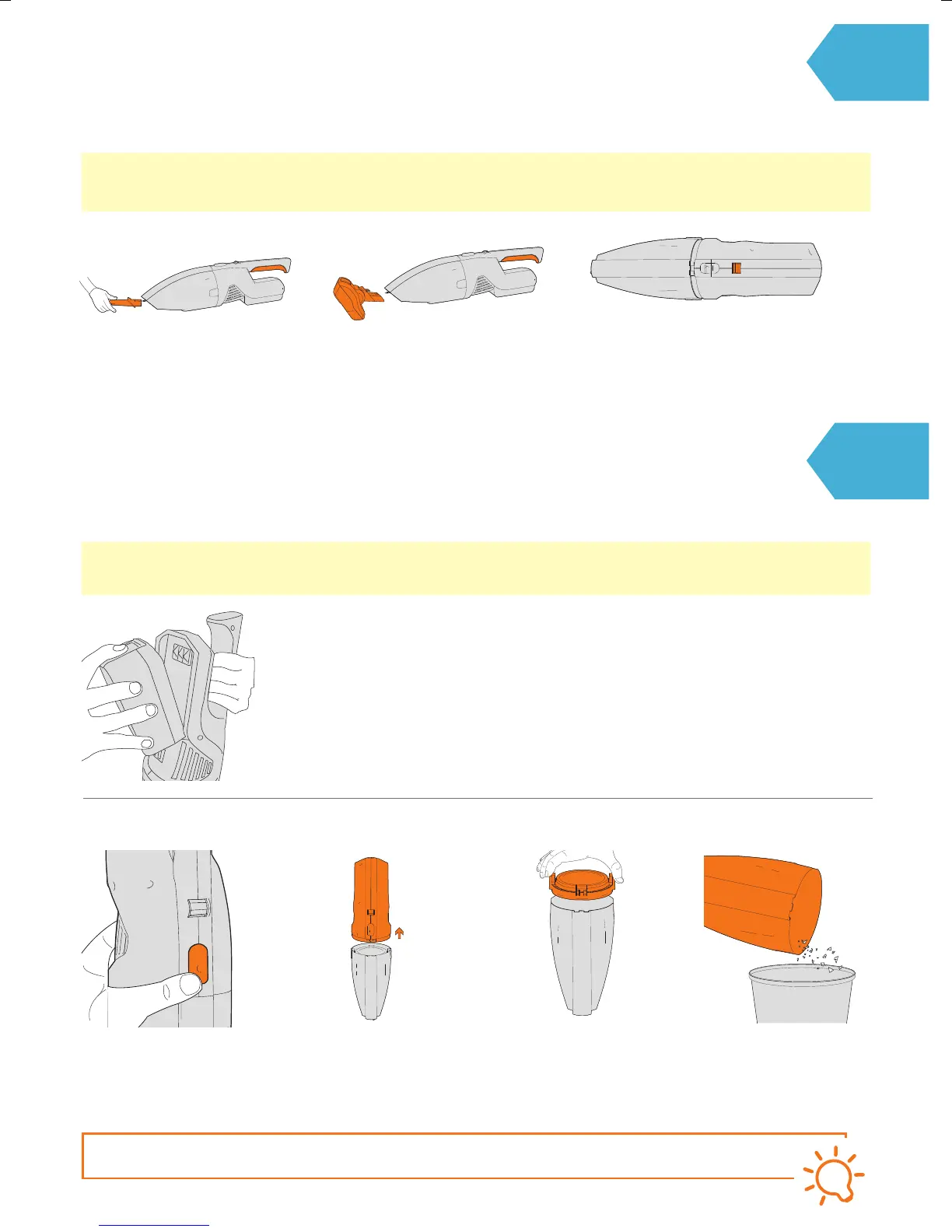
For a more detailed clean, line up
the crevice tool with the nozzle
on the handheld and push rmly
into place.
For an extra powered clean, line
up the turbo tool with the nozzle
on the handheld and push rmly
into place.
Roll the On/O control back to switch the
handheld o. Pull to remove tool from nozzle.
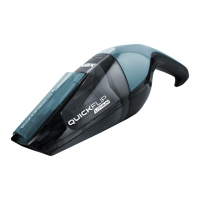
Handheld cleaner
CAUTION: Always take extra care when cleaning stairs.
Always switch the handheld o before connecting or disconnecting the accessories.
Removing the battery from your handheld cleaner
CAUTION: Always switch o the handheld cleaner and remove the battery before carrying out any maintenance
or troubleshooting.
Hold the battery securely
and press the release button
on the top of the battery.
Lift to remove dirt
container lid.
Press the dirt container
release button.
Lift separator tabs on
either side of dirt
container. Lift to
remove separator.
Hold dirt container
over a bin allowing
dirt/debris to fall out.
Emptying the dirt container
TIP
Don’t over ll the dirt container to avoid blocking the air ow through the handheld cleaner.



 To Next Page