14 15
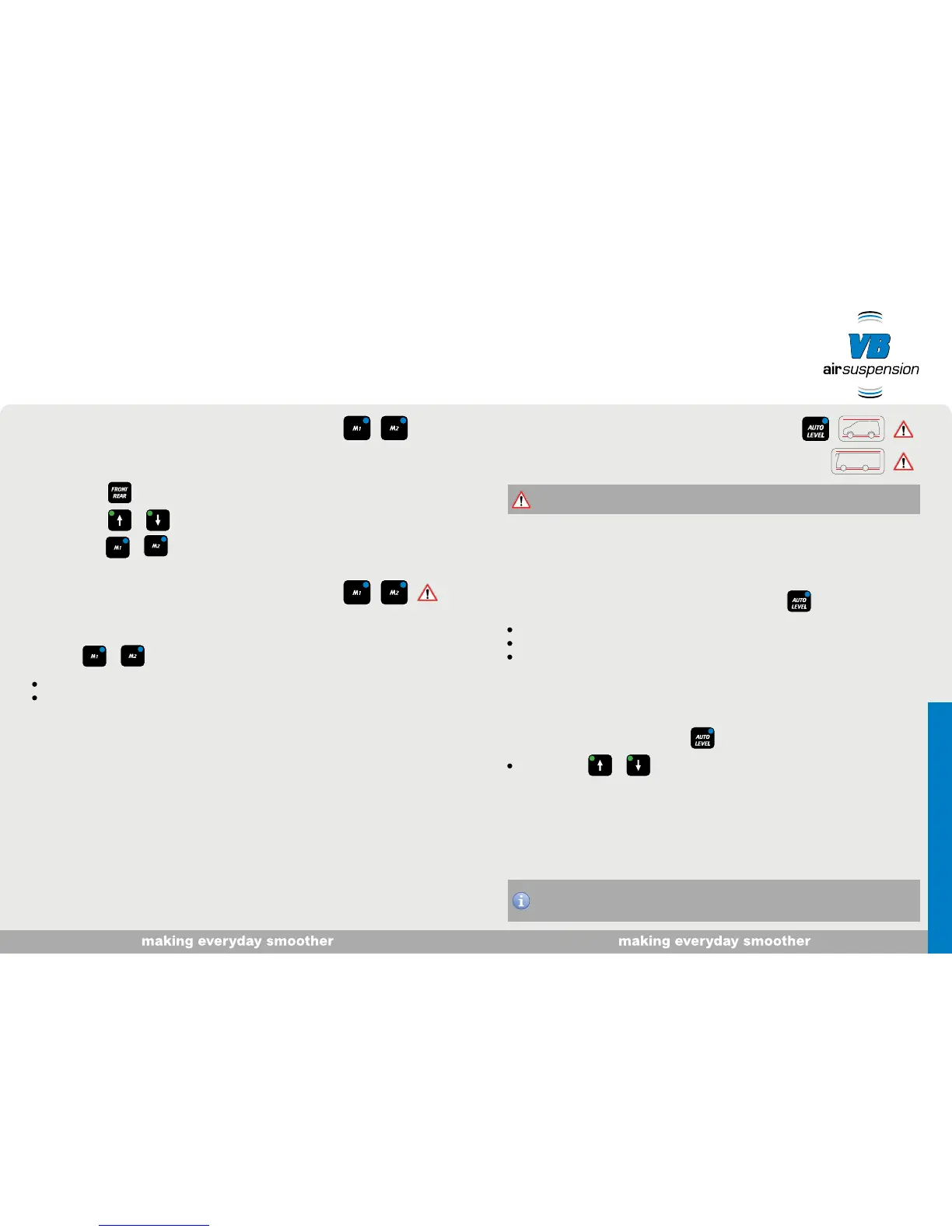
Save level you have set
1. Switch on ignition. Vehicle standing still or driving at < ± 5 km/h.
2. Press button to select the desired axle.
3. Press button or to set the desired level.
4. Keep button or pressed until you hear a signal.
Activate stored level
1. Switch on ignition. Vehicle standing still or driving at < ± 5 km/h.
2. Button or - short press.
The button flashes while the level is being activated.
The button is lit continuously when the level is reached.
“The AutoLevel function works best when the vehicle is parked on level ground.”
This function can be used for 6 minutes after the ignition is switched off. During this period
the vehicle uses the extra time (option).
However, VB-Airsuspension recommends that you reset the vehicle to ride-height before
driving away. If you omit to do so, the system automatically resets to ride-height to minimise
possible damage.
AutoLevel
With the AutoLevel option, the vehicle is set to a horizontal position (levelled) automatically. This is
only possible if the vehicle is standing still and adequate suspension travel is available.
1. Switch on ignition
2. Switch off the ignition and within 6 minutes briefly press button .
The button flashes during adjustment.
The button is lit continuously for 10 seconds once the vehicle is in the ideal position.
The system then switches off.
End function and reset vehicle to ride-height
1. Switch on the ignition and press button briefly
When buttons or are no longer lit, the vehicle is at the ride height once more.
Alternatively:
After you drive away, the AutoLevel function automatically switches off. The vehicle is reset to the
ride height.


 To Next Page