32
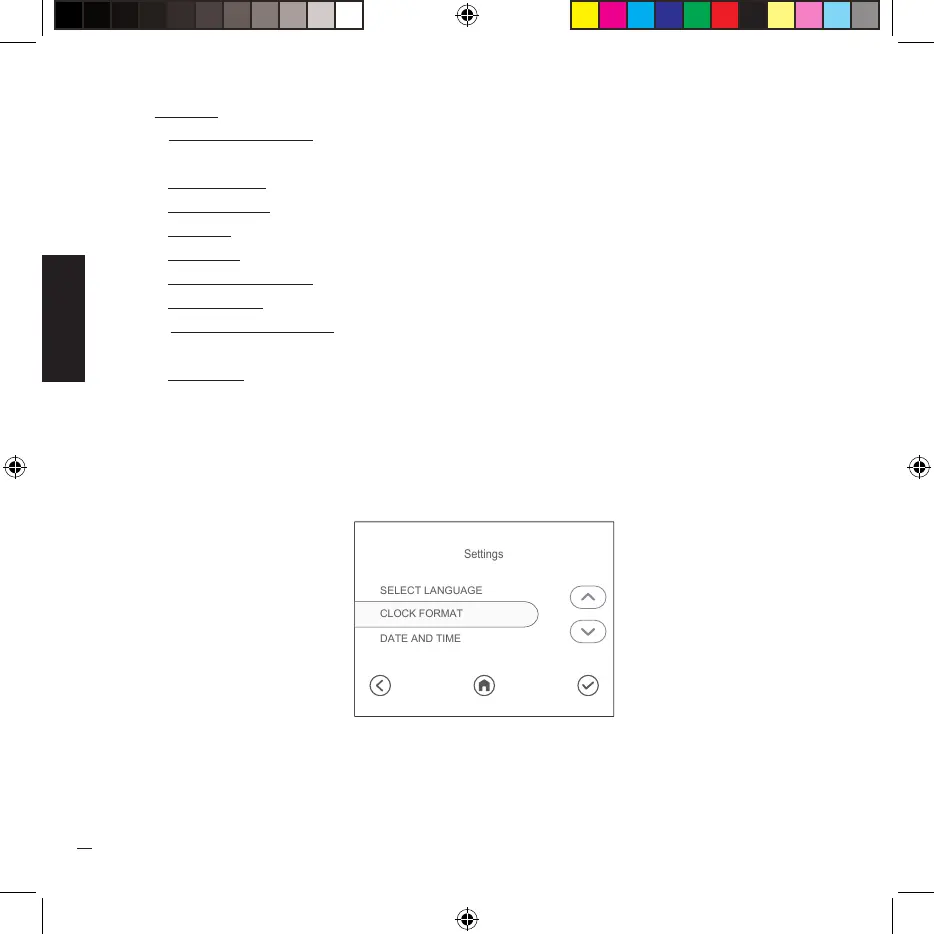
• Settings - screens where you can change the following system settings:
- Language selection allows you to change the language among those present in the
software.
- Clock format allows you to select the clock display format (12 hours - 24 hours).
- Date and time allows you to configure the date and time.
- Key lock allows you to set the time after which the key lock is activated.
- Copyright (display only).
- Reset basic settings allows you to reset the settings back to the factory settings.
- Machine data (display only).
- Unit of measurement allows you to change the unit of measurement of temperature
between Fahrenheit and Celsius.
- Use mode allows you to set the automatic on/off function.
SELECT LANGUAGE
DATE AND TIME
CLOCK FORMAT
Settings


 To Next Page