How To Use Modes & Programs
1. Open the reset interface by double clicking ‘BOCH-USB-DUL’ under ‘BOCH-USB’ in
the USB flash drive.
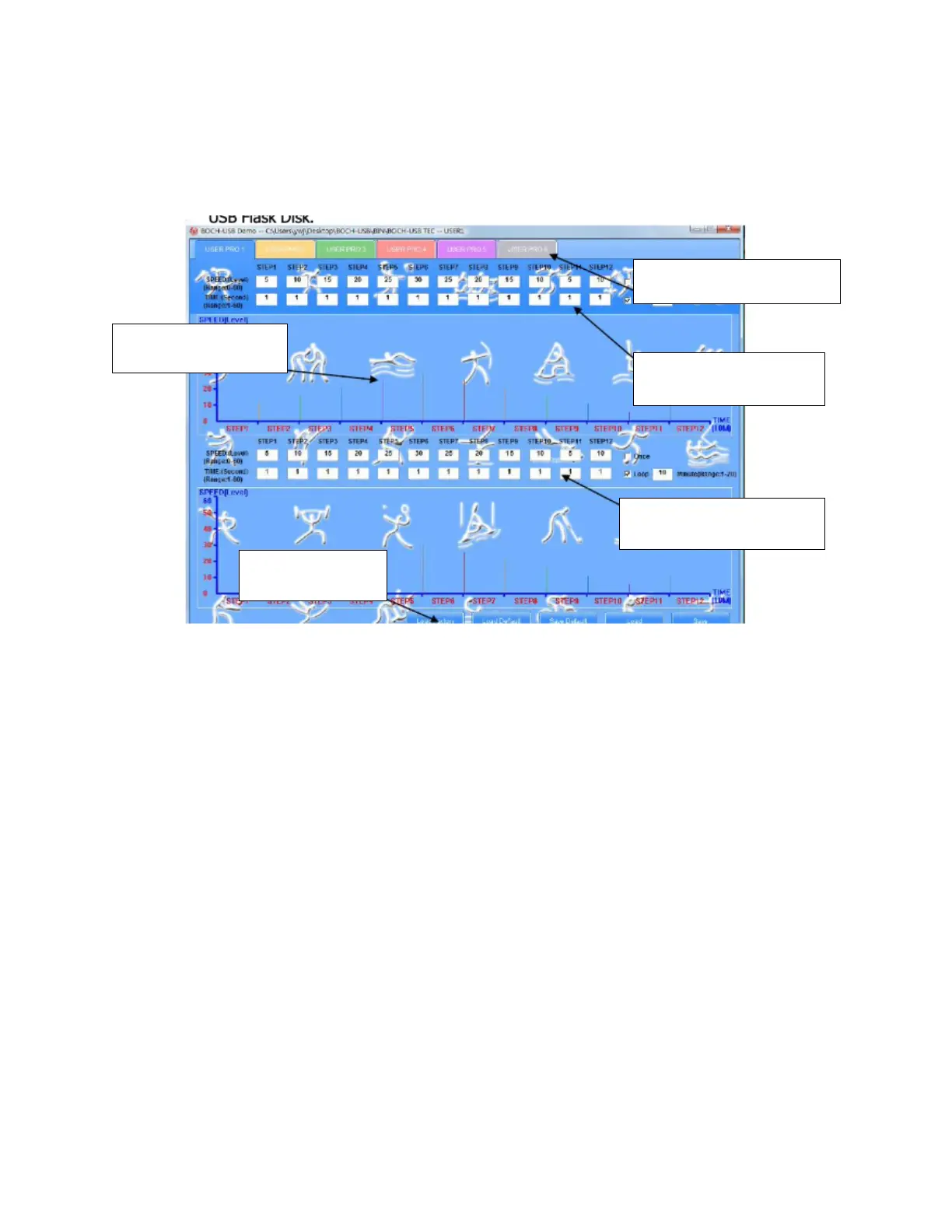
2. You can choose U1-U6 by clicking User’s Defined Program.
3. Fill in the data as desired. (Speed range: 0-60 seconds)
•
Checking ONCE means that the vibration mode will only run that pattern once.
•
Checking LOOP and entering running time (1-12 minutes) means that the
vibration mode will repeat during the running time.
4. After amending the data to your preference, you will see the Running Column
change. The height of the column indicates speed, while the width of the column
indicates the time.
5. Function buttons access the data files.
•
LOAD FACTORY accesses the factory data.
•
LOAD DEFAULT accesses the data that you set.
•
SAVE DEFAULT saves the data as ‘active.’
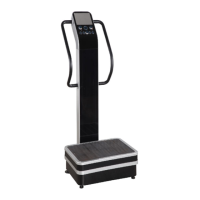
6. Insert the USB flash drive into the machine.


 To Next Page