7
• ILLUMINATION COLOR
Press the button (12) for 2 seconds to
change the color of LCD.
• RESET
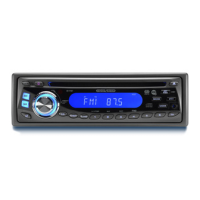
RESET button (26) is placed on the front
panel and must be activated with either a
ball point pen or thin hard object.
The RESET button (26) is to be activated
for the following reasons:
- Initial installation of the unit when all
wiring is completed.
- All the function buttons do not operate.
- Error symbol on the display.
Note: Pressing the RESET button (26)
will erase your stored stations in the
memory.
• RDS CLOCK
Press DISP button (4) to view RDS clock
time from the received RDS station.
• ON/OFF
Switch on the unit by pressing any button,
except REL button (1) and the CD eject
button (9). When system is on, press
POWER button (3) to turn off the unit.
• VOLUME/BASS/TREBLE/BALANCE/
FADER ADJUSTMENT
Press SEL button (22) to select the
desired adjustment mode.
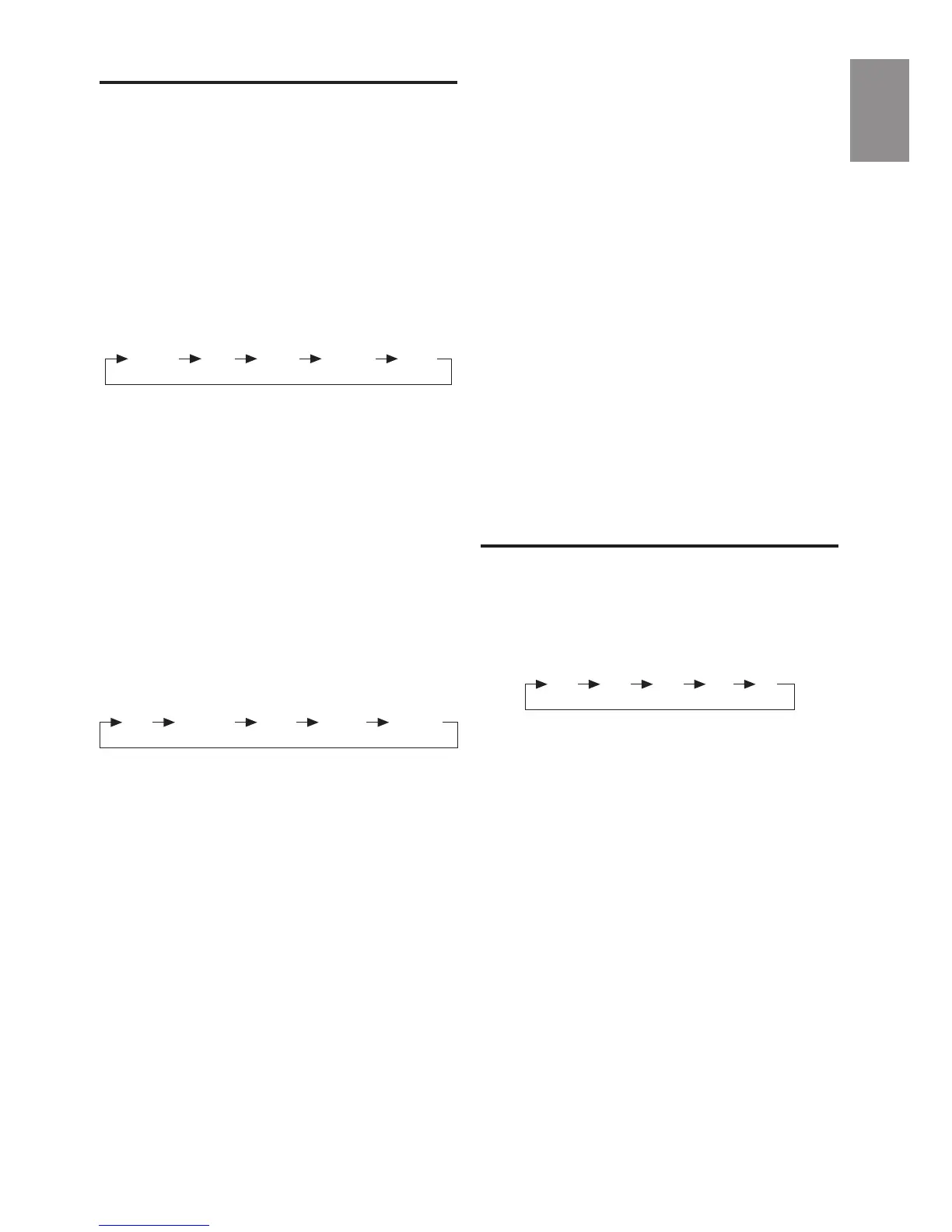
The adjustment mode will change in the
following order:
By turning AUDIO ADJUST button (2),
different setting levels can be adjusted.
Note: Bass/Treble selections are only
active when the DSP (Digital Sound
Processor) is switched off.
Press SEL button (22) for 2 seconds, it
will trigger a series of Advanced RDS
setting. Refer to RDS (Radio Data
System) operation section for details.
• SOUND
Press SOUND button (23) to turn on sound
DSP function (Digital Sound Processor) and
to select desired audio mode.
There are five kinds of mode as below:
Activating the DSP overrides the prior
selected Bass/Treble settings.
• LOUDNESS
Press LOUD button (8) for 2 seconds to
reinforce the bass output and display will
show “LOUD”. Press it for 2 seconds
again to release this function.
• MUTE
Press MUTE button (24) to silence the
receiver. Press it again to resume
listening.
• FLASHING LED
If the front panel is removed from the unit,
the LED (25) will be flashing.
• SOURCE
Press SOURCE button (12) to switch
between CD and Radio.
GENERAL OPERATION
FLAT CLASSICS POP M ROCK M DSP OFF
Volume Bass Treble Balance Fader
• BAND SELECTION
At tuner mode, press BAND button (8)
shortly to select the desired band.
The reception band will change in the
following order:
• STATION SELECTION
Press TUNE/TRACK buttons (10) or (11)
shortly to activate automatic seek
function. Press for 2 seconds until
“MANUAL” appeared on the display, the
manual tuning mode is selected. If both
buttons have not pressed for several
seconds, they will retune to seek tuning
mode and “AUTO” appeared on the
display.
• AUTOSTORE
- Automatic Memory Storing
Press AST button (7) for 2 seconds.
The radio searches for 6 strongest
stations and stores them into the
presets of the currently selected band.
Note: Any stations that were previously
stored in this memory bank are replaced
by the new stations.
RADIO OPERATION
FM1 FM2 FM3 MW LW
English



 To Next Page