4 CD9303UB-CV RDS / MP3-CD / USB / AUX
GENERAL
쮿 GENERAL
Power On/Off (1) [VOL]-button
Press [VOL]-knob (1) to turn the Set On or Off.
Volume control (1) [VOL]-button
Turn [VOL]-knob (1) right to increase the volume
level and left to decrease the volume
level. After 5 seconds the display will return to the
previous display mode.
Start-up volume level set up (1) [VOL]-
button
Start-up volume is the volume level the set will play
at when next turned on. To adjust the start-up
volume, press and hold [VOL]-knob (1) longer than
2 seconds. The current volume level is displayed
as a flashing number on the display panel. Turn
[VOL]-knob (1) right or left to increase or decrease
the volume, then press [VOL]-knob (1) again to set
that volume level as the start-up volume level.
Setup button (2) [TUNE]-button
This button can adjust the sound effect and other
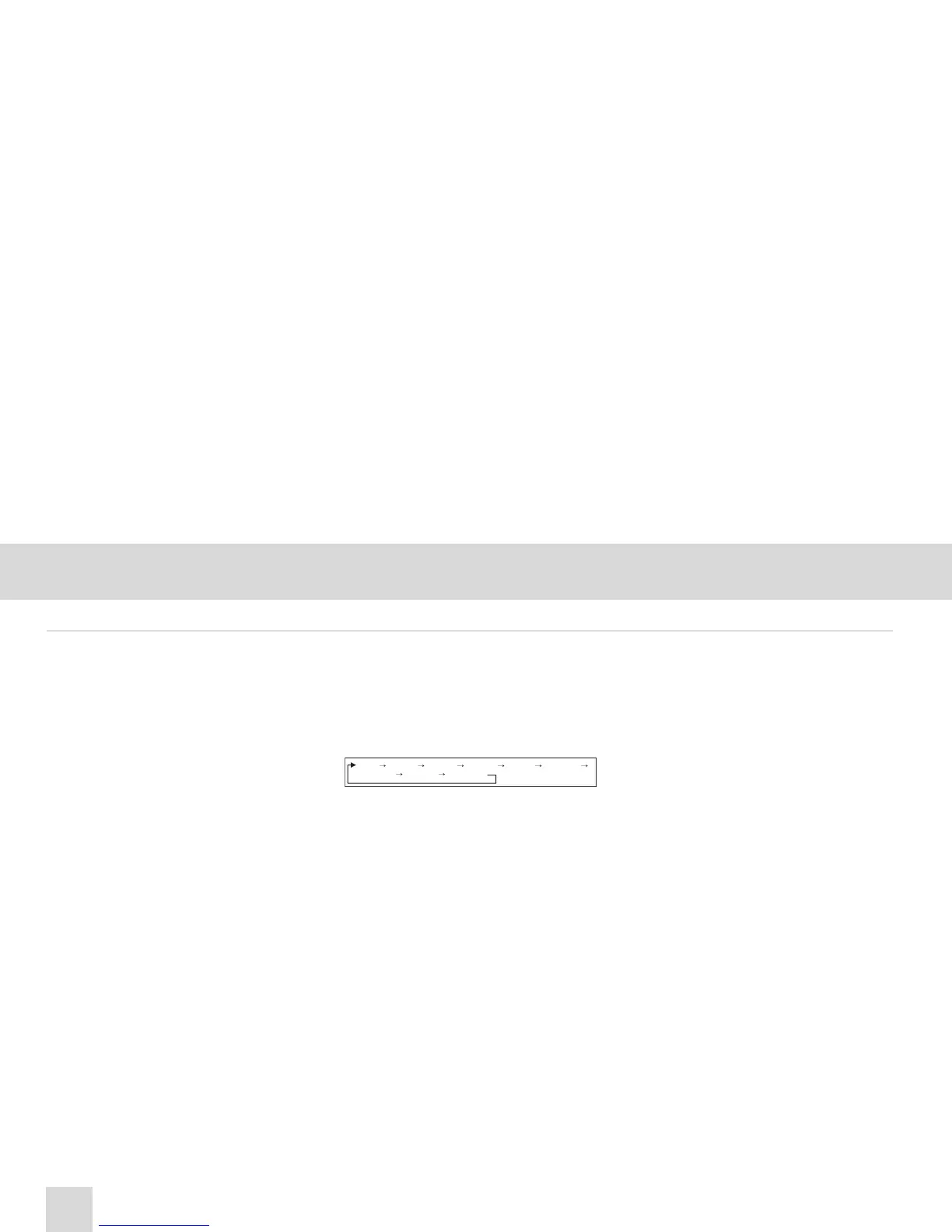
things. Each time you press [TUNE]-button (2),
LCD displays as follows :
On each setting, the level can be controlled by tur-
ning [TUNE]-button (2). The display will automati-
cally return to the previous display mode 5 seconds
after the last adjustment is made.
Bass control (2) [TUNE]-button
To adjust the bass tone level, first select the bass
mode by pressing [TUNE]-button (2) until “BASS”
appears on the display panel. Within 5 seconds of
selecting the BASS mode, turn [TUNE]-button (2)
right or left to adjust the bass level as desired. The
bass level will be shown on the display panel from
a minimum of “BASS -10” to a maximum of “BASS
+10”.
Treble control (2) [TUNE]-button
To adjust the treble tone level, first select the treble
mode by pressing [TUNE]-button (2) until
“TREBLE” appears on the display panel. Within 5
seconds of selecting the treble mode, turn [TUNE]-
button (2) right or left to adjust the treble level as
desired. The treble level will be shown on the dis-
play panel from a minimum of “TREB -10” to a
maximum of “TREB +10”.
Balance control (2) [TUNE]-button
To adjust the left-right speaker balance, first select
the Balance mode by pressing [TUNE]-button (2)
until the “BAL” indication appears on the display
panel. Within 5 seconds of choosing the Balance
mode, turn [TUNE]-button (2) right/left to adjust the
balance as desired. The balance position will be
shown by the bars on the display panel from “BAL
10L” (full left) to “BAL 10R” (full right).


 To Next Page