MP3 disc playback
This player supports the following CD
formats for MP3 playback:
❏
Joliet;
❏
Romeo;
❏
ISO9660.
Two different modes of MP3 playback are
available:
❏
WITH MENU
❏
NO MENU
■
WITH MENU
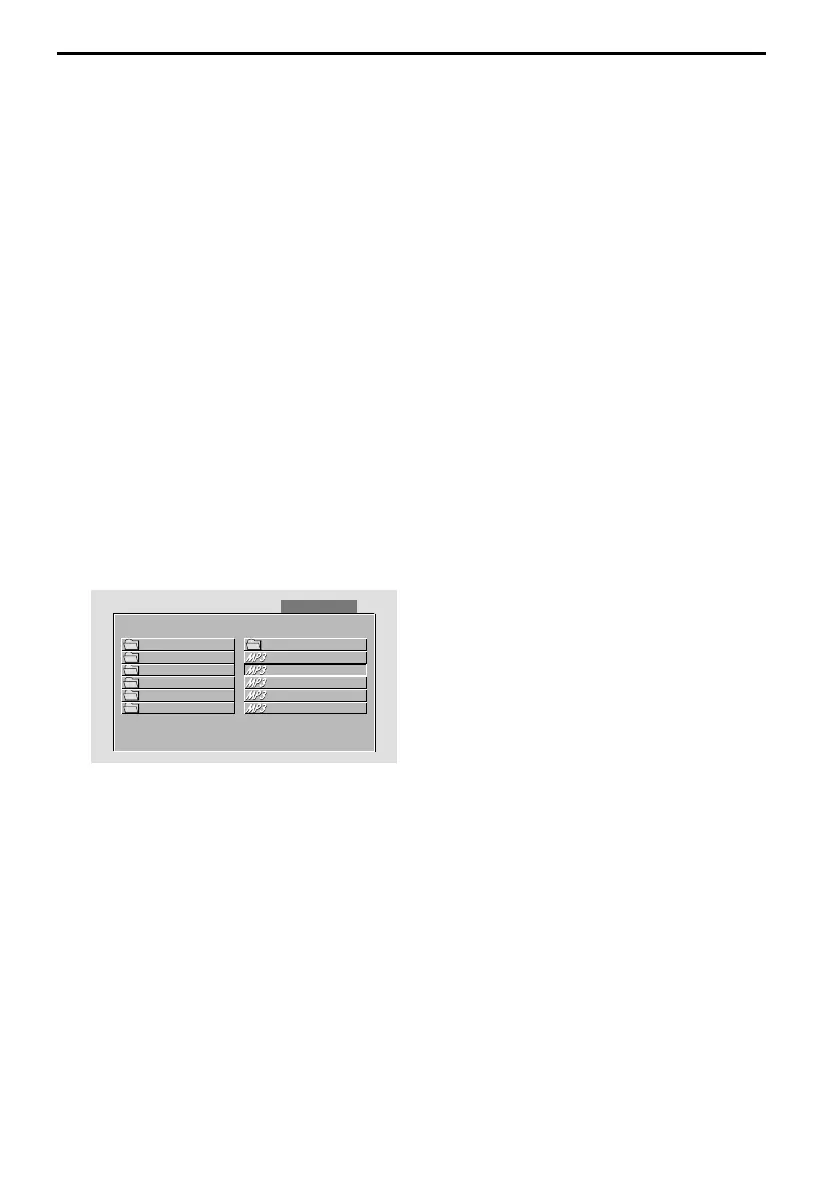
In this mode the display shows all MP3
folders of the disc on the left and the file
names of the folder currently opened on
the right.
☞
Use the < and > buttons to select
between left and right column.
☞
Use the 8 and 2 buttons to select the
desired item or folder.
☞
Press the ENTER or P button to playback
the selected item.
:
The screen shows:
Notes:
The SMART NAV option has to set to “WITH
MENU”.
The FOLDER can only be selected in STOP
mode.
During playback, the screen will display the
MP3-ID3 tags instead of the REPEAT mode.
■
WITHOUT MENU
If the SMART NAV option is set to “NO
MENU” the display only shows the file
number and the elapsed playback time of
the current file.
Note:
The folder cannot be selected in this mode.
REPEAT
☞
Press the REPEAT button once or more
than once to select one of the following
repeat modes:
❏
REP-ONE: Repeat the current MP3 file.
❏
FOLDER REPEAT: Repeat all MP3 files in
the current directory in sequence.
❏
NO REPEAT: Play all songs in the current
directory once.
NEXT / PREVIOUS files
During playback:
☞
Press the 8 button to select the next
file.
☞
Press the 2 button to select the previous
file.
FAST FORWARD / REVERSE
☞
Press the REW < or > FFW button
during playback.
Each time the button is pressed, the
speed of fast forward / reverse changes
as follows:
Normal playback –> 2× –> 4× –> 6× –> 8×
ADVANCED OPERATION
24
00 : 02 : 58
SMART NAVI
ROOT
ROOT
0
0..
ACID - JAZZACID - JAZZ 112PAC - Cali2PAC - Cali
CHILL OUTCHILL OUT 22ANASTACIA -ANASTACIA -
INDEPENDANTINDEPENDANT
33BABYLON ZOOBABYLON ZOO
LATINLATIN
44BRANDY MONIBRANDY MONI
POPPOP
55CULTURE BEACULTURE BEA



 To Next Page