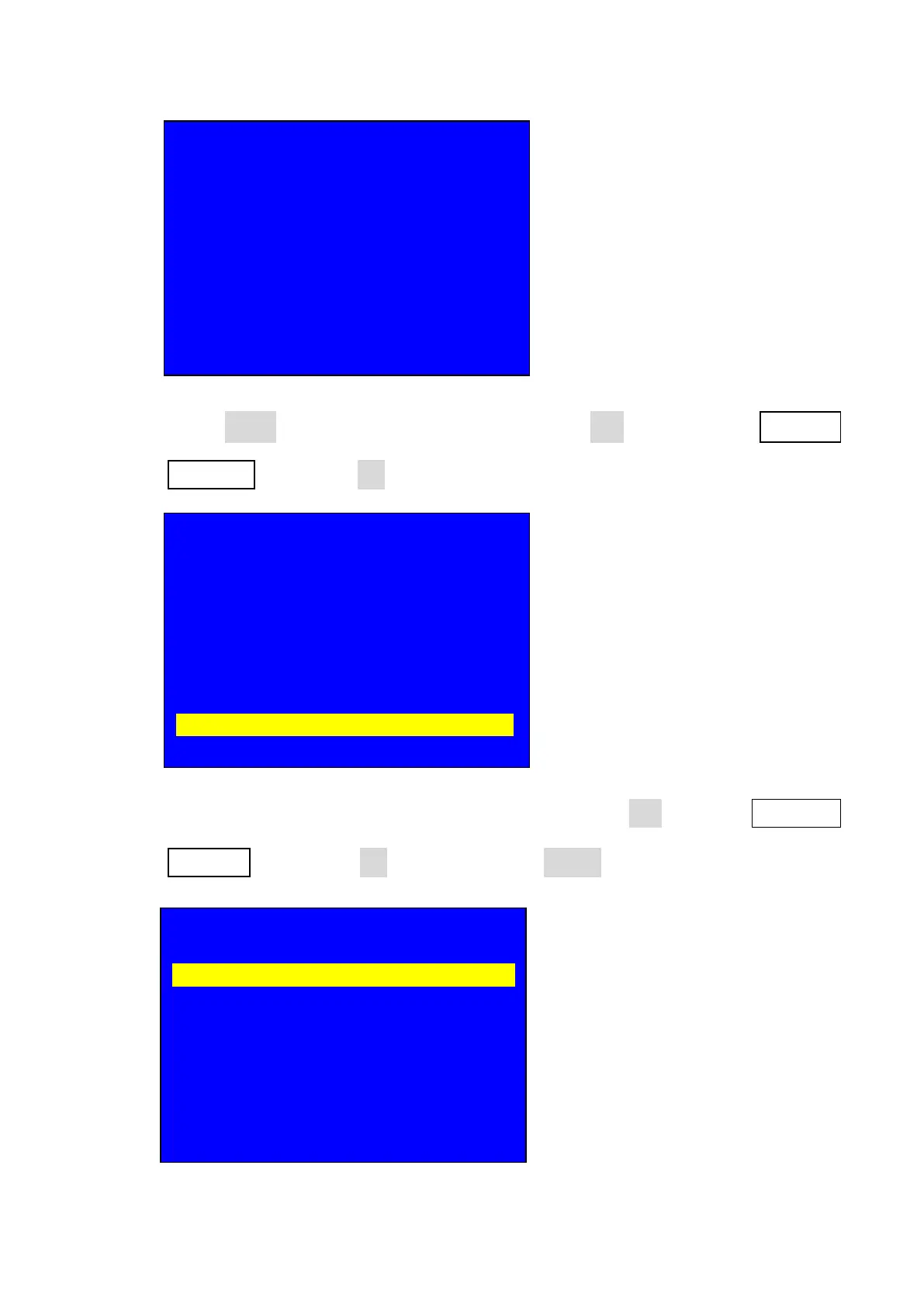
11.2. Press Setup key to enter setup menu, press Brt- key to select 7. 语言/
Language then press OK to enter language configuration menu;
11.3. After entering language configuration menu, rotate OK to select English or
Chinese then press OK to confirm, press return key to exit setup menu;
输入: HDMI
输入状态: 1080p
--------------------------------------------------------------------
输出画面尺寸: 1920 x 1080
输出起始坐标: ( 0, 0 )
--------------------------------------------------------------------
切换方式: 一键直接切换
切换时间: 0 秒
设置
--------------------------------------------------------------------
1. 输出图像 >>
2. 输入视频信号 >>
3. 字幕叠加 >>
4. 图像画质 >>
5. 音频 >>
6. 通信 >>
7. 语言主/ Language >>
8. 高级 >>
7. 语言/ Language
--------------------------------------------------------------------
7.1. 语言主/ Language English ?



 To Next Page