EasyManua.ls Logo

Vdwall LedSync820C - User Manual

Vdwall LedSync820C
17 pages
Print Icon
To Next Page IconTo Next Page
Loading...
LedSync820C
LED Video Processor
Vegas LED Screens
www.vegasledscreens.com
USERS MANUAL

Questions and Answers

  • E
    Emily BrownJul 31, 2025
    What to do if the Vdwall LedSync820C screen is dark with no image?
    • R
      Rebecca LambAug 1, 2025
      If you're experiencing a dark screen with no image on your LED display when using the Vdwall Media Converter, start by checking the input source of your LedSync820C for any abnormalities. If the input source is abnormal, the indicator will keep blinking. If the input source is normal but the screen is dark in FULL mode, press the “PART“ button on the front panel of LedSync820C. If the current input source is DVI, first, check the DVI connection cable and actuate DVI output of PC graphic display card.
  • J
    Jennifer BakerAug 16, 2025
    How to troubleshoot image issues on the Vdwall Media Converter LED display?
    • H
      hogancodyAug 16, 2025
      To troubleshoot image issues on your Vdwall Media Converter LED display, connect a VGA monitor to the VGA OUT of LedSync820C to check for images. If images appear on the VGA monitor but not on the LED, inspect the DVI connection between the DVI output of LedSync820C and the DVI input of the LED transmission card. Also, check each section of the Ethernet cable connection between the LED transmission card and the LED screen. Consider using a high-quality Ethernet cable and RJ45 connector to shorten the Ethernet cable. Note that hot swapping the DVI cable may result in burning of DVI drive or receiving chips. If there are no images on the VGA monitor, please have supplier repair it.

Summary

Safety Precautions

Danger!

High voltage warning for device maintenance.

Warning!

Precautions regarding water, fire, ventilation, and unusual operations.

Caution!

General usage advice, unplugging, technician operation, and handling.

Connections of Hardware

Rear View

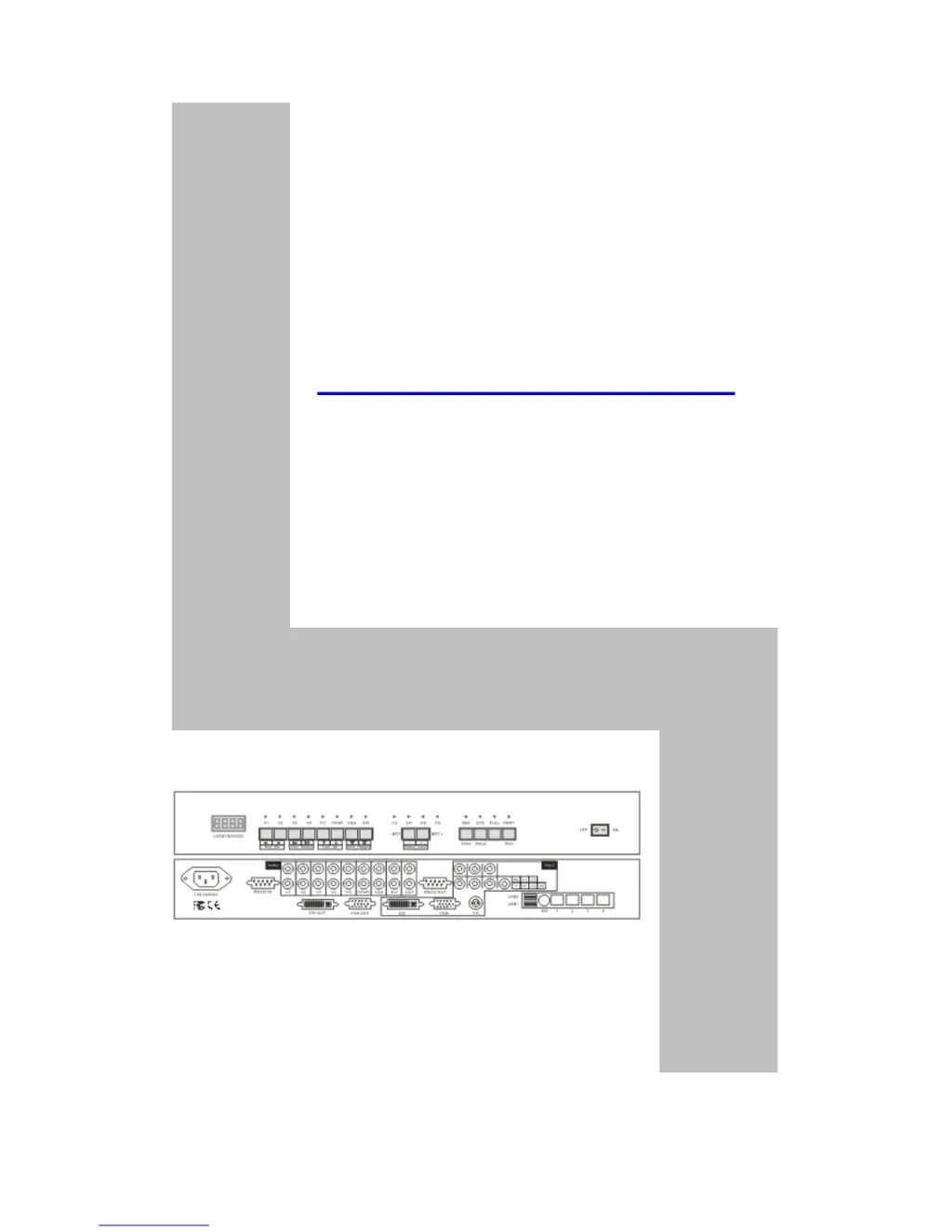
Visual depiction of the rear panel connectors and ports.

Port Description

Detailed explanation of each input and output port on the device.

Connectivity Diagram of Hardware

Visual representation of hardware connections for the LedSync820C.

Frontal Panel Operations

Diagram of Frontal Panel

Illustration of the LedSync820C's front panel layout.

Button Operations

Explains the function of each button on the front panel, including input selection, brightness, status, and display modes.

Software Control

Details on using the Timing Control software for managing the device.

Setup of Output Image

LedSync820 C Output Image

Defines the resolution and output area parameters for the device's video output.

Setup of LedSync820 C Output Image

Step-by-step guide to configuring output image parameters like position, size, and color.

Troubleshooting

Dark Screen, No Image on LED

Troubleshooting steps for scenarios where the LED screen shows no image.

Timing Control Software Troubleshooting

Explains troubleshooting steps for issues with the Timing Control software.

Ethernet Connection Troubleshooting

Troubleshoots image display issues related to Ethernet cable connections and the RJ45 Bridge Module.

Specifications

Vdwall LedSync820C Specifications

General IconGeneral
BrandVdwall
ModelLedSync820C
CategoryMedia Converter
LanguageEnglish

Related product manuals