correct location you can press the button to adjust the video location and let it in
correct location);
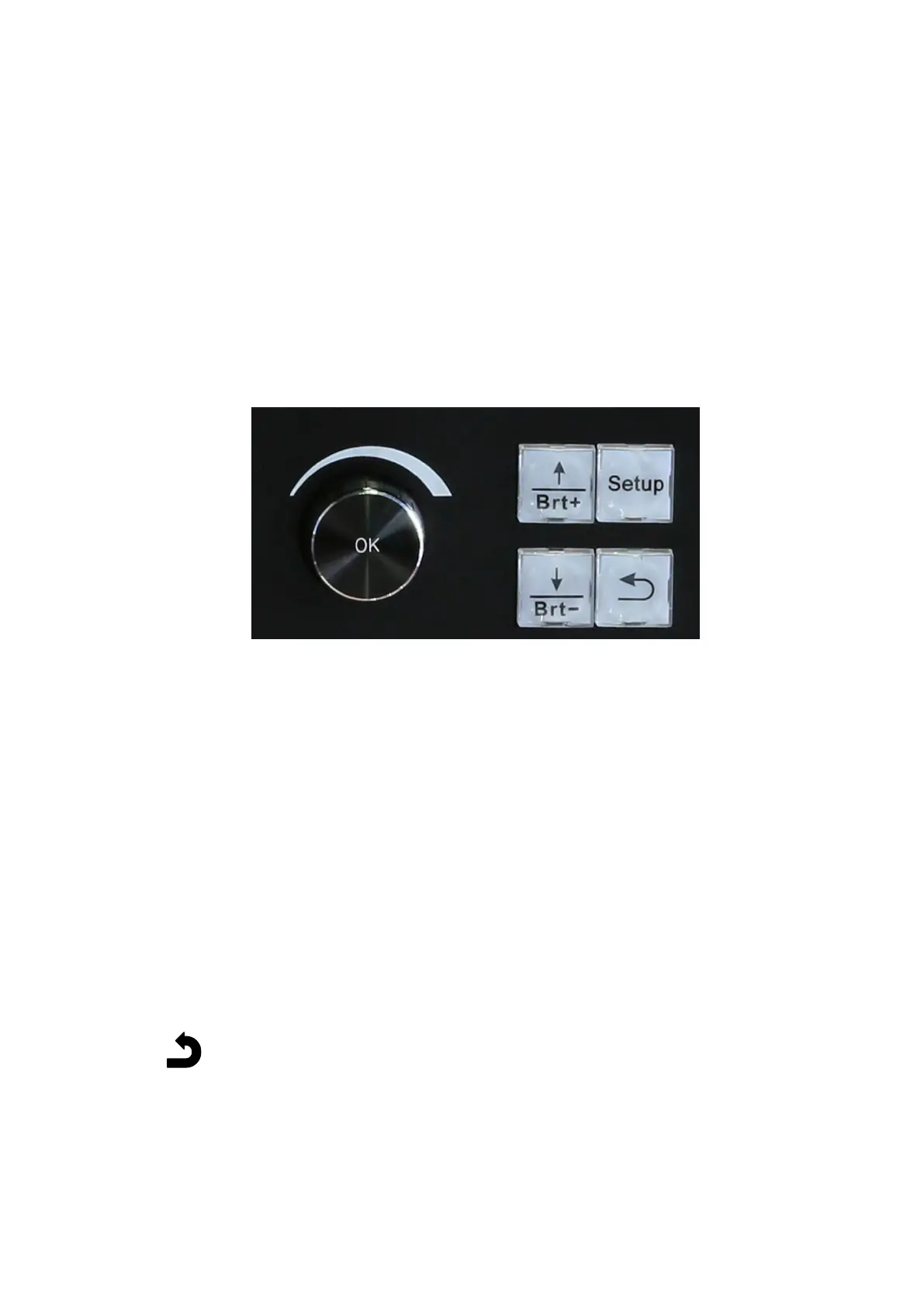
2. User setup configuration keys
2.1. Setup: press the key to enter user setup menu;
2.2. Brt+: after entering user setup menu, press the key to select next one setup
option (when exit user setup menu press the key to increase brightness);
2.3. Brt-: after entering user setup menu, press the key to select last one setup
option (when exit user setup menu press the key to decrease brightness);
2.4. OK: when configure parameter value rotate OK to change parameters, after
changing parameters press OK to save parameters;
2.5. After entering user setup menu press the key to return;



 To Next Page