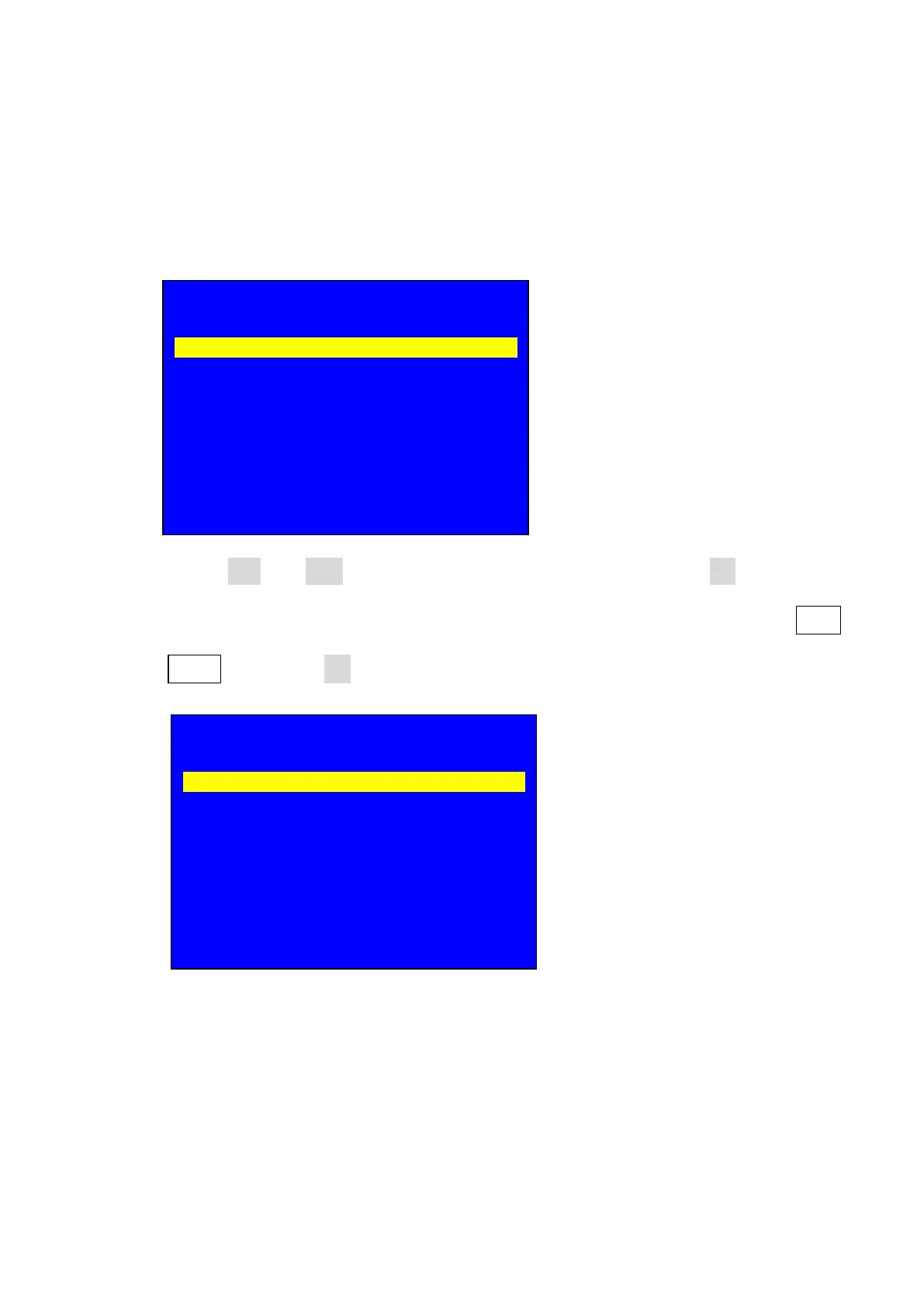
custom resolution menu, ( because the resolution 2578 x 624 our processor
doesn’t have so we need to custom it, specification about custom output
resolution please refer 13. User defined output resolution);
24.3. press Brt- or Brt+ key to select setup option , rotate OK to change
parameters, after configuring custom resolution parameters select 1.1.4
Apply then press OK to save parameters;
24.4. the sending card you use must support the resolution of 2578 x 624, if not
please use video wall processor or use the sending card support the
resolution;
6. Output Image
--------------------------------------------------------------------
1.2 Resolution Custom 1920 x 1080_60
1.2 Out Width 1920
1.3 Out Height 1080
1.4 Out H_Start 0
1.5 Out V_Start 0
1.6 Test Pattern Off
1.1 Custom Resolution
--------------------------------------------------------------------
1.1.1 Cus. Width 2578
1.1.2 Cus. Height 624
1.1.3 Cus. V freq. 60
1.1.4 Apply OK To Apply



 To Next Page