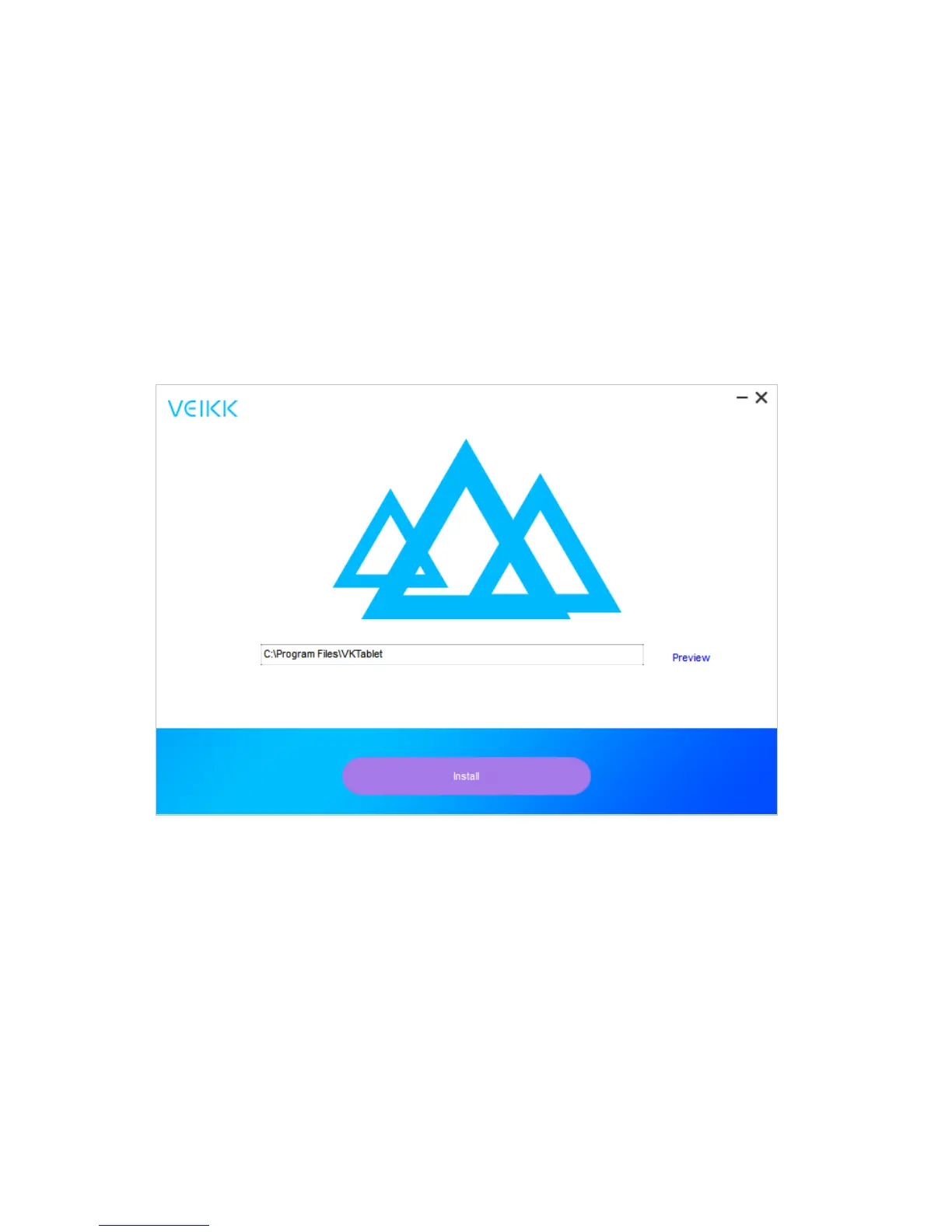
1.5 Installation on Windows
1. Before installing driver, please uninstall all tablet drivers from your computer, and keep all
antivirus program closed
2. Connect the tablet to your computer before installation
3. Please download updated driver from www.veikk.com
4. Unzip downloaded file to desktop, open the new unzipped folder
5. Click VK TabletDriver.exe and follow onscreen instructions
3


 To Next Page