BLUETOOTH OPERATION
RECONNECTION
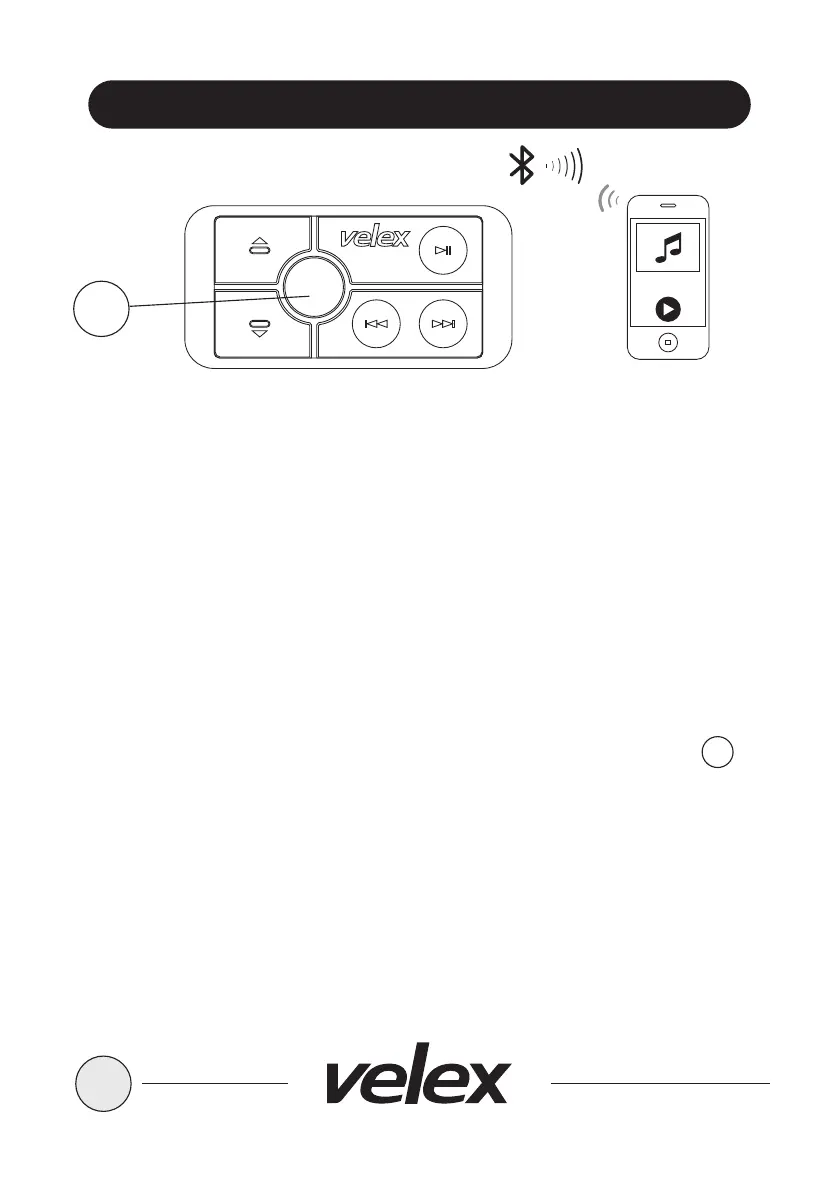
1. Power on the VX505 and your last paired Bluetooth Device;
2. The unit will now automatically reconnect;
3. If your device was previous paired with VX505, but it wasn't the last paired
device:
a.Ensure no other devices are currently paired
b.Enter the Bluetooth Menu on your device being paired
c.VX505 will display under AVAILABLE DEVICES
d.Choose the VX505 to reconnect
4. If the device is out of range from VX505, it will disconnect automatically:
a.To reconnect once device is back in range, press the Power
button once
b.The VX505 will now reconnect to the device, a confirmation tone will
be heard from the speakers.
8
SRC
2
2


 To Next Page