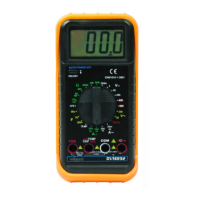
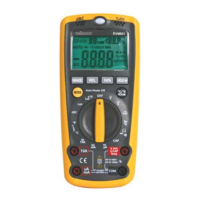
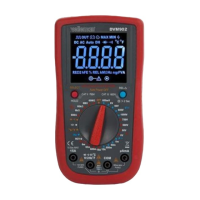
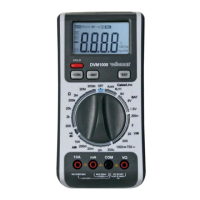
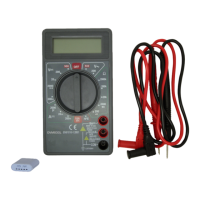
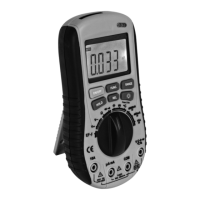
DVM2000 VELLEMAN
5
1
µnF
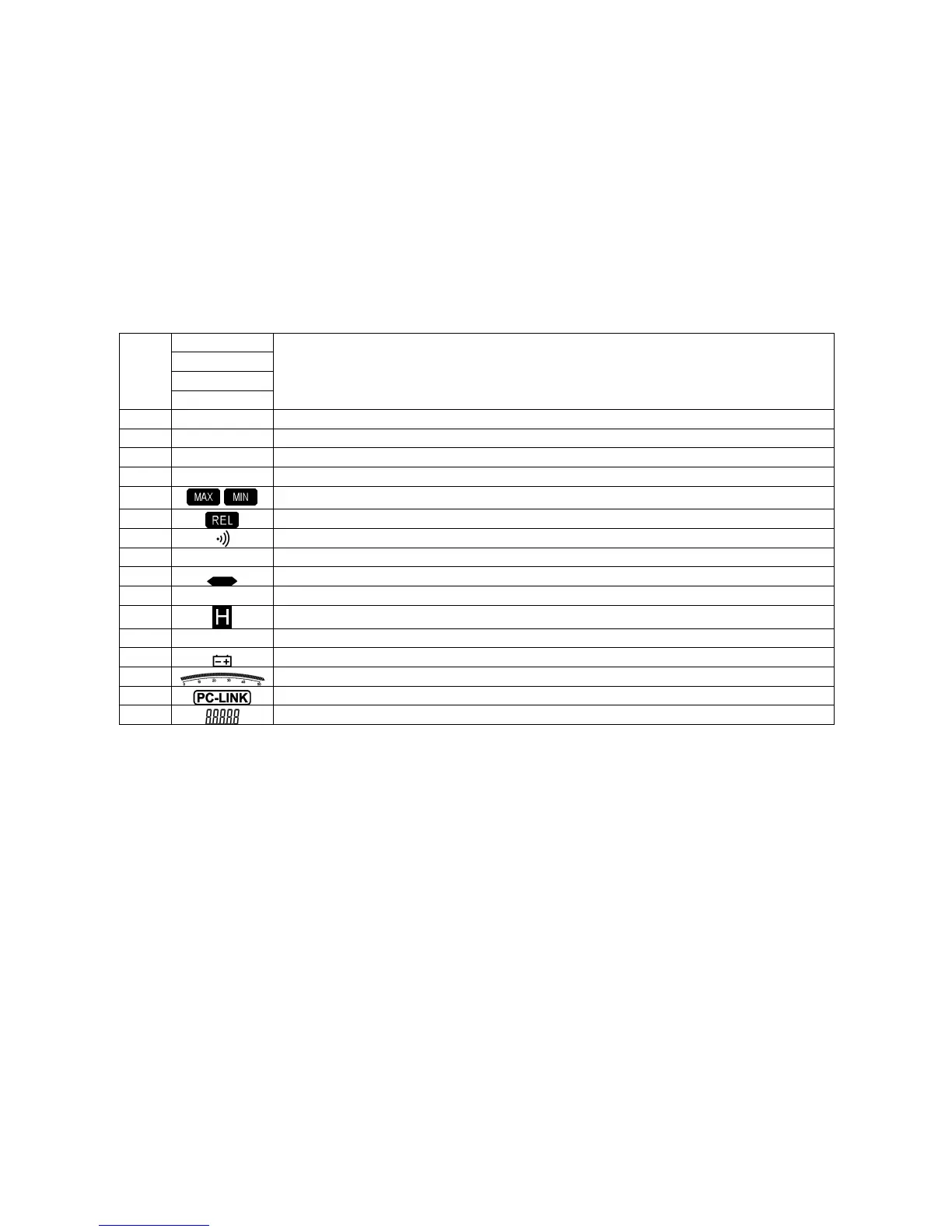
Measurement units.
mµA
dBmV
MKΩHz
2 Л% Duty cycle measurement.
3 AUTO Automatic range selection.
4 MANUAL Manual range selection.
5 51000 Range indication.
6
-
Maximum/minimum value display.
7
Relative measurement mode.
8
Continuity measurement.
9 AC AC measurement mode.
10
Negative value.
11 DC DC measurement mode.
12
Data-hold function.
13 Please wait… Waiting mode.
14
Low battery.
15
Analogue bar indication.
16
Multimeter is linked to a PC via USB.
17
Displayed value.
4. Operation
• Backlight
Press LIGHT to switch the backlight on or off. The backlight will automatically go out after 30 seconds. Remember that using the backlight will drain
the batteries faster.


 To Next Page