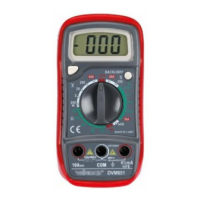
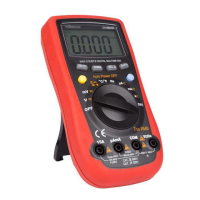
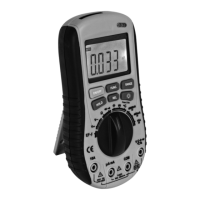
DVM2000 VELLEMAN
7
o Select the ACV or dBm measurement mode by pressing SELECT.
o Connect the measuring probes to the circuit.
o Read the measured value. Select a higher range by pressing RANGE when ol is displayed.
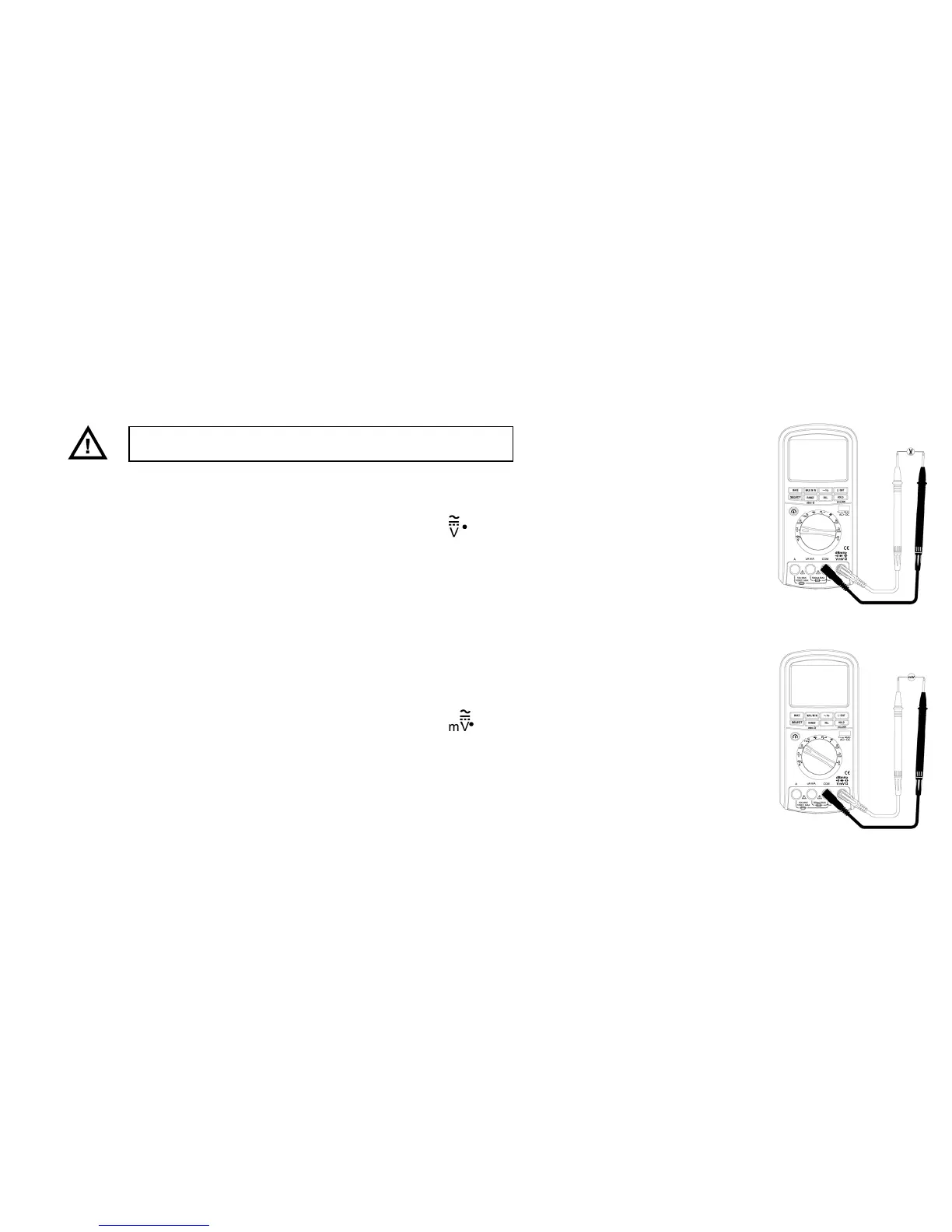
• DCV/DCV + ACV Measurements
Voltage ranges: 0.5VAC~1000VAC
o Switch on your multimeter and set to rotary selector switch to
.
o Insert the red and the black measuring probes in the V/Ω/Hz and the COM terminals respectively.
o Select the DCV or DCV + ACV measurement mode by pressing SELECT.
o Connect the measuring probes to the circuit.
o Read the measured value. Select a higher range by pressing RANGE when ol is displayed.
• DC mV/AC mV/DC mV + AC mV Measurements
Voltage ranges: 1µV~500mV
o Switch on your multimeter and set to rotary selector switch to
.
o Insert the red and the black measuring probes in the V/Ω/Hz and the COM terminals respectively.
o Select the DC mV, AC mV or DC mV + AC mV measurement mode by pressing SELECT.
o Connect the measuring probes to the circuit.
o Read the measured value. Select a higher range by pressing RANGE when ol is displayed.
Do not measure voltages exceeding 1000V.


 To Next Page