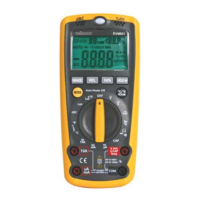
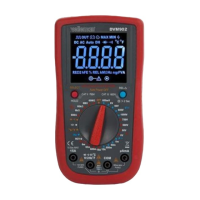
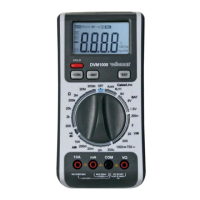
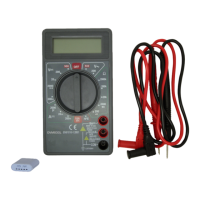
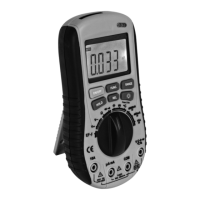
DVM2000 VELLEMAN
8
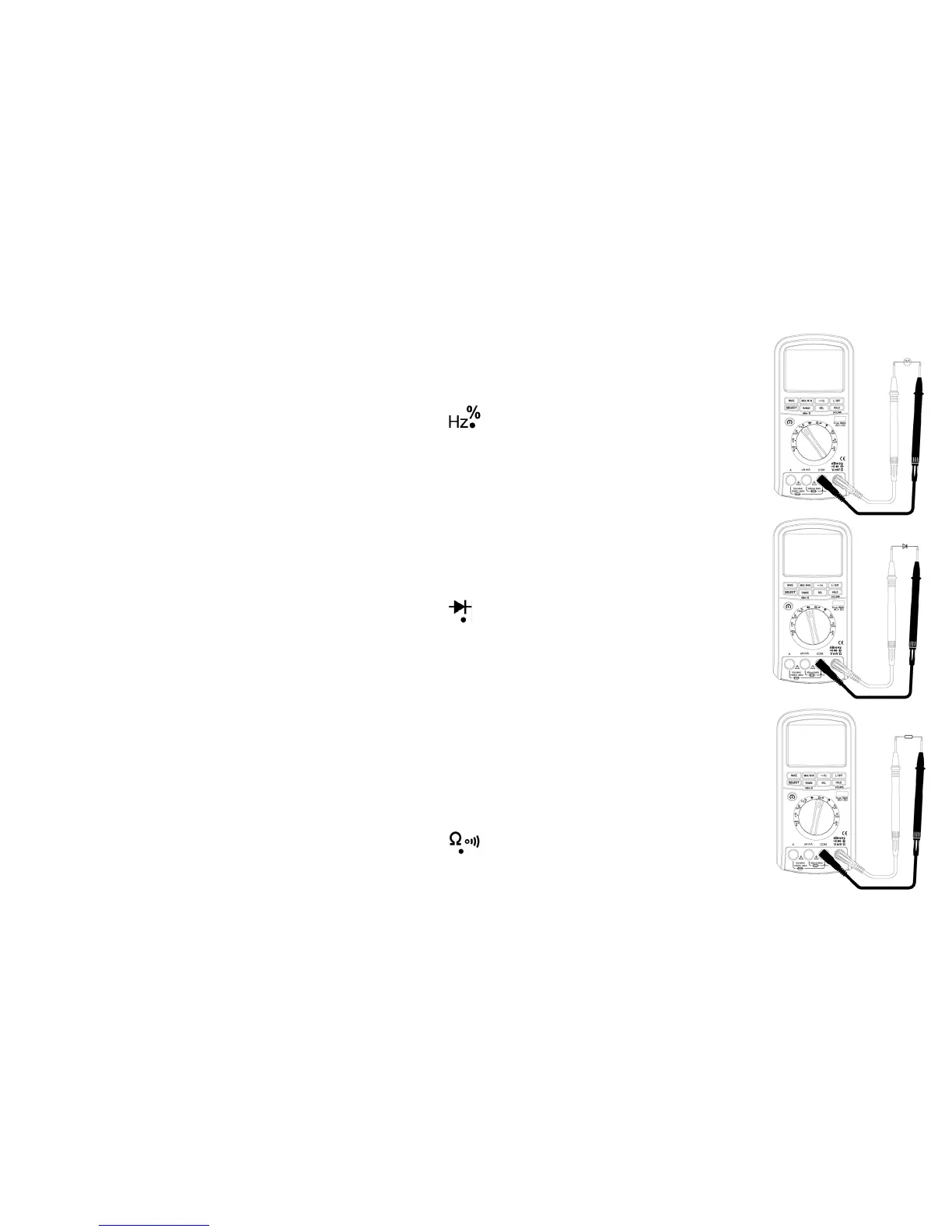
• Logic Frequency/Duty Cycle Measurements
Frequency ranges: 5Kz~2MHz (Vp 2.5V~5V), duty cycle ranges: 5~95%
o Switch on your multimeter and set to rotary selector switch to
.
o Insert the red and the black measuring probes in the V/Ω/Hz and the COM terminals respectively.
o Select the Hz or % measurement mode by pressing SELECT.
o Connect the measuring probes to the circuit.
o Read the measured value. A value too low will be displayed as 0.
• Diode Measurements
Diode ranges: 0V~2.5V
o Switch on your multimeter and set to rotary selector switch to
.
o Insert the red and the black measuring probes in the V/Ω/Hz and the COM terminals respectively.
o Connect the red measuring probe to the positive pole and the black probe to the negative pole of the diode. The
LCD will display the forward voltage drop.
o Connect the black measuring probe to the positive pole and the red probe to the negative pole of the diode. The
backward resistance of the diode is normal when OL is displayed.
o Remember to turn off the circuit before measuring diodes integrated in that circuit.
• Resistance/Continuity Measurements
Resistance ranges: 0.01Ω~50MΩ
o Switch on your multimeter and set to rotary selector switch to
.
o Insert the red and the black measuring probes in the V/Ω/Hz and the COM terminals respectively.


 To Next Page