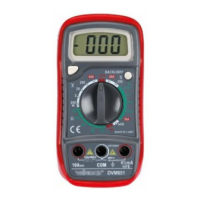
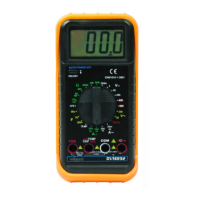
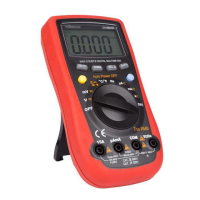
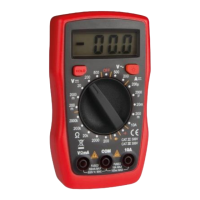
Use extreme caution when measuring voltages higher than 60 VDC
or 30 VAC rms.
Always place your fingers behind the protective edges of the test
probes while measuring!
10.1 DC VOLTAGE MEASUREMENT
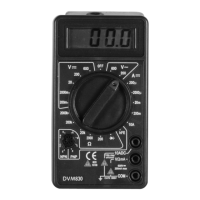
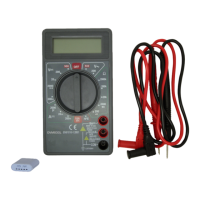
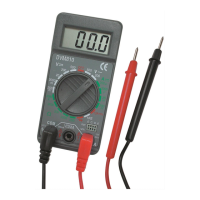
1. Connect the red test lead to the "VmA" jack and the black lead to the
"COM" jack.
2. Set the rotary switch in the desired V position. If the voltage to be
measured is unknown beforehand, you should set the range switch in
the highest range position and then reduce gradually until the ideal
resolution is obtained.
3. Connect the test leads to the source being measured.
4. Read the voltage value on the LCD display along with the polarity of
the red lead connection.
10.2 AC VOLTAGE MEASUREMENT
1. Connect the red test lead to the "VmA" jack and the black test lead to
the "COM" jack.
2. Set the rotary switch in the appropriate V~ position.
3. Connect the test leads to the source to be measured.
4. Read the voltage value on the LCD display.
11. DC Current Measurement
1. Connect the red test lead to the "VmA" jack and the black test lead to
the "COM" jack (switch the red lead to the "10A" jack for
measurements between 200 mA and 10 A).
2. Set the rotary switch (DCA) in the desired position.


 To Next Page