DVM8855
02/03/2009 © 2008 Velleman Components nv
6
7. Software installation and use
Driver installation
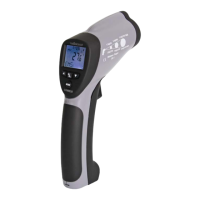
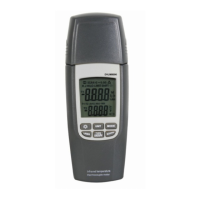
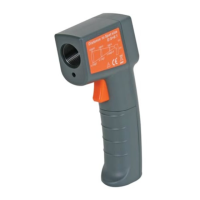
• Plug the USB connector of the receiver into a free powered USB port of a PC. The system should
recognize the new hardware automatically: CP2102 USB to UART Bridge Controller.
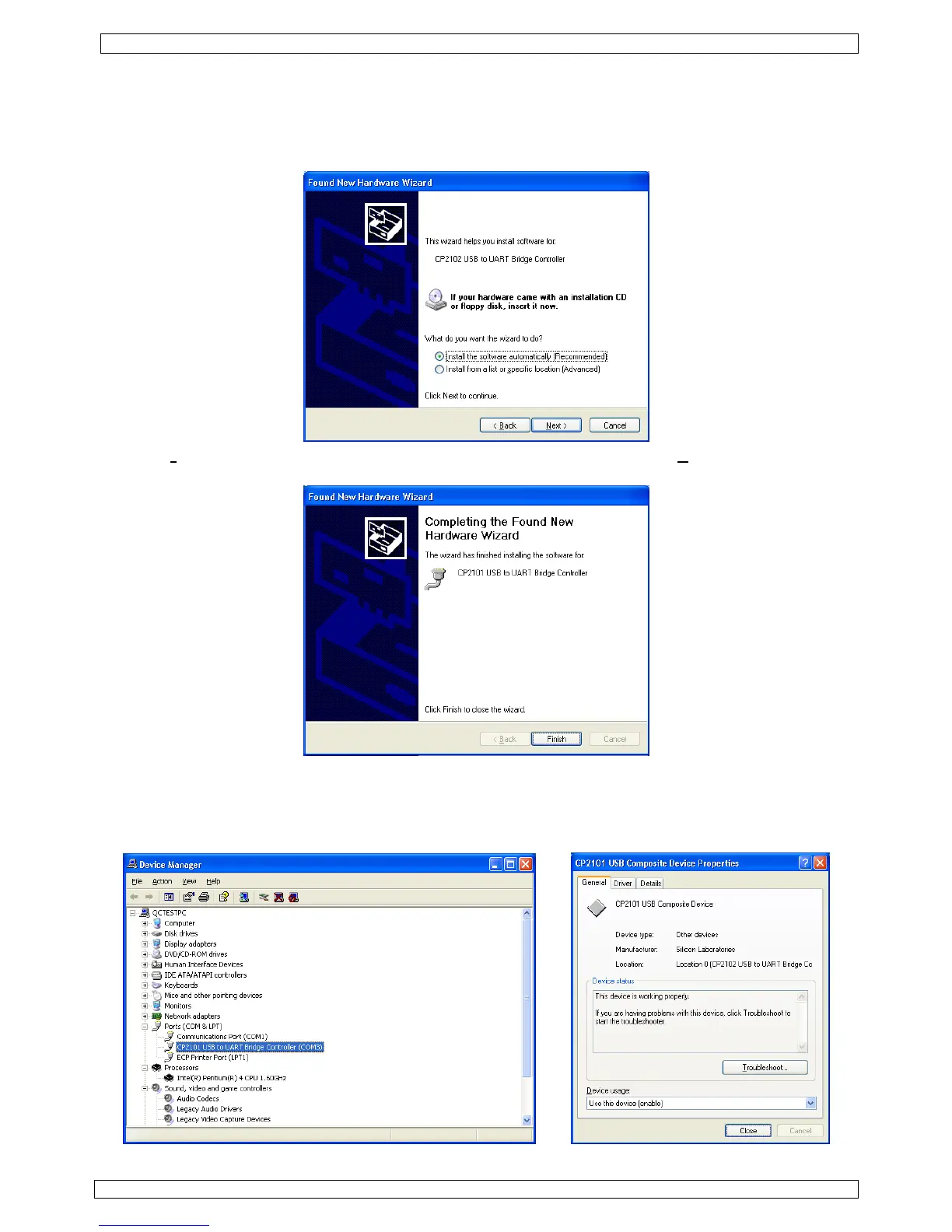
• The ‘Found New Hardware Wizard’ pops up:
• Select ‘I
nstall the software automatically (Recommended)’ option and click ‘Next >’.
• The ‘Completing the Found New Hardware Wizard’ window pops up. Click on ‘Finish’.
• Verify the driver installation in the Device manager. Go to ‘My computer’ – ‘System information’ –
tab ‘Hardware’ and click on ‘Device Manager’. Look for ‘CP2102 USB to UART Bridge Controller’
under section ‘Ports (COM & LPT)’. A COM-port was assigned to this bridge controller; it is
mentioned between brackets at the end of the line. Remember this number as it is needed to
configure the software. Double click (left) on the device name to see more details.


 To Next Page