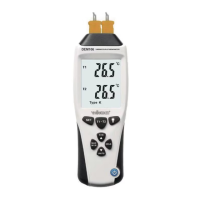
DVM8855
02/03/2009 © 2008 Velleman Components nv
8
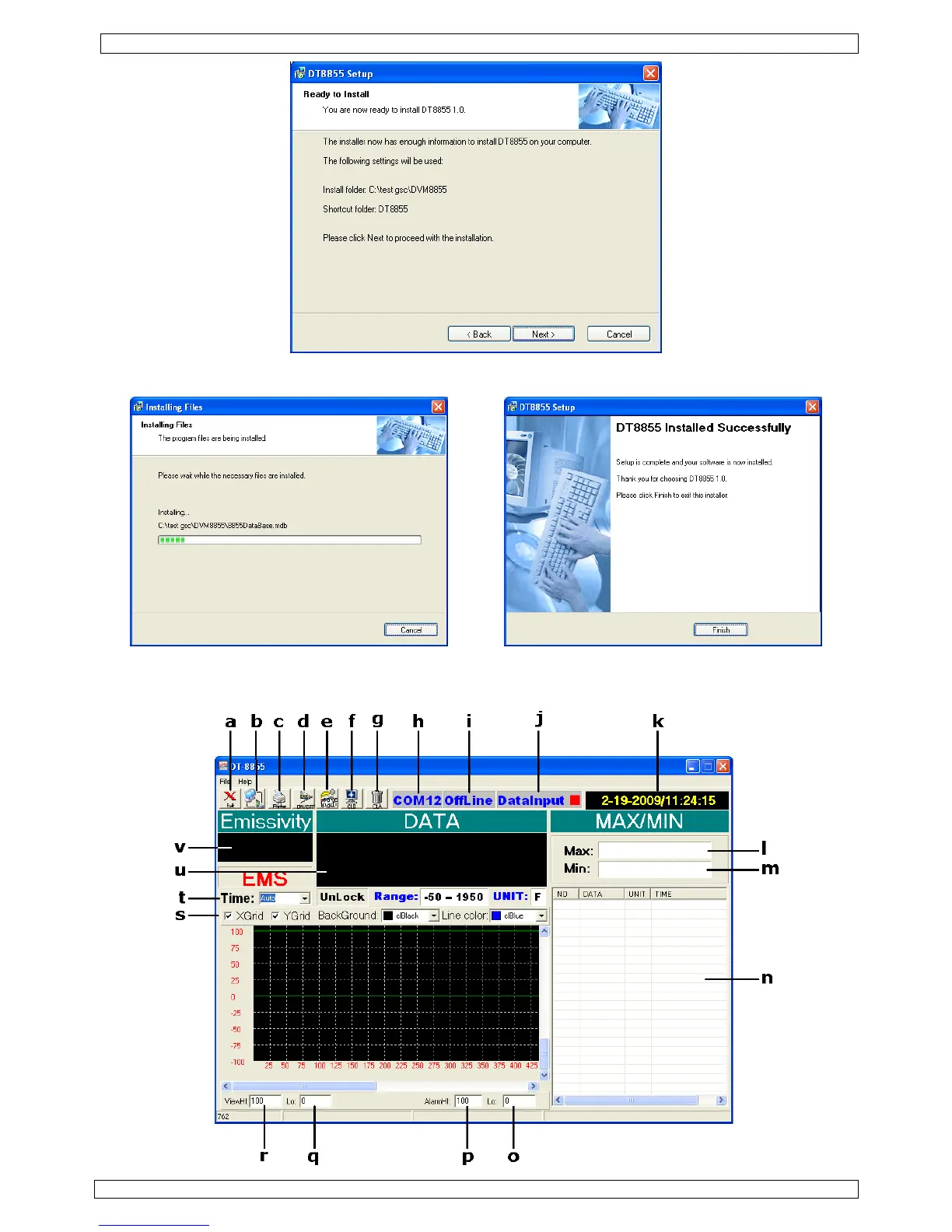
• An installation progress screen is shown, followed by the ‘DT8855 Installed Successfully’ screen.
Click ‘Finish’ to finalize the software installation.
Software description
• Locate the file ‘DT-8855.exe’ in the folder where the software was installed and double click (left)
on it. The application opens.


 To Next Page