Programming Procedure
7
K8048 © 2003 Velleman Components
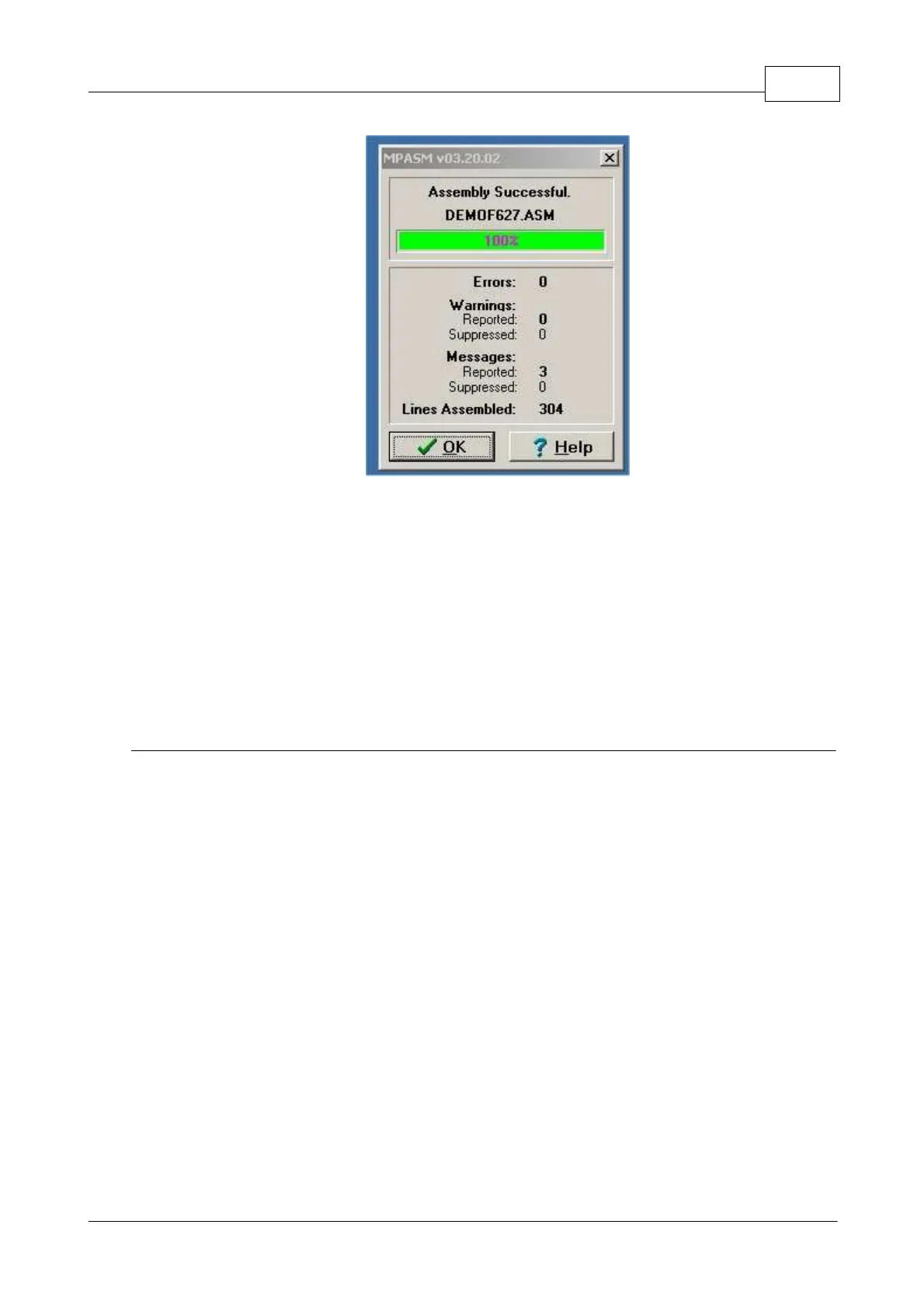
The assembler will now generate the following files:
Error file, contains all errors and/or all warnings MPASM assembler has located
This is the actual machine code file to be used by the programming software for
the programming of the controller).
Listing file, contains your source code and the additional remarks generated by
Code file, is only used by the MPLAB programming environment and NOT by the
6.3 Actual programming of the microcontroller
Connect your K8048 with your computer via a free serial port.
The IRQ line of this erial port (IRQ 3 or 4) must not be used by another device e.g. internal
Connect the suitable power adapter and verify whether LD7 lights up ("Power LED").
Start the 'PROGPIC2, PIC programmer' program (in the folder C:\Velleman\K8048\).
Click on 'FILE' -> 'OPEN' and select the compiled program (Hex 8M-file) you want to program.



 To Next Page