WT3116 VELLEMAN
3. Setting up the Scoreboard
• Supply power to the board by connecting the PSU with the power input (see fig. 1). Plug the PSU into the
mains.
• Turn on the scoreboard with the ON/OFF switch. It takes a few moments for the board to initialize. The display
will show the last memorized data.
4. Operation
A. TIMER & SCORER (basketball, handball, karate, wrestling)
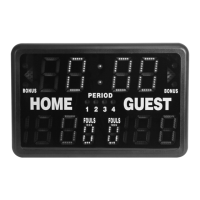
This game mode displays the remaining game time and the score.
Upper display: game time (max. 99:59)
Lower display: score (max. 199)
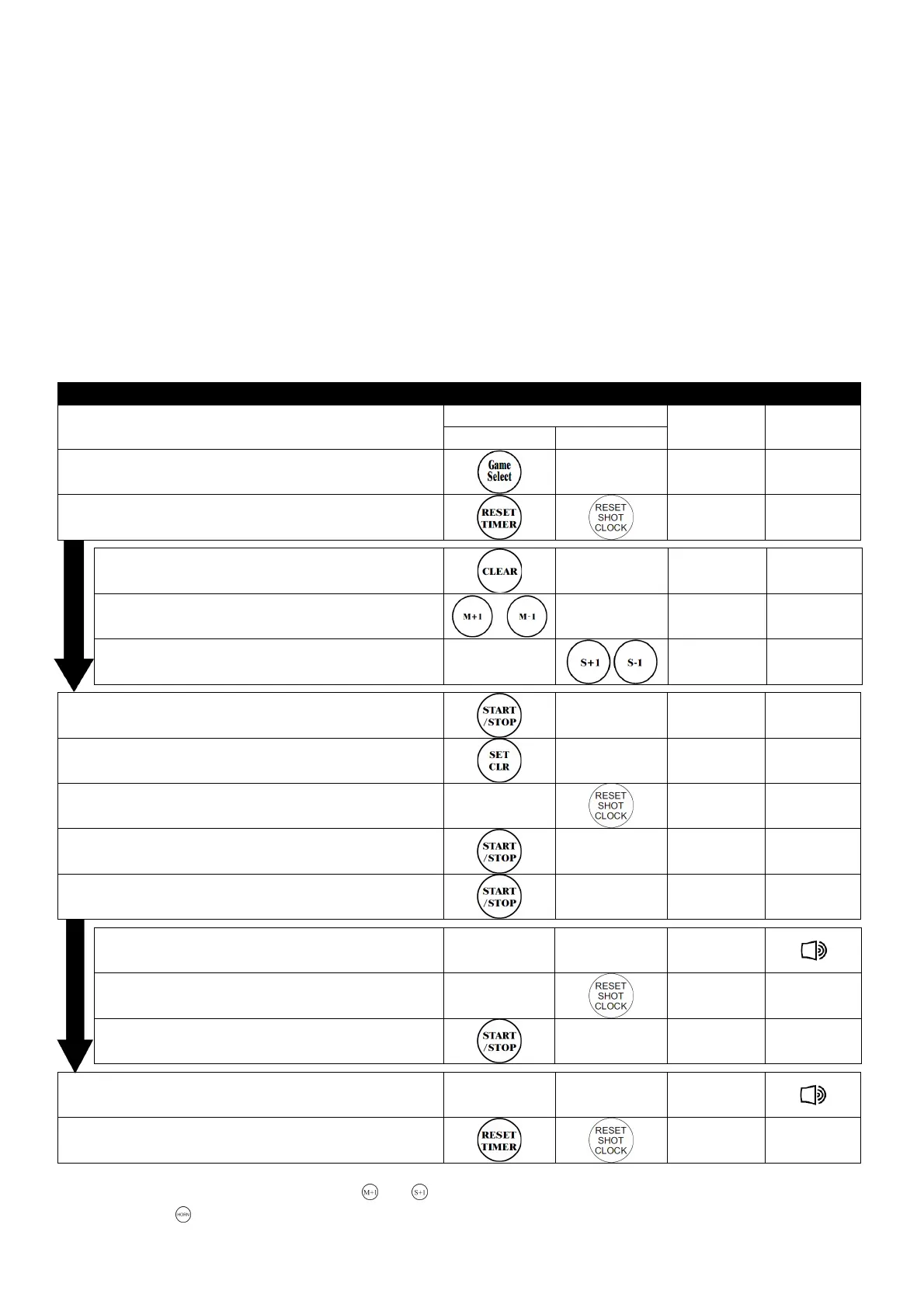
Countdown Game Timer
Key
Operation
Timer Shot Clock
Display Buzzer
1. Select game
0:00
0:000:00
0:00
0 0
0 00 0
0 0
2. Recall last memory
20:00
20:0020:00
20:00
0 0
0 00 0
0 0
3. Erase previous settings
0:00
0:000:00
0:00
0 0
0 00 0
0 0
4. Set game time (e.g. 20 min)
20:00
20:0020:00
20:00
0 0
0 00 0
0 0
5. Set shot clock
20:00
20:0020:00
20:00
0 0
0 00 0
0 0
6. Shot clock time is memorized
19
1919
19:
::
:59
5959
59
0 0
0 00 0
0 0
7. Set period
1
11
1234
234234
234
●●●●
8. Shot hits rim
19
1919
19:
::
:58
5858
58
0 0
0 00 0
0 0
9. Game interrupted
19
1919
19:
::
:50
5050
50
0 0
0 00 0
0 0
10. Restart game & shot clock starts
19
1919
19:
::
:49
4949
49
0 0
0 00 0
0 0
10.1. 30 seconds expire
19:28
19:2819:28
19:28
0 0
0 00 0
0 0
10.2. Reset to 30 seconds
19:28
19:2819:28
19:28
0 0
0 00 0
0 0
10.3. Restart game
19:27
19:2719:27
19:27
0 0
0 00 0
0 0
11. Game time expires
0:00
0:000:00
0:00
0 0
0 00 0
0 0
12. Reset game time
2
22
20:00
0:000:00
0:00
0 0
0 00 0
0 0
• Game timer stopped too late: use and to adjust the difference.
• Press to sound the buzzer.


 To Next Page