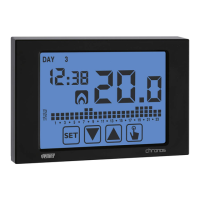
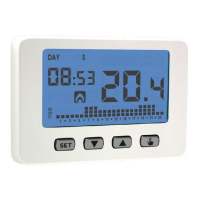
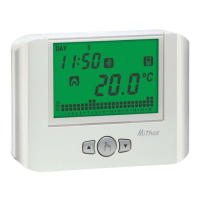
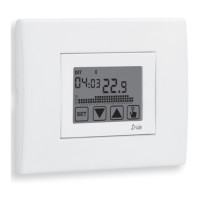
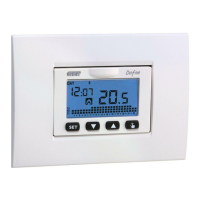
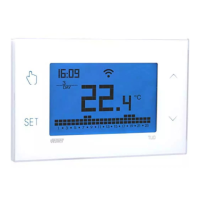
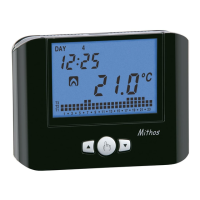
&OHMJTI
- 13 -
CHRONOS Programmable Thermostat User Manual
to Friday and P2 on Saturday and on Sunday (the programs profile is described at the
end of this manual on page 34-35).
If this programming doesn’t satisfy the user needs it’ s possible to change it.
To modify the programming:
1. From the normal operation display, press for a long time the key
until the
symbol
starts flashing on field
2. Press for a short time the key
until the symbol flashes and press the key
to access the parameters modification.
3. The programs page is displayed:
UIFGJSTUEBZPGUIFXFFL%":GMBTIJOH
the current program (for example P1) of the
current operating mode (
o ) and the
corresponding profile of the program.
3.1. If the set program is good, move to the
OFYUEBZXJUIUIFLFZT
and .
3.2. If the set program is not good, press
the key
.
The set program flashes: choose a
different program among the 7 available
programs pressing the keys
and .
3.2.1. If no program exactly satisfies the
user’s needs, choose any program
XIJDICFTUNFFUUIFNBOE
press the key
to access the
modification of the program profile.
On field 00:00BQQFBSTXIJMF
on field flashes the temperature
level (T1, T2 o T3) set for that
specific time (00:00).


 To Next Page
 Loading...