EasyManua.ls Logo

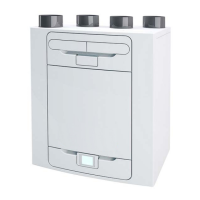
Vent-Axia Advance SX - User Manual

Vent-Axia Advance SX
64 pages
Print Icon
To Next Page IconTo Next Page
Loading...
Copyright © 2017 Vent-Axia. All rights reserved.
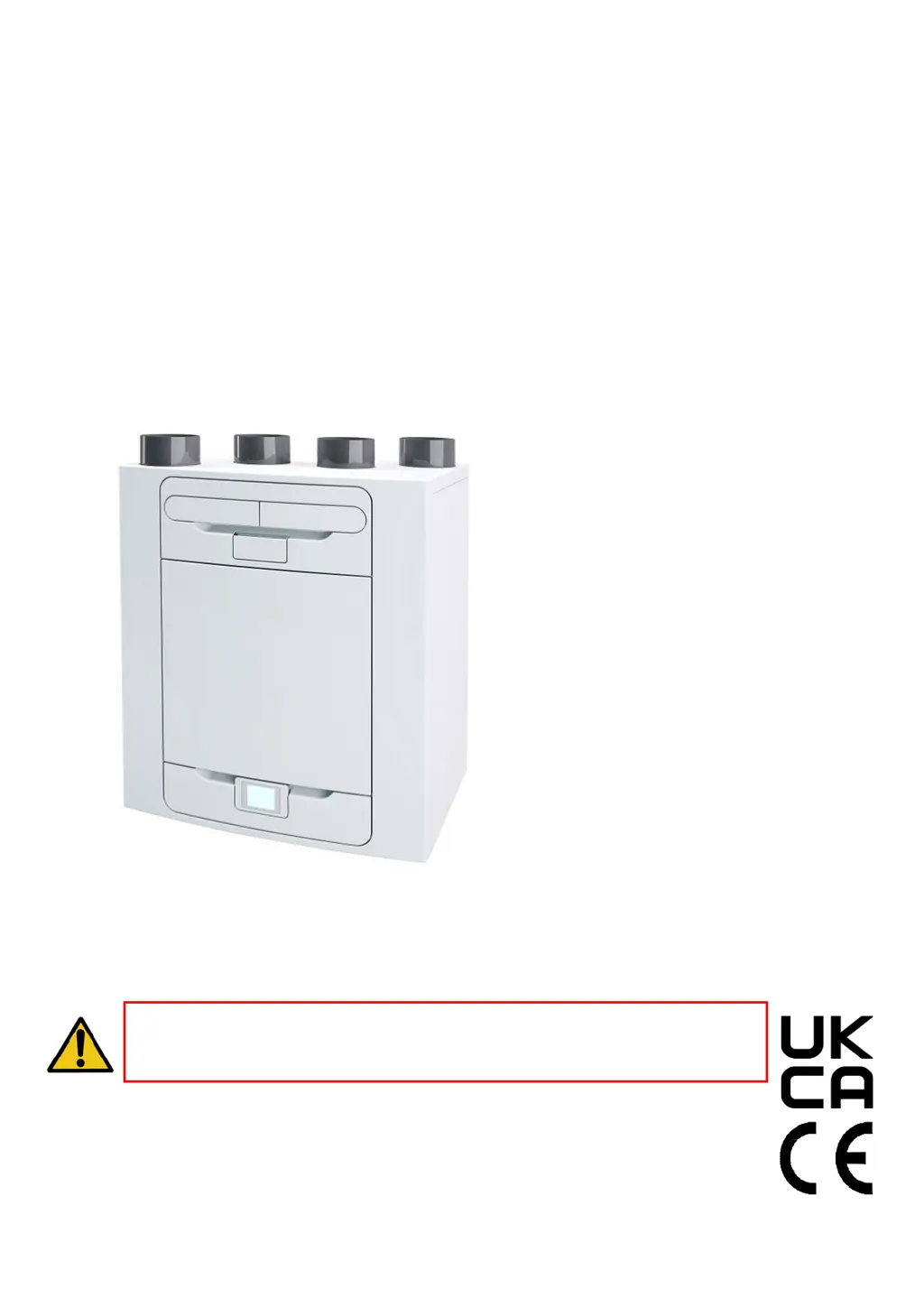
Advance
MVHR
Installation and User Guide
PLEASE REFER TO ACCOMPANYING DOCUMENTATION
FOR INFORMAT
ION SPECIFIC TO YOUR UNIT.
PLEASE
RETAIN THESE INSTRUCTIONS WITH THE
PRODUCT
.
PLEASE READ THESE INSTRUCTIONS CAREFULLY
BEFORE COMMENCING INSTALLATION OR OPERATION.
Stock Ref. N°
405215 Advance S
405216 Advance SX
476
808 Advance Sp LH
476
809 Advance Sp RH

Questions and Answers

Summary

Warnings and Safety Information

UK Building Regulations (Part F) Declaration of Conformance

Declares unit conformance to UK Building Regulations (Part F) for mechanical extract fans.

Operation and Monitoring

Product Description

Explains the function and components of the MVHR unit.

Controlling the Unit

Details methods for controlling the MVHR unit via touch screen and WiFi.

User Controls and Modes

Describes the user menu home screen and user modes (Boost, Low, Purge).

Settings and Performance Indicators

Overview of unit settings and performance indicators like temperature and power consumption.

Time, Filter, Display, and Bypass Settings

Configuration of time, filter reset, display brightness, and summer bypass.

Summer Bypass and Mode Scheduling

Details bypass modes, indoor/outdoor temperature settings, and mode scheduling.

Silent Hours, Service Phone, and Commissioning Menu

Configuration of silent hours, service phone number, and commissioning menu access.

Diagnostics Overview

Information on accessing and interpreting diagnostic data for the unit.

Control Unit Screens Summary

Provides an overview of available screens on the control unit for operation and monitoring.

Maintenance

Filter Maintenance

Instructions for cleaning or replacing the unit's filters.

Periodic Maintenance and Component Checks

Details periodic checks for heat exchanger, motors, condensate drain, and fastenings.

Spare Parts Ordering

List of available spare parts for ordering from Vent-Axia.

Troubleshooting

Diagnosing Problems and Fault Code Interpretation

Guide to troubleshooting unit issues using warning/fault codes and fault symptoms.

Room Too Cold Screen Explanation

Explanation of the "Room Too Cold" screen and its operational status.

Installation

Pre-Installation and Unit Setup Guidance

Covers initial inspection, unit installation advice, service void requirements, and configuration selection.

Wall Mounting Procedure

Step-by-step guide for securely mounting the unit to a wall.

Floor Mounting Procedure

Instructions for mounting the unit directly to the floor, including bracket use.

Alternate Floor Mounting Method

Describes an alternative method for floor mounting using kitchen foot types.

Vertical Condensate Drain Installation

Guidance on installing the condensate drain, including trap types and pipe sizing.

Ducting Attachment and Insulation

Instructions for connecting ducting to the unit, including insulation and compliance.

Electrical Installation and ESD Precautions

Steps for accessing the unit's internal components and circuit boards, with ESD precautions.

Connecting External Switches and Sensors

How to connect external switches and sensors for unit control and good EMC practice.

Terminal Connections Explained

Details the function of each terminal on the unit's connection block.

Power Supply and Boost Switch Connections

Instructions for connecting the main power supply and optional boost switches.

Commissioning

Unit Power Up and Initial Setup Procedures

Steps for powering on the unit, initial screens, SAP compliance, and overview of commissioning.

Modifying Settings and Accessing Commissioner Menu

How to modify unit settings and access the commissioner menu via lock code.

Commissioning Screen Overview

Overview of various commissioning settings available, including country, language, date, and time.

User Mode, Airflow, and Bypass Configuration

Configuration of user modes, airflow, bypass, and temperature settings.

Humidity, Control, Frost Protection, and Scheduling

Setting humidity trip points, control modes, frost protection, and mode schedules.

Country, Language, and USB Settings Configuration

Configuring country, language, and loading settings via USB during commissioning.

Unit Configuration and Filter;Service Interval Settings

Setting unit orientation, filter check intervals, and service reminders.

Mode Naming and User Mode Airflow Adjustment

Customizing mode names and adjusting airflow rates for each user mode.

Port Allocation and Time Delay Configuration

Configuring input ports (LS, SW) for functions like delay, over-run, and boost.

Summer Bypass Mode Configuration Details

Detailed configuration of summer bypass modes, indoor/outdoor temperature thresholds, and bypass activation.

Internal Humidity Trip and Control Mode Settings

Setting up humidity-based airflow adjustments and selecting the unit's operational control mode.

Frost Protection Modes and Relay Settings

Configuring frost protection modes (Airflow, Bypass, Preheater) and activating external relays.

Mode Scheduling and Silent Hours Configuration

Setting up timed schedules for different operating modes and configuring silent hours for reduced noise.

Service Phone, Lock Code, and Default Restore

Setting service contact, security lock code, and restoring factory default settings.

Accessories

WiFi Controller Accessory

Details the WiFi controller for remote monitoring and control via a mobile app.

WiFi Controller Installation and Device Compatibility

Instructions for installing the WiFi controller and a list of compatible devices.

WiFi Controller Label Information and Reset Procedures

Explains product labels (AP SSID, Device ID, Security Key) and how to reset the WiFi controller.

Input Switch PCB Accessory Installation Guide

Steps for installing the Input Switch PCB for volt-free contact inputs.

Switched Live Expansion PCB Accessory Installation Guide

Instructions for installing the Switched Live expansion PCB for additional switched inputs.

Analogue Input PCB Accessory Installation Guide

Steps for installing the Analogue Input PCB for 0-10V control inputs and outputs.

Wired Remote Docking Kit Installation Guide

Guide to installing the docking kit for remote mounting of the control module.

Opto-coupler and Remote LED Indicator Accessories

Details on connecting opto-couplers for electrical separation and remote LEDs for fault indication.

Technical Data

Flow Rate Settings and Frost Protection

Explains user-defined flow rate settings and the frost protection mechanism.

Summer Bypass Mode Operation Explained

Describes the function, modes, and temperature thresholds for the Summer Bypass feature.

Product Dimensions and Layout Drawings

Technical drawings showing the physical dimensions and port locations of the unit.

Spare Parts List and Ordering Information

Comprehensive list of available spare parts with their part numbers and descriptions.

Default Settings Configuration Reference

Table outlining the default factory settings for various parameters and modes.

Product Fiche and Technical Specifications Summary

Detailed technical specifications including SEC class, thermal efficiency, flow rates, and power consumption.

Disposal and Guarantee

Vent-Axia Guarantee Information and Claims Process

Details the product guarantee terms, conditions, and claim process.

Vent-Axia Advance SX Specifications

General IconGeneral
BrandVent-Axia
ModelAdvance SX
CategoryHeating System
LanguageEnglish

Related product manuals