EasyManua.ls Logo

Vent-Axia Response Series - User Manual

Vent-Axia Response Series
12 pages
Print Icon
To Next Page IconTo Next Page
Loading...
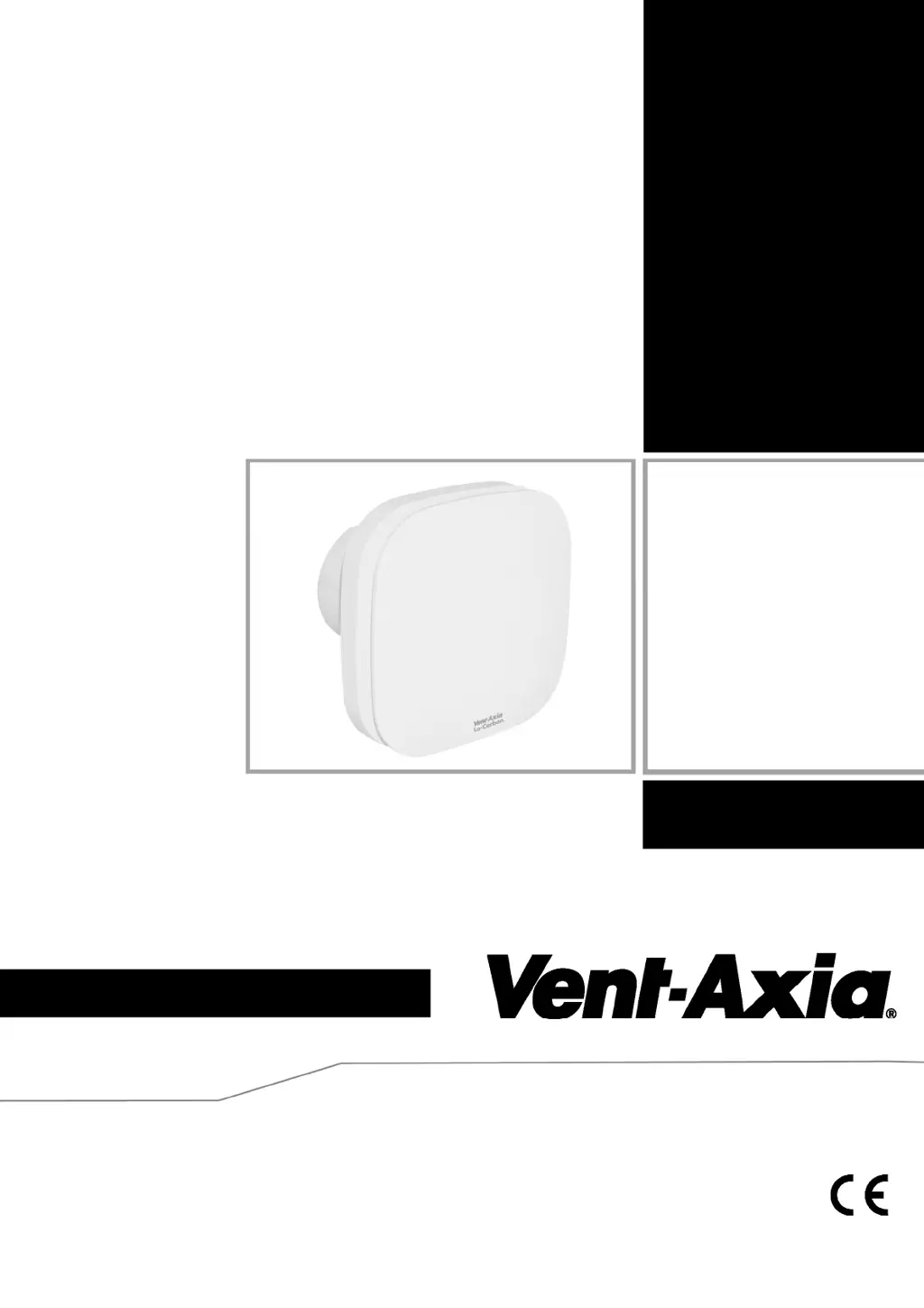
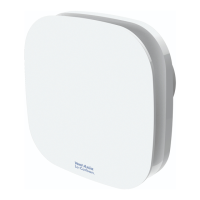
CONTINUOUS EXTRACT FAN
Installation and Wiring Instructions
Stock Ref. N°
Response dMEV 404535
Response TP 404876
Response HTP 404877
PLEASE READ INSTRUCTIONS IN CONJUNCTION WITH ILLUSTRATIONS.
PLEASE SAVE THESE INSTRUCTIONS.
Response
IPX4
220-240V~50Hz

Questions and Answers

  • G
    Gabrielle Arias MDJul 28, 2025
    Why does my Vent-Axia Response continuously run in boost mode?
    • C
      Cheryl ThompsonJul 29, 2025
      If your Vent-Axia Fan continuously runs in boost mode (HTP model only), it might be because the room is damp or has been recently redecorated. In such cases, it can take up to two weeks for humidity levels to stabilize. Allow the fan time to dry out the room, after which it should operate normally. Alternatively, the humidity set point may be too low; adjust it to a higher setting.
  • B
    Brandon HillAug 4, 2025
    What to do if Vent-Axia Response does not turn to boost when humidity is high?
    • J
      John WaltersAug 4, 2025
      If your Vent-Axia Fan does not turn to boost when the humidity is high, it is likely that the humidity set point is set too high. To resolve this, adjust the humidity set point to a lower setting.
  • T
    Tara ParrishAug 9, 2025
    How to fix Vent-Axia Response Fan showing 999 during calibration?
    • B
      bonnie57Aug 10, 2025
      If the display shows 999 during calibration of your Vent-Axia Fan, it means the fan failed to calibrate because of excessive system pressure. Check that the ducting is not blocked and, if flexible ducting is used, ensure it is stretched as much as possible. Then, switch the power off and on again to retry calibration.
  • B
    beckerkentAug 15, 2025
    What to do if Vent-Axia Fan continuously speeds up and down?
    • R
      richard64Aug 15, 2025
      If your Vent-Axia Fan continuously speeds up and down, it typically indicates that the fan is unable to stabilize at the desired airflow rate. This could be due to blocked ducting or very windy conditions. Check the ducting. If the issue persists, especially in properties exposed to high winds, consider turning off the airflow detection system.
  • J
    Jessica BoydAug 21, 2025
    Why is water dripping out of my Vent-Axia Response installed in the ceiling?
    • S
      Sierra Brown MDAug 21, 2025
      If water is dripping out of your Vent-Axia Fan when it's installed in a ceiling, it's usually due to condensation forming inside the ducting. This is normal, and the fan is designed to handle condensation. However, installing a condensation trap immediately after the fan can help prevent water from dripping into the room.

Summary

Safety and Guidance Notes

Installation

Panel;Ceiling Mounting

Steps for mounting the fan in a panel or ceiling.

Wall Mounting

Steps for mounting the fan on a wall.

Wiring

Setup

Trickle Speed Selection

Setting the fan’s low-speed extraction rate (6l/s or 8l/s).

Airflow Detection System

Enabling or disabling the automatic airflow detection system.

Adjustable Timer (TP Model)

Setting the overrun timer for the TP model between 1 and 30 minutes.

Servicing and Maintenance

Troubleshooting

Vent-Axia Response Series Specifications

General IconGeneral
BrandVent-Axia
ModelResponse Series
CategoryFan
LanguageEnglish

Related product manuals