15EN
YES NO
WIFI AUTHORISATION
INCOMING WIFI REQUEST.
<Your Venta-App Connection>
ALLOW ACCESS?
VENTA APP
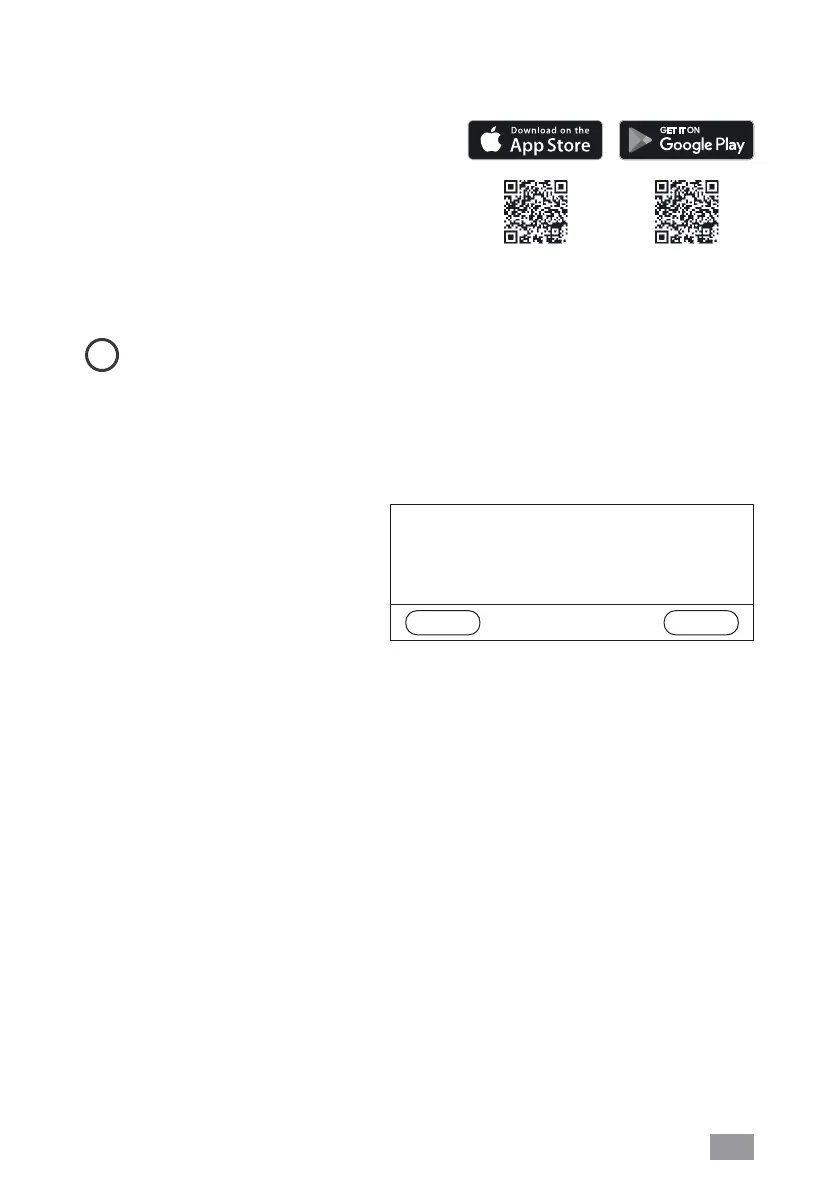
You can use the Venta app to expand and
control the appliance functions. The app
is available for smartphones and tab-
lets. Please download the Venta app at:
www.venta-usa.com, or use the QR code.
Please log in to the
menu or register as soon as you have downloaded and opened
the Venta app.
i
You must register so that you can control and check your Venta appliance when
you’re on the go.
You can use the search function
+
to automatically find all local Venta appliances.
Please select your appliance.
The appliance emits an audio signal while the app is connecting to it. Please confirm
connection to your smartphone/
tablet on the appliance.
If WiFi connection is disa-
bled, the appliance does not
connect to the Venta app.


 To Next Page