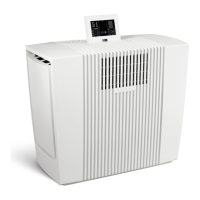
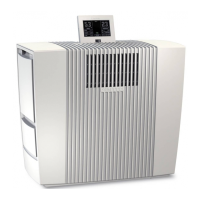
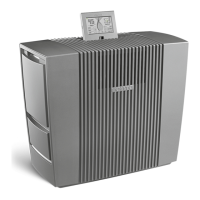
20GBVenta LW62 WiFi
6 Auto OFF Appliance operates with preset fan stage 1 – 5.
ON The appliance automatically regulates the fan
stages depending on the air humidity in the room.
7 Sleep mode OFF/ON
Appliance reduces the fan stage to 1 and dims the
display. The fan power can be manually changed if
desired.
8 Child lock OFF/ON
Hold for 3 sec. to activate/deactivate the key lock.
9 Cleaning Cleaning program
The cleaning process requires (1) 250 ml bottle of
Venta Cleaner. Please follow the instructions on the
display. Duration approx. 4 h.
10 Notes Display and conrmation of information messages.
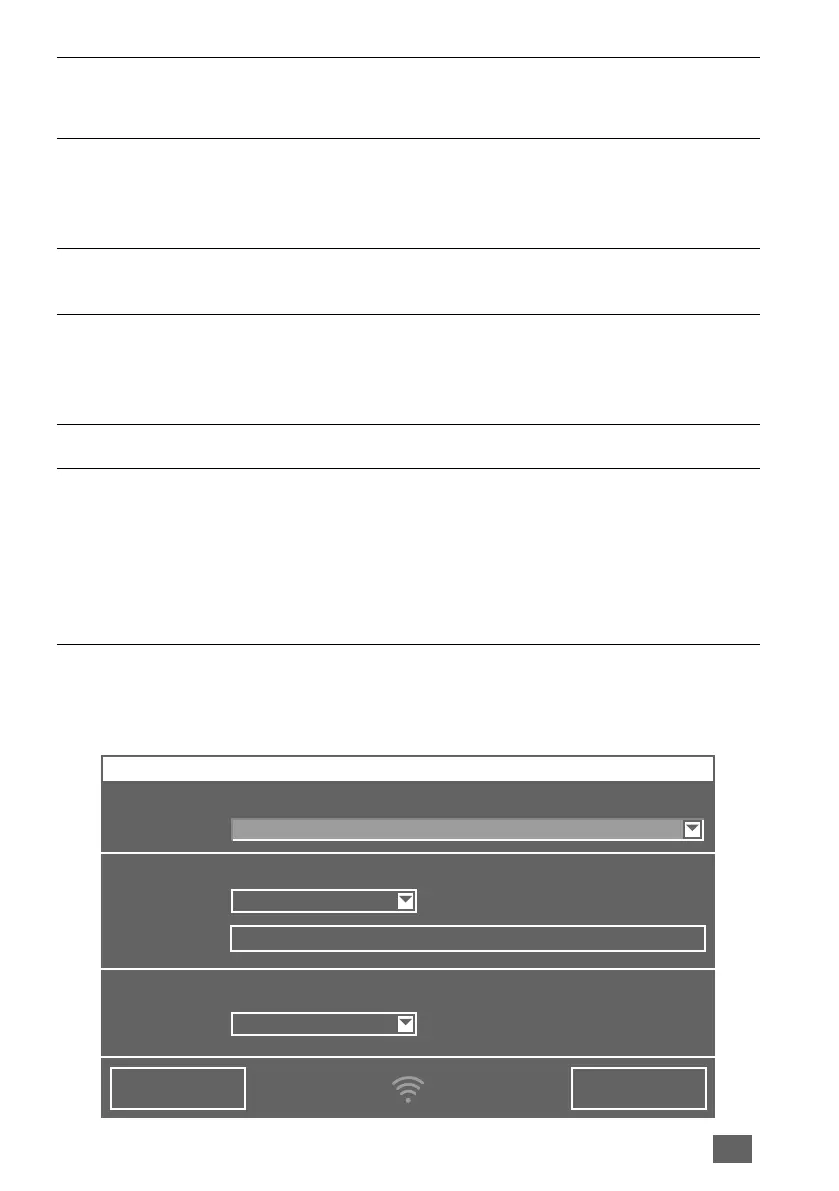
11 WiFi Display and setup of WiFi connection.
grey: WiFi disabled
green: WiFi connected, local
blue: WiFi connected, full access
red: WiFi disconnected. Please check the WiFi
conguration for network and login data. Follow the
instructions on WiFi setup.
12 Select your language
CONNECTCLOSE
WIFI CONFIGURATION
WIRELESS NETWORK
Select network:
Security type:
Access:
PSK:
LOGIN CREDENTIALS
INTERNET ACCESS
VENTA
***********
WPA / WPA2
full access
WIFI SETUP


 To Next Page