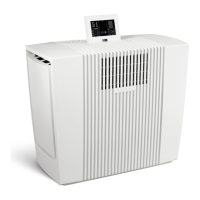
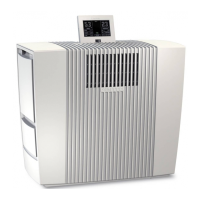
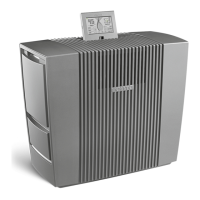
22GBVenta LW62 WiFi
Note/Interval Actions
Cleaning The cleaning process requires (1) 250 ml bottle of Venta
Cleaner. Please run the cleaning program by pressing
the button CLEANING 9. Please follow the instructions
on the display. Duration approx. 4 h.
Attention! Make sure that the appliance is switched o and the
power plug is disconnected.
A
B
Water level
Caution!
Check water
inlet and
watersensor
Restart System
Check that the shut-o valve of the water supply is
opened.
A Check whether the water sensor in the water tray can
be moved. Limescale incrustations must be removed.
B Check whether the coarse lter in the magnet valve is
clogged.
ATTENTION! To avoid an overow of the device, rst carry out the checks
mentioned above, then restart the device using the on/o button.
C
Change
Hygiene Disc
Open the evaporator compartment 3. Remove the disk
stack 4 and unlock the drive wheel. Remove the Hygiene
Disc 10 and replace it. Re-assemble the device and touch
the OK indicator in the display again and hold it for 3 sec-
onds until it disappears.
D
Recommen-
dation: every
10–14 days
Empty the residual water out of the water basin 5. Clean
the water basin 5 and disk stack 4.
Any residue in the water basin and on the disc stack (white, greenyellow-
ish or brown deposits or discolorations) do NOT impair the function of the
device.
Recommendati-
on every 3 years
The intensity of the UVC lamp is exhausted after approx.
3 years. That is why the UVC lamp should be changed
every 3 years. The UVC lamp is enclosed with a user
manual.
A D
CLEANING & MAINTENANCE


 To Next Page